| File Name | Adaptive RefreshRate |
|---|---|
| Size | 7KB |
| Version | v1.0 |
| Category | Magisk Modules |
| Android Requirement | + 6.0 |
| Published By | Yuuta27 – Evaa |
| Rating | 4.9 / 5 |
| Flash Via | Magisk, KSU, APatch |
Get Link
Step-by-Step Installation:
- Ensure Root Access: The first prerequisite is having root access via a custom recovery.
- Install via Magisk Manager:
- Open the Magisk Manager.
- Tap on the “Modules” section.
- Click “Install from Storage” and locate the geted file.
- Confirm the installation and allow the module to apply the necessary changes.
- Reboot Your Device: After installation, reboot your device to activate the module.
Tired of your phone’s screen refresh rate being stuck on a single setting? It’s annoying, right? You get buttery-smooth scrolling in some apps, but your battery drains crazy fast. In others, it feels a bit laggy, and you know it could be smoother.
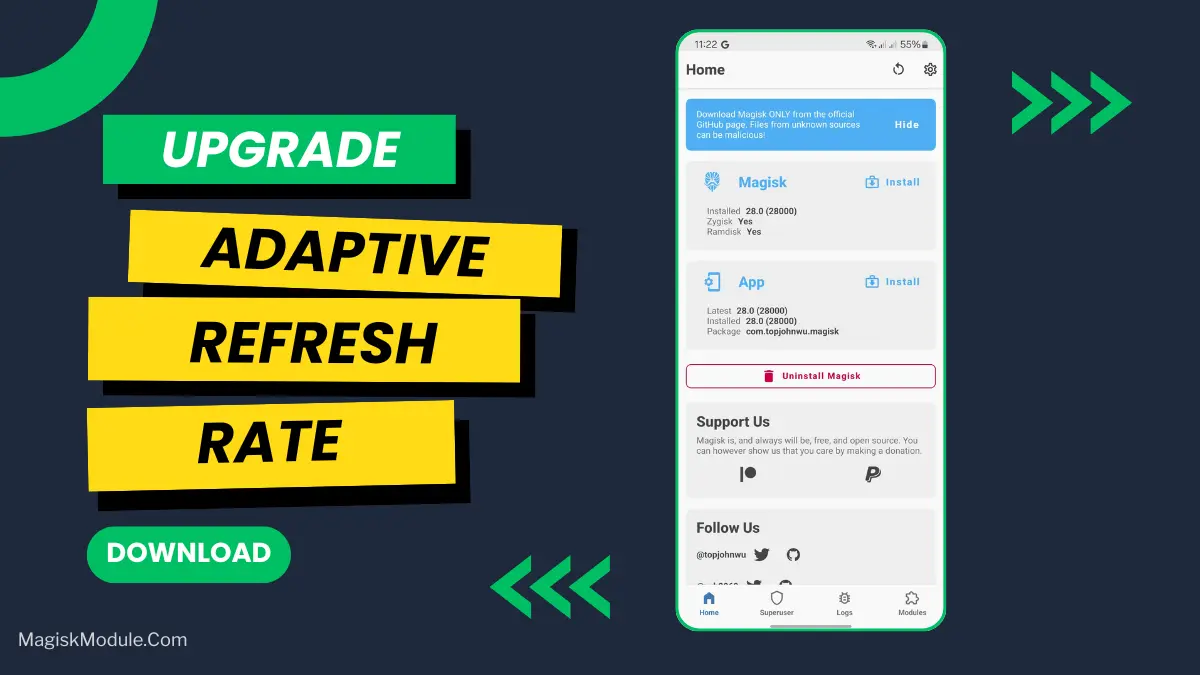
That’s where the Adaptive RefreshRate (ARR) Magisk module comes in. I’ve been using it for a while, and honestly, it’s a game-changer. Think of it as giving your phone a brain for its display. Instead of you manually switching modes, this root-level module handles it all intelligently in the background.
It works with Magisk, KernelSU, and APatch, dynamically shifting your refresh rate from a battery-saving 60Hz all the way up to a super-smooth 144Hz, depending on what you’re doing.
Features
- Endless Scrolling: Open up Instagram or TikTok, and it instantly ramps up the smoothness. Your feeds will feel incredibly fluid—no more jittery stutters.
- Gaming Sessions: When you jump into PUBG, Mobile Legends, or even Roblox, it locks in the higher rates for that competitive edge and a more immersive experience.
- Browsing and Videos: Whether you’re watching YouTube or reading an article on Chrome, it finds the perfect balance between clarity and efficiency.
- Saving Power: This is the best part. The moment you set your phone down or switch to a background app, it intelligently drops down to 60Hz. You won’t even notice, but your battery will thank you later.
You’re basically getting the best of both worlds: peak performance when you need it and better battery life when you don’t. It’s one of those little tweaks that makes your phone feel truly smart and personalized.