| App Name | GMS & AppOps Optimizer |
|---|---|
| Size | 233KB |
| Version | 1.0 |
| Category | No Root |
| Android requirement | + 6.0 |
| Published By | TheXnOp1 |
| Rating | 4.9 / 5 |
| Support | All Android |
Get Link
Installation
- Install the .
- How To Install:
- Enable “Unknown sources” in your device’s settings
- Open your device’s file manager
- Find the APK file
- Tap the APK file to install the app
- Confirm the installation
Setup Shizuku
- Install the Shizuku from the google play store.
How to Active Shizuku?
To use Shizuku, you’ll need to enable Developer Options on your device:
- Turn on Wifi
- Go to Settings > About Phone.
- Tap Build Number seven times to unlock Developer Options.
- Then again go to the Shizuku app and tap on Pairing button.
- Go to Developer Option > Enable Wireless debugging from Developer Option.
- Tap Wireless debugging > Pair device with pairing code.
- Copy the wifi paired code.
- Put the wireless pairing code in notification panel.
- [Video Tutorial For Shizuku]
How to Install The Module?
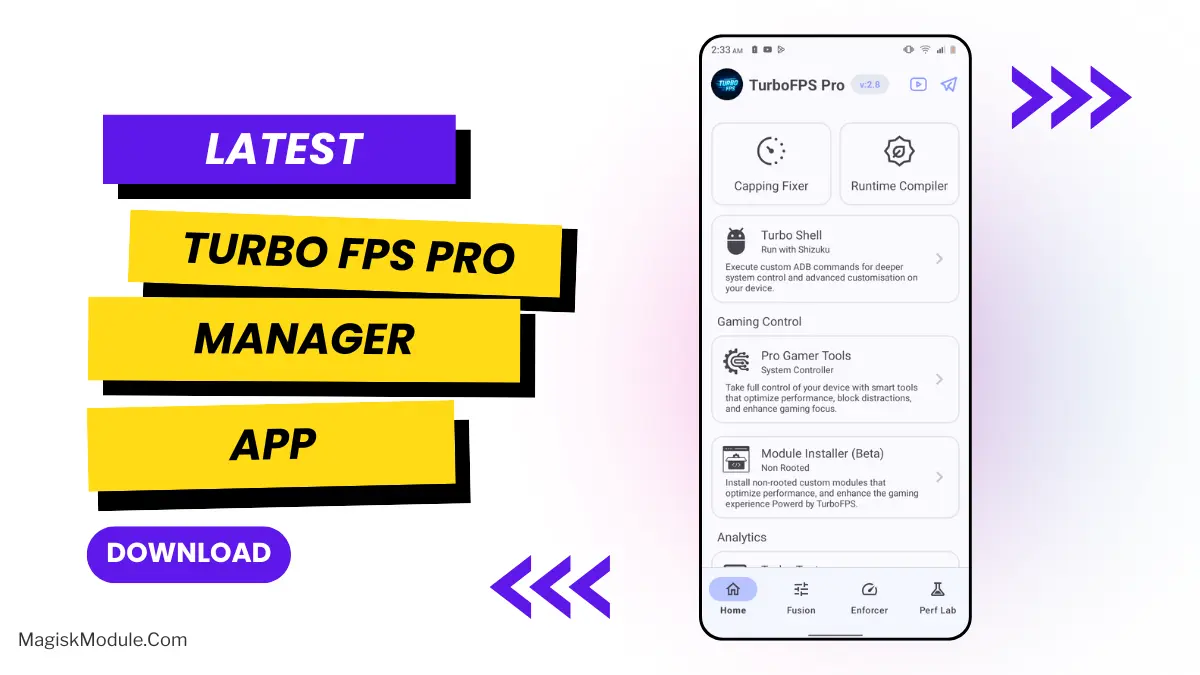
Open TurboFPS Pro ➜ Go to Installer ➜ Select GMS & AppOps Optimizer .zip ➜ Enjoy!
The GMS & AppOps Optimizer is a non-root Android utility designed to suppress heavy background system services. It specifically targets Google Play Services and background caching mechanisms to prevent thermal throttling and memory bottlenecks during intensive mobile gaming sessions.
I’ve been pushing this module through Turbo FPS Pro to keep my device cool during long PUBG matches, and the reduction in micro-stutters is massive. By aggressively stopping Google services from waking up mid-game, you get far more RAM dedicated strictly to your gameplay without needing to unlock your bootloader.
- Restricting Google Play Services prevents heavy background wakes while you are pushing hardware limits in-game.
- Activity Manager tuning aggressively restructures your process caching to free up available RAM.
- Disables WiFi scanning in the background to drastically drop network latency and annoying input delays.
- Direct GPU rendering is forced at the system level to guarantee highly responsive touch inputs.
- Cooler device temps are maintained by actively cutting down on unnecessary background CPU cycles.
- Installs without root flawlessly using the Turbo FPS Pro Manager application.
My Verdict
If your unrooted phone struggles with heavy heating and random frame drops during matches, you absolutely need this tweak. It is a brilliant way to lock down system hogs and force your hardware to prioritize your games over background syncs.