| File Name | HyperNeko |
|---|---|
| Size | 1.5MB |
| Version | 1.0 |
| Category | Magisk Modules | AxManager |
| Android Requirement | + 6.0 |
| Published By | @Koneko_Dev |
| Rating | 4.9 / 5 |
| Flash Via | Magisk, KSU, AxManager |
Get Link
How to Use Root Users?
- Ensure Root Access: The first prerequisite is having root access via a custom recovery.
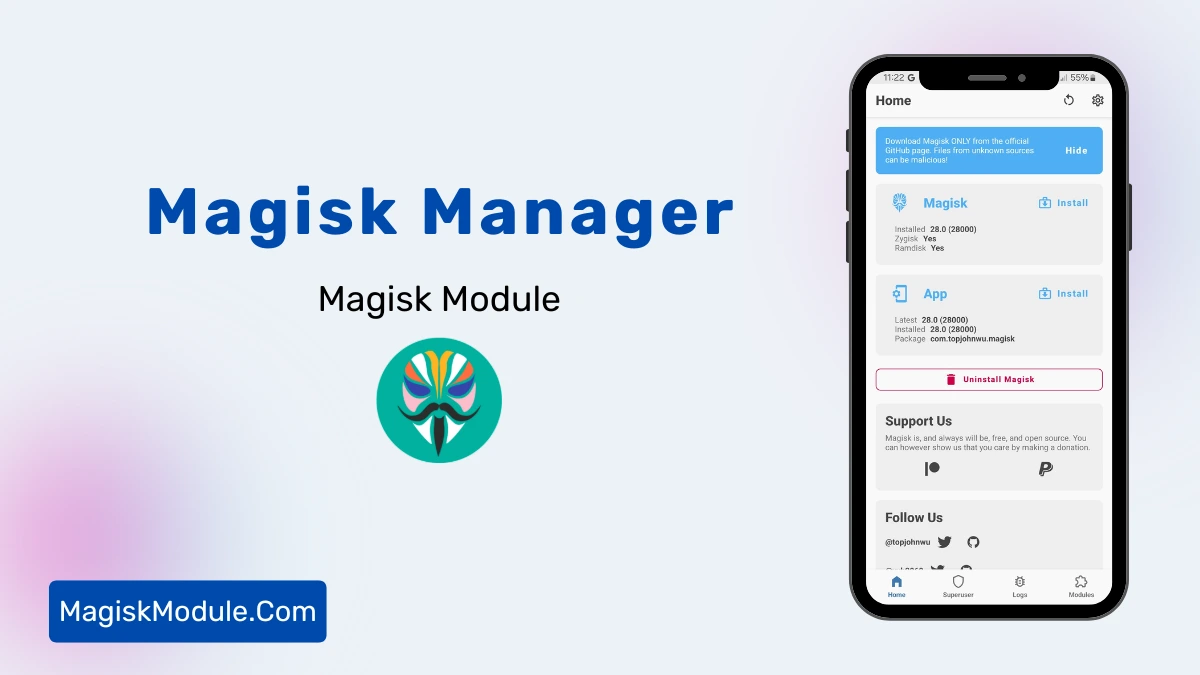
- Install via Magisk Manager:
- Open the Magisk Manager.
- Tap on the “Modules” section.
- Click “Install from Storage” and locate the geted file.
- Confirm the installation and allow the module to apply the necessary changes.
- Reboot Your Device: After installation, reboot your device & KSUWebUi Recommended to activate this.
How to Use Non-Root Users?
- Active AxManager: First, you need to make sure it is active.
- Install via AxManager:
- Open the AxManager.
- Tap on the “Plugin” section.
- Click “Install from Storage” and locate the geted file.
- Confirm the installation..
- Reboot Your Device After installation.
Dealing with aggressive thermal throttling and stripped-down UI elements on your Xioami device gets annoying fast. HyperNeko is a straightforward tweak that lets you force high-end hardware flags and disable those system limits.
This module directly modifies system properties to trick HyperOS into treating your phone like a premium flagship. By adjusting specific hardware level parameters (v, c, g), it bypasses artificial CPU caps and forces the system to render advanced visual effects. You also regain basic control over launcher layouts that the stock firmware normally hides.
- Hardware level spoofing: Easily swap between different v, c, and g configurations to unlock tier-restricted UI elements.
- HyperOS recents layouts: Choose between vertical, stacked, or horizontal app switching styles instead of settling for the default.
- Unlocks premium features after a quick reboot, giving you the complete flagship software experience.
- Total thermal bypass ensures your device won’t drop frame rates when the chipset gets warm during a heavy gaming session.
- Removes CPU limits so your processor can sustain maximum clock speeds without software intervention.
- System-wide blur effects can be toggled on to bring back the transparent UI aesthetics that budget models usually lack.
If you are tired of HyperOS holding your hardware back, I definitely recommend this for getting back your background blurs and unthrottled processor speeds. It is a handy tool for anyone wanting to squeeze out better performance and a cleaner UI.