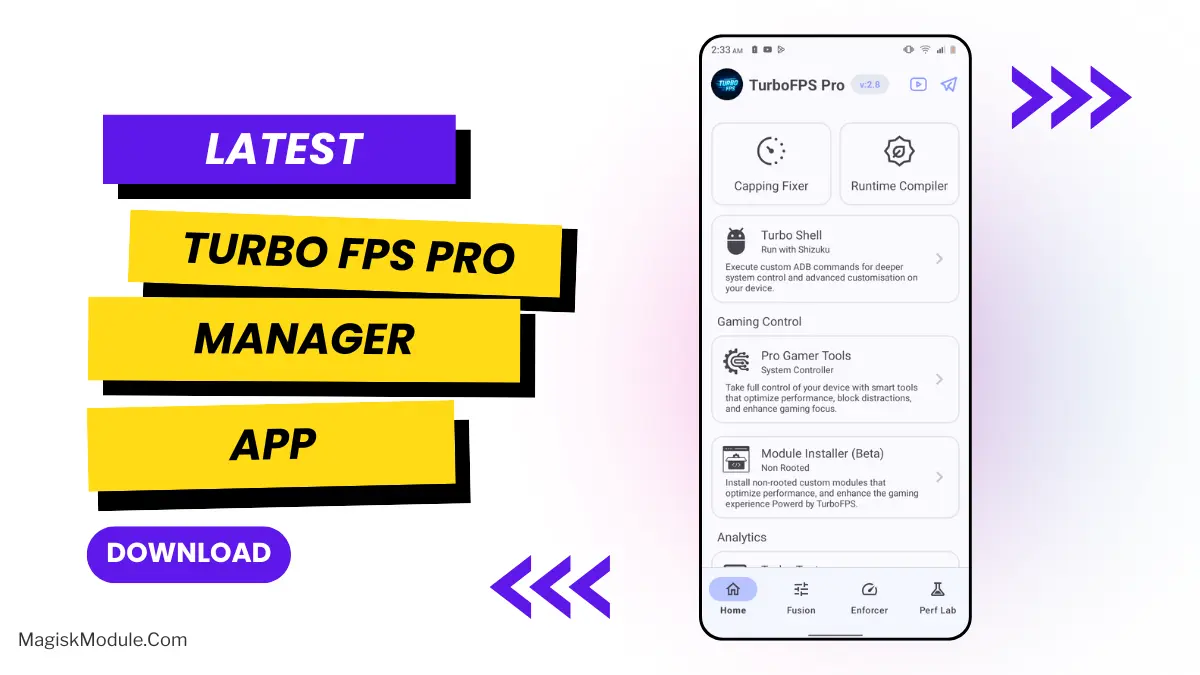
| App Name | TurboFPS Pro |
|---|---|
| Size | 17.8MB |
| Version | v2.8 |
| Category | No Root |
| Android requirement | + 6.0 |
| Published By | TheXnOp1 |
| Rating | 4.9 / 5 |
| Support | All Android |
Get Link
Installation
- Install the .
- How To Install:
- Enable “Unknown sources” in your device’s settings
- Open your device’s file manager
- Find the APK file
- Tap the APK file to install the app
- Confirm the installation
Setup Shizuku
- Install the Shizuku from the google play store.
How to Active Shizuku?
To use Shizuku, you’ll need to enable Developer Options on your device:
- Turn on Wifi
- Go to Settings > About Phone.
- Tap Build Number seven times to unlock Developer Options.
- Then again go to the Shizuku app and tap on Pairing button.
- Go to Developer Option > Enable Wireless debugging from Developer Option.
- Tap Wireless debugging > Pair device with pairing code.
- Copy the wifi paired code.
- Put the wireless pairing code in notification panel.
- [Video Tutorial For Shizuku]
Hey gamer friends, let’s talk about a real game-changer. If you play heavy games, you know the exact pain I’m talking about. You’re surviving the final circle in PUBG Mobile, or you’re about to land a perfect headshot in Free Fire, and boom—your phone decides to lag. It’s beyond frustrating, right?
I’ve been using TurboFPS Pro for ages, and it’s honestly been a lifesaver for my gaming experience. The best part is that it uses ADB, so we don’t have to worry about unlocking the bootloader and potentially messing things up. Instead, we get a clean and straightforward performance boost. Today, I want to walk you through my exact setup and how I use it to get the most out of my games. Let’s be real, those fake “game boosters” are a total joke – all they do is clear your cache and bombard you with annoying ads.
Here are the top 5 modules you need to load up for the ultimate gameplay experience.
1. BG-Service-Freezer
Background apps are sneaky. They quietly eat your battery and steal your CPU power while you’re trying to game. I use this module to stop them cold.
2. Foreground-CPU-Bias
Why share your phone’s processing power with an app you aren’t even looking at? This module forces your hardware to focus entirely on the game you’re currently dominating.
3. Power-Mode-Unlocker
Phones naturally want to save battery, but aggressive battery savers absolutely ruin your frame rates. We need raw power, and this module unlocks your device’s true potential.
4. RAM-Memory-Optimizer
Running out of memory mid-game is a nightmare. I hate it when my game crashes simply because of poor RAM management. This module handles memory pressure flawlessly.
5. Thermal-Delay-Optimizer
Android devices naturally get hot and deliberately slow down your game to cool off. This module smartly adjusts those strict thermal limits so we can game longer without losing performance.
Uninstall those third-party junk apps. Install these modules, and you’ll instantly feel the difference.