| App Name | TurboFPS Pro |
|---|---|
| Size | 13.36MB |
| Version | v2.93 |
| Category | No Root |
| Android requirement | + 6.0 |
| Published By | TheXnOp1 |
| Rating | 4.9 / 5 |
| Support | All Android |
Get Link
To access the latest version, previous updates, and secure files for this module, please proceed to our official download portal below.
Installation
- Install the .
- How To Install:
- Enable “Unknown sources” in your device’s settings
- Open your device’s file manager
- Find the APK file
- Tap the APK file to install the app
- Confirm the installation
Setup Shizuku
- Install the Shizuku from the google play store.
How to Active Shizuku?
To use Shizuku, you’ll need to enable Developer Options on your device:
- Turn on Wifi
- Go to Settings > About Phone.
- Tap Build Number seven times to unlock Developer Options.
- Then again go to the Shizuku app and tap on Pairing button.
- Go to Developer Option > Enable Wireless debugging from Developer Option.
- Tap Wireless debugging > Pair device with pairing code.
- Copy the wifi paired code.
- Put the wireless pairing code in notification panel.
- [Video Tutorial For Shizuku]
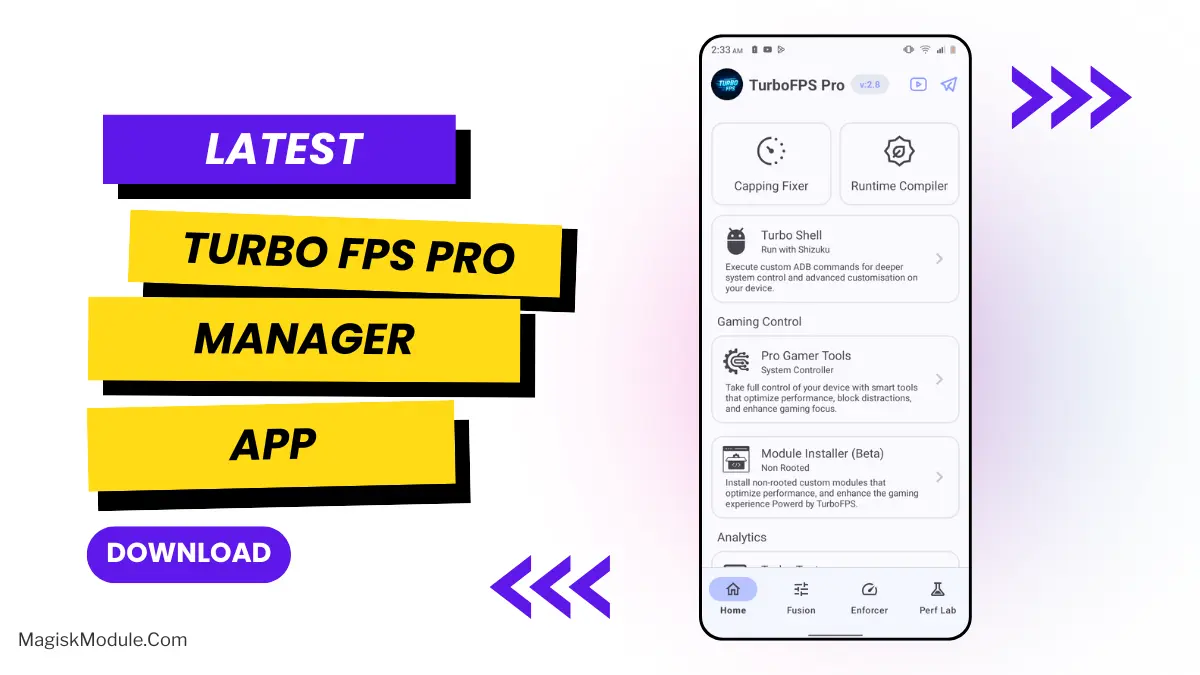
Turbo FPS Pro Manager is a non-root Android utility designed to execute system-level performance scripts via ADB. It acts as an unrooted module installer that forces maximum CPU and GPU output to prevent thermal throttling and frame drops during heavy mobile gaming.
I’ve been relying on this tool to push stable frame rates in Genshin Impact and PUBG Mobile without having to unlock my bootloader. By loading custom scripts through its wireless debugging interface, you can completely bypass stock thermal limits that usually kill your performance mid-match.
- No-root module execution lets you apply advanced system tweaks without touching the bootloader.
- Unlocking max FPS prevents sudden frame drops during intense PUBG or Free Fire matches.
- Direct ADB access bypasses strict performance limits to handle heavy background RAM loads.
- Dedicated script installer allows users to load custom unrooted modifications directly into the system.
- Zero warranty voiding because the tool uses wireless debugging instead of flashing core partitions.
My Verdict
If you are tired of fake game boosters and want real, system-level frame rate improvements without rooting your device, this manager is exactly what you need. It delivers hardcore tweaking capabilities through ADB while keeping your phone’s warranty perfectly safe.