| File Name | FORKT PANEL |
|---|---|
| Size | 5.6MB |
| Version | 1.0.7 |
| Category | AxManager |
| Android Requirement | + 6.0 |
| Published By | @forkt | @sukitovone |
| Rating | 4.9 / 5 |
| Flash Via | AxManager |
Get Link
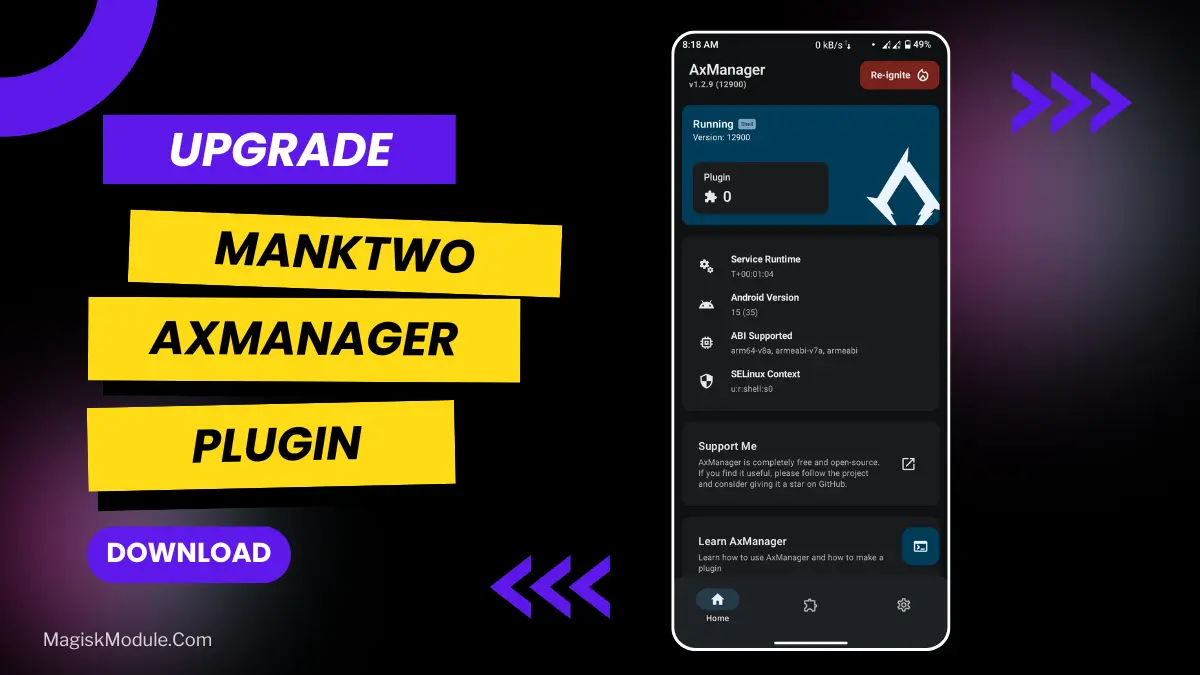
How to Active AxManager?
To use AxManager, you’ll need to enable Developer Options on your device:
- Turn on Wifi
- Go to Settings > About Phone.
- Tap Build Number seven times to unlock Developer Options.
- Open the AxManager, Click “Need To Active”.
- Enable Notification & Click Start Button.
- Click Wireless debugging & Enable Wireless debugging.
- Click Pair device with pairing code.
- Click on “Enter Pairing Code” above and paste the WiFi pairing codes there.
How to Install This Plugin?
- Active AxManager: First, you need to make sure it is active.
- Open the AxManage:
- Tap on the “Plugin” section.
- Click “Install from Storage” and locate the geted file.
- Confirm the installation..
- Reboot Your Device After installation.
Yes, the occasional frame drop or bad input lag can really ruin your mood while playing a game. We’ve probably all tried out a few tweaks in search of the holy grail of optimal Android gaming performance. With little to no success.
I decided to give FORKT PANEL a spin and I managed to pair it with AxManager, which worked quite well. Good news is that you wont have to root the device. So now you can test things out without making your warranty null and void.
I tried it out. Was surprised by the results. Here are the features it offers:
- Ultimate System Performance Boost
- Exclusive VIP System Improvements
- Advanced App Preload Mode
- Custom DNS Options. Gaming, NoAds or Default
- Seamless Systemless Magisk Integration. Supports Magisk, but AxManager handles no-root needs
- Advanced RAM & Memory Optimization
- Reduced Touch Latency & Input Lag
- Stabilized Gaming FPS & Smoothness
- Enhanced Battery Life Efficiency
- Aggressive Background Process Control
- Network Ping & Latency Reduction
So I turned this thing on and played a few rounds on my phone. It shows you how your phone is being used. My two examples are that my phone would overheat after about 30 minutes of play. This was about the 30 minute mark because my character would start to have a bit of lag between movement and firing shots. So I turned it on and my phone doesn’t overheat anymore and my ping is much lower.
Screen responsiveness to touch is quite good and input lag occurs occasionally. As you can see the app preloads apps very quickly with the preload mode, no advanced tech required. FORKT PANEL. Axmanager. The Easy Way To Get Better Gaming Experience.