| File Name | Velfox Tweaks |
|---|---|
| Size | 1.1MB |
| Version | 0.5.3 |
| Category | Magisk Modules |
| Android Requirement | + 6.0 |
| Published By | @VelocityFox22 |
| Rating | 4.9 / 5 |
| Flash Via | Magisk, KSU Next, APatch |
Get Link
Step-by-Step Installation:
- Ensure Root Access: The first prerequisite is having root access.
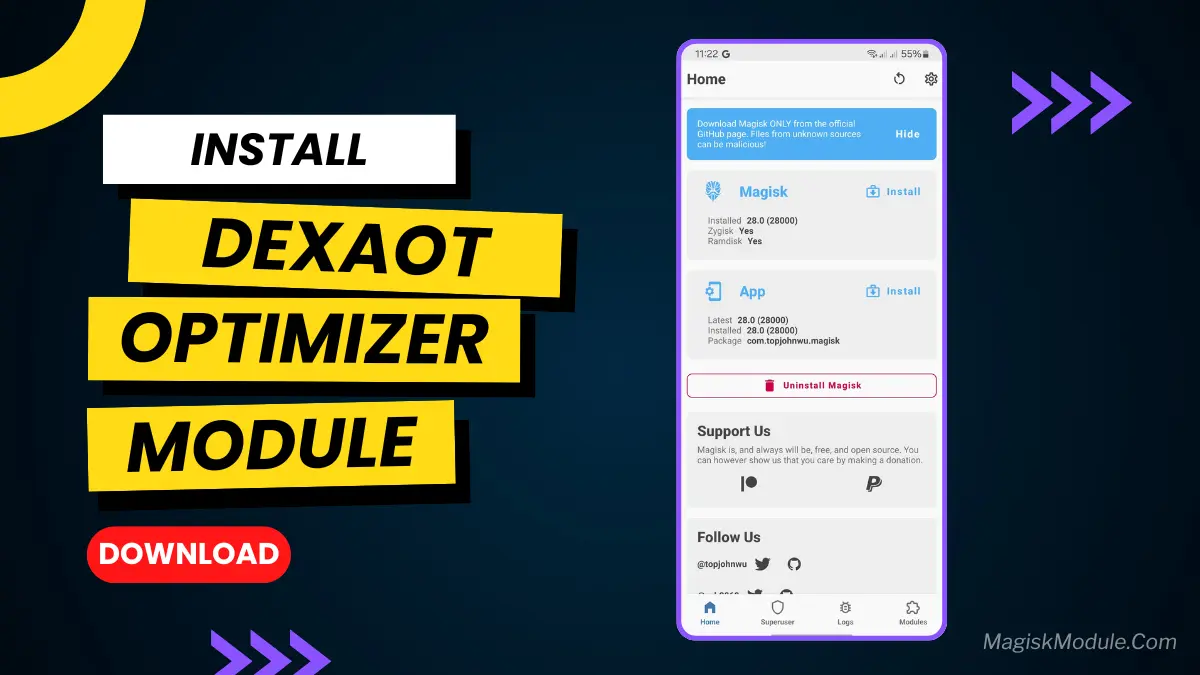
- Install via Magisk Manager:
- Open the Magisk Manager.
- Tap on the “Modules” section.
- Click “Install from Storage” and locate the geted file.
- Confirm the installation and allow the module to apply the necessary changes.
- Reboot Your Device: After installation, reboot your device to activate the module.
Let’s be real. We all want our phones to be blazing fast for gaming and multitasking without
Batteries tend to run out of juice by around 2 PM. I’ve flashed probably 50 or so motor modules, trying to find that sweet spot.
The majority of them are just static scripts meant to unnecessarily heat up your CPU and waste battery life.
So, I’ve installed the Velfox Tweaks Magisk Module and I’ve got to say, it does pretty much what it says on the tin.
Instead of just enforcing maximum values at all times, Velfox acts as an adaptive performance enhancer.
This is Rescheduler scheduler. It works in daemon mode, trying to keep resource utilization in optimal balance.
Based on what you are doing right that second.
The compatibility was a total novelty to us. Whether you have a Snapdragon or an Exynos processor in your phone does not matter to us. Velfox
Applies smart, contextual adjustments to maintain system stability, keep performance high
During intense matches, and save battery. It supports pretty much everything: Snapdragon,
Exynos, MediaTek, Unisoc, and even Tensor chips.
Here is exactly what this module brings to the table:
Kernel tweaking This one applies the universal technique of adaptive kernel parameter tweaking that plays nice with SGD.
With various Android versions and custom kernels.
Dynamic CPU/GPU Clocking: It scales your frequencies in real-time. This reduces
Annoying thermal throttling and keeps your frame rates stable when under load.
Device-Specific System Constants: You get system property configs tailored
Specifically to make your hardware more responsive.
Custom DVFS Rules: It gives userspace control over Dynamic Voltage and Frequency
Scaling for precise heat and performance regulation.
I/O Scheduler Tuning: It adjusts how your storage queues data, which completely
Minimizes latency when your phone is working hard.
Governor Optimization: It fine-tunes CPU governor parameters so your phone scales
Power smoothly and efficiently.
Preloader Adaptive Budget: It dynamically shifts CPU priority when you switch tasks.
Translation: it fixes cold-start delays and kills those random micro-stutters.
Networking AI Velocity: It adapts your network stack for consistent ping, stable
Throughput, and power-aware scaling.
I have noticed a huge change. My “heavier” apps don’t hang, the battery on the phone lasts longer and when connected to Wi-Fi, the speed is actually much quicker when opening and switching between apps.
I could afford to change my battery once a day, my battery would last through a full day. My phone no longer acts as a hand warmer. If
If you want real performance without the need to mess about with the root partition then you need to flash
This one.
Thx to:
@Rem01Gaming for encore
@RiProG for help
@AllTester
@VelocityFox22