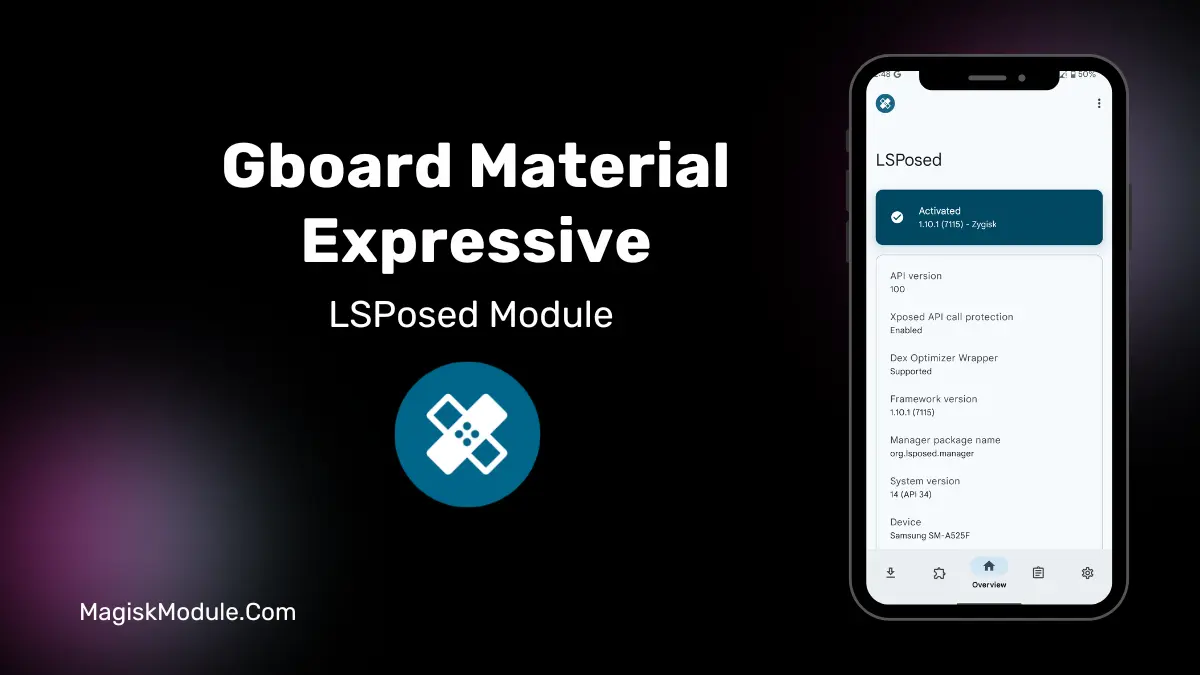
| File Name | Gboard Material Expressive |
|---|---|
| Size | 26KB |
| Version | v1.0.2 |
| Category | Lsposed Modules |
| Android requirement | + 6.0 |
| Published By | hxreborn |
| Rating | 4.9 / 5 |
| Price | Free |
Get Link
Step-by-Step Installation:
- Make sure you have LSposed installed on your device.
- Install modules as regular apps.
- After installation:
- Open the LSPosed Manager.
- Tap on the “Modules” section.
- Click the module you installed.
- Tick the enable switch.
- Select apps to which the modules should apply. [Most of the modules now support displaying recommended scope, which LSPosed will select automatically]
- Reboot Your Device
id 16 recently updated “Material 3 Expressive” on Gboard with a new tinted grey background that looks ugly on my AMOLED screen and consumes way more battery than pure black. For those that miss the sleek pitch black look of the keyboard while still being able to have features like gesture typing and drawer navigation, there is a workaround in the form of Xposed modules. I’ll be using the Gboard Material Expressive Black Xposed module through LSPosed.
What it does: This mod changes the gray surfaces back in Gboard to black just like they were before Android 16 when Google started imposing a grayscale paint on all of Gboard’s surfaces. This mod removes 2 of the worst defects from Gboard: the departure from a pure deep black color scheme that so many Android Design apps used to have, and the toll that the truly black color does to battery life on AMOLED screens. This mod leaves theming colors to still function as they should, and contrary to some other mods, doesn’t introduce any new colors. Really Google should just leave this alone, but it’s a minor defect that this mod fixes.
This Little Module Is A Life Saver: This is not a theme, but a much better solution to the problem. I’m using LSPosed to modify the system to force all color looks to look black instead of grey. It’s perfect because the dynamic wallpaper accents still change color as they normally would, but everything else looks black instead of grey.
- Restores the Pitch Black backgrounds on Gboard: This update means no more unsightly grey backgrounds on your keyboard again.
- Bypasses Material 3 Enforcement (Android 16): Works around the design rules of this operating system version.
- Preserves Dynamic Theme Colours: The program allows you to preserve the accent colours from your wallpaper.
- More energy efficient: True black pixels are turned off on AMOLED screens to save battery life.
- Uses LSPosed Hooks: This mod is clean, system level, and fully reversible.
The Verdict: This is a fantastic quick fix for changing your keyboard (and cursor) colors to match your wallpaper. I installed it instantly on my test phone and my keyboard is once again black with super prominent keys that turn the blue of my wallpaper’s accent color. My battery life also got a little boost, which is always a welcome improvement. One thing to note, however, is that you’ll need to have LSPosed already installed as this is no standalone widget.
Final Thought: For those annoyed with Google’s design choices for Gboard, this mod is a perfect stop gap that doesn’t interfere with the rest of your theme. If you’re reading this article, simply look up the mod in the appropriate place on Github, and follow the instructions for installation left behind by the developer.