| File Name | Overclock FPS |
|---|---|
| Size | 93KB |
| Version | v2.0 |
| Category | Magisk Modules |
| Android Requirement | + 6.0 |
| Published By | Maestro Frenlin Lekatompessy |
| Rating | 4.9 / 5 |
| Flash Via | Magisk, KSU, APatch |
Get Link
Step-by-Step Installation:
- Ensure Root Access: The first prerequisite is having root access via a custom recovery.
- Install via Magisk Manager:
- Open the Magisk Manager.
- Tap on the “Modules” section.
- Click “Install from Storage” and locate the geted file.
- Confirm the installation and allow the module to apply the necessary changes.
- Reboot Your Device: After installation, reboot your device to activate the module.
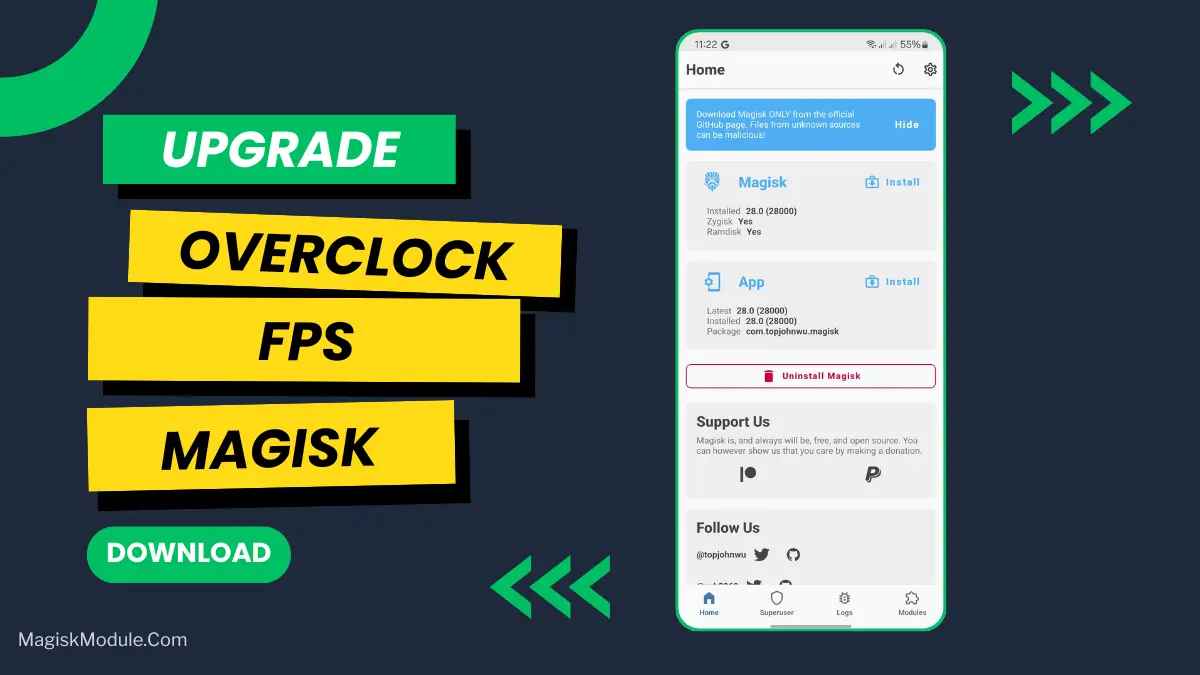
Anti-drop FPS overclock module for games except emulator games. Was tested on many devices and it works great. For 6 months and about 750 times of testing. I share it for free to you. If there is a similar module, then it is taken from my module, because I am the first person to make this FPS overclock.
The Overclock FPS Magisk Module increases frames to allow higher FPS, and by overclocking your device’s GPU, it tries to extract maximum performance out of your mobile gaming experience.
Instagram: @seorangmaestro
Telegram: @modulroot
Email: [email protected]