| File Name | SHELL-AI |
|---|---|
| Size | 45KB |
| Version | v1.4 |
| Category | AxManager Plugin |
| Android requirement | + 6.0 |
| Published By | @hoyoslave |
| Thanks | @HoyoSlave @dcx2123 @AduhaiWelewele |
| Install Via | Magisk/ KSU / AxManager |
Get Link
Step-by-Step Installation Root Users:
- Ensure Root Access: The first prerequisite is having root access via a custom recovery.
- Install via Magisk Manager:
- Open the Magisk Manager.
- Tap on the “Modules” section.
- Click “Install from Storage” and locate the geted file.
- Confirm the installation and allow the module to apply the necessary changes.
- Reboot Your Device: After installation, reboot your device & KSUWebUi Recommended to activate this.
Step-by-Step Installation Non-Root Users:
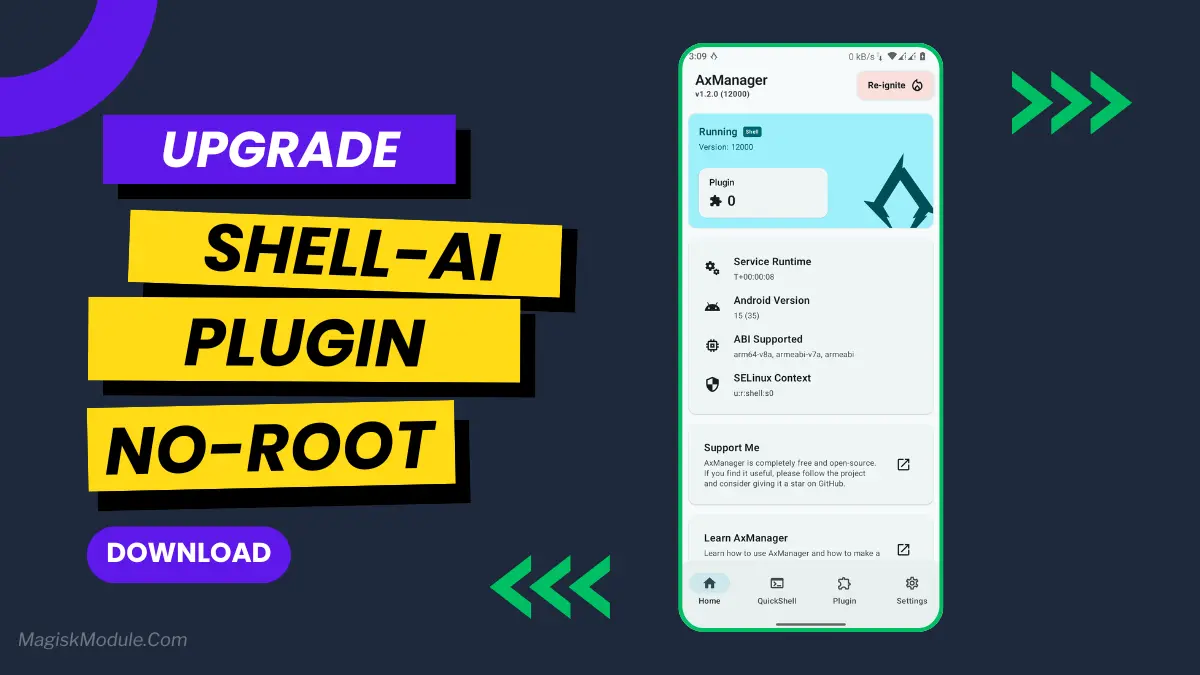
- Active AxManager: First, you need to make sure it is active.
- Install via AxManager:
- Open the AxManager.
- Tap on the “Plugin” section.
- Click “Install from Storage” and locate the geted file.
- Confirm the installation..
- Reboot Your Device After installation.
Changelog
- Added force deep sleep when the screen is off
- Forces the display refresh rate to the device’s maximum while gaming, and lower it to 60Hz for daily use
- Deleting some cmd and recompile at 3am to avoid overheat
- Minor fix
- Enable benchmark mode for vivo
- Enable speed mode and light_speed_app for xiaomi
- Enable preload ufw for unisoc
I’ve lost count of how many times my phone has crashed right when I needed it to do something critical, whether it’s to get past a difficult level or simply to take a screenshot of my high score for bragging rights. Games often crash because of the software on your phone, but that’s not a reflection of your gaming abilities – it’s just that the game isn’t as robust as it could be. But now there’s a solution that doesn’t require you to tinker with your phone like some nerdy AI programmer. Enter the SHELL AI Plugin for Android, which can be installed on your Android phone thanks to the AxManager app – and you won’t have to root your phone in the process.
We all have that feeling of not having enough power to run those awesome games on our phones. But actually it’s not your phone that’s lacking in power, it’s how you’re running your apps. A high-end game is like the head chef of your kitchen, but there are many other apps which burn loads of energy and distract your chef from his work. The SHELL AI Plugin is your ultimate kitchen manager, it will make sure the chef gets the best resources to create your culinary masterpiece and shows the rest of the kitchen the door!
Features
Once you activate the app, your phone opens up a variety of options that aren’t typically available. Here’s what you get when your phone is locked and charging.
- Super Smooth: Provides buttery-smooth gameplay which optimizes usage of both CPU and GPU to minimize frame drops and stuttering.
- FPS Boost: Play games faster and with better performance.
- Advanced rendering optimisation for better looking games.
- Reduces background running applications lag and system load: Gameplay becomes a fully hardware optimized experience.
- Faster gameplay: Overall, your gaming experience should be speedier.
- A Cooler, Longer-Lasting Phone For Gaming
- The Pro Gamer Edge: It can also unlock hidden gaming mode settings, enabling users to take full advantage of advanced graphics and visual effects.
- Faster Internet For Gaming: Boosted Internet For Gaming takes the guesswork out of choosing the right settings. For online multiplayer, the package increases internet speed for online gaming by prioritizing your game’s data packets to ensure less lag.
Was It Worth It?
I’ve been using it for 2 weeks now and honestly, can’t go back. My video games look so much better and feels way more powerful. Even with excessive gaming, the battery life still manages to make it through the day. The minor lag issues and freezing that I was accustomed to on my old phone are no longer an issue.
If you are a mobile gamer, this is the easiest way to upgrade your gaming performance. It’s ridiculously easy to install and starts to improve your gaming experience immediately.