| App Name | Neon Magisk |
|---|---|
| Size | 4.37MB |
| Version | Final |
| Category | No Root |
| Android requirement | + 6.0 |
| Published By | Agung |
| Rating | 4.9 / 5 |
| Support | All Android |
Get Link
Step-by-Step Installation
- How To Install:
- Enable “Unknown sources” in your device’s settings
- Open your device’s file manager
- Find the APK file
- Tap the APK file to install the app
- Confirm the installation
Setup Shizuku
- Get the Shizuku app from the google play store.
- Install the app on your device.
How to setup Shizuku app on your device
To use Shizuku, you’ll need to enable Developer Options on your device:
- Turn on Wifi
- Go to Settings > About Phone.
- Tap Build Number seven times to unlock Developer Options.
- Then again go to the Shizuku app and tap on Pairing button.
- Go to Developer Option > Enable Wireless debugging from Developer Option.
- Tap Wireless debugging > Pair device with pairing code.
- Copy the wifi paired code.
- Put the wireless pairing code in notification panel.
- Grant an app permissions via Shizuku.
- [Video Tutorial For Setup Shizuku]
Neon is an alternative to Magisk for users who don’t want to (or cannot) root their phones. It works in tandem with Shizuku to bring you powerful features without the need to unlock the bootloader. This is a lightweight app that was made to serve the need of people who simply want their games to run faster, get longer battery, and just a more streamlined experience on their phones.
Root is rarely necessary for any meaningful Android tweaks. Here’s why Neon Magisk is one of the best performance-enhancing tweaks on the market, and won’t bother your regular functionality.
Neon works with Shizuku, a safe way to grant root permissions on a system level, using official Android debugging methods without the need of any bootloader unlock. No risky business – Just smart control.
Apps like Neon Magisk Modules don’t require root for their magic, and really lean on the Shizuku system to grant permissions to necessary services. It’s almost as if these apps give you a VIP pass to backstage access without even needing to break the door down.
Neon Features:
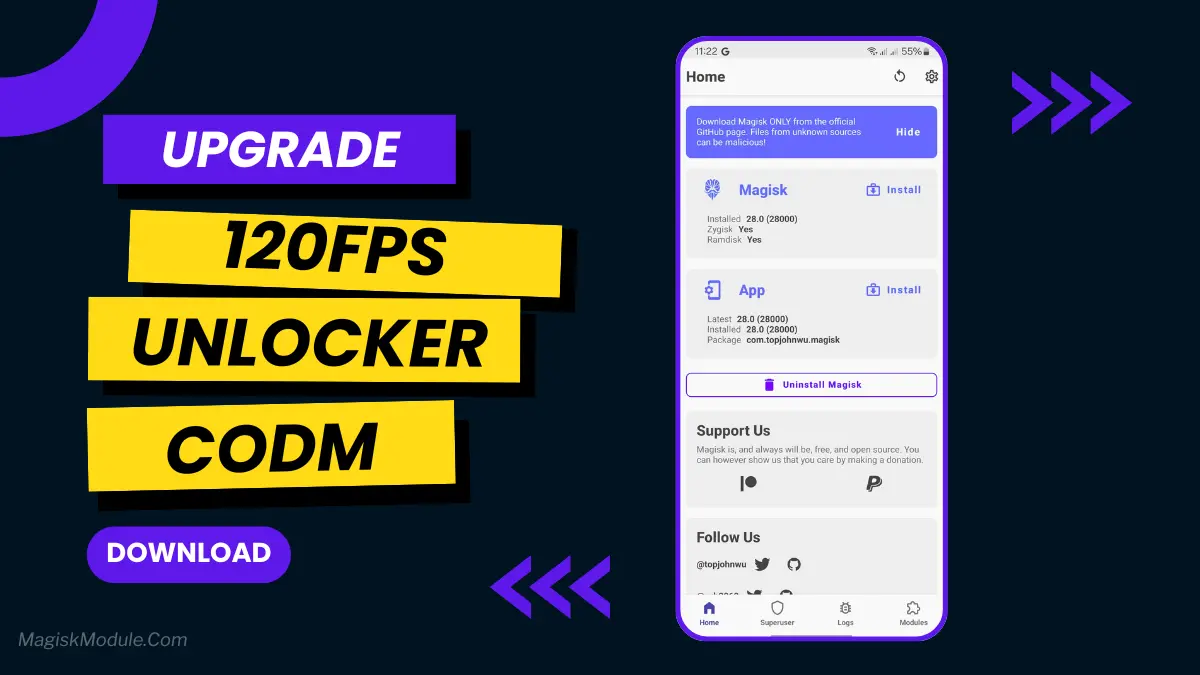
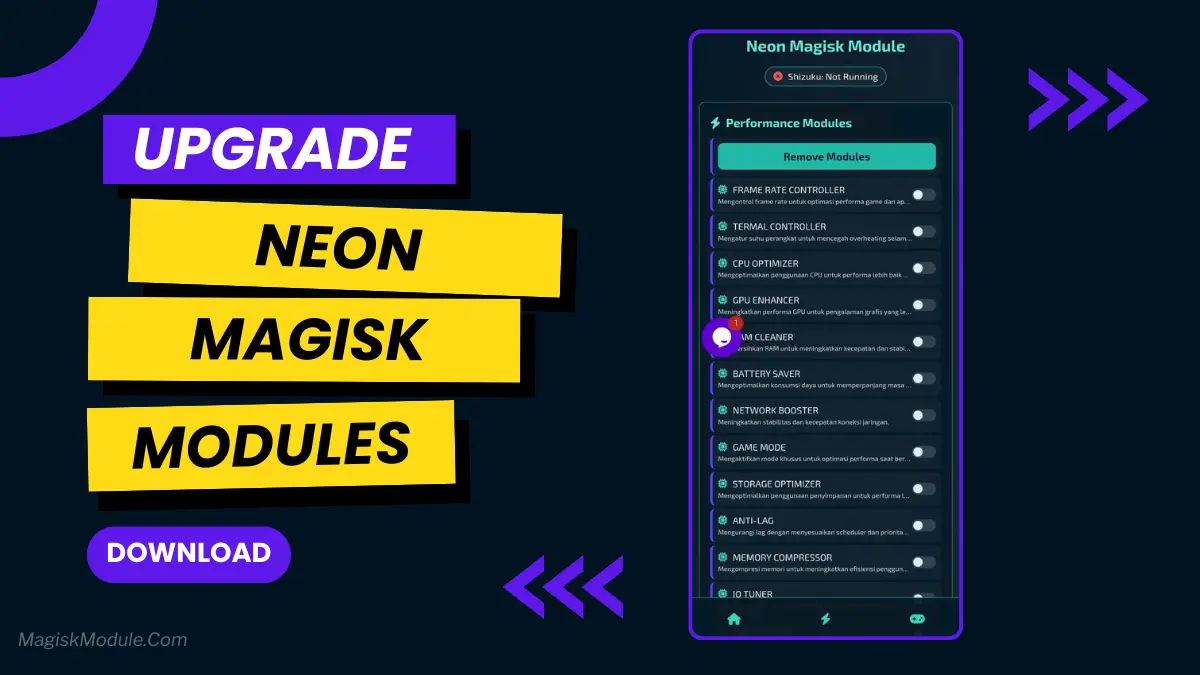
🎮 • FPS Unlocker & Frame Rate Controller: Keep your gameplay at the smoothest level possible and eliminate lag, so no matter if you are jumping from floor to floor, the game will run at its highest level.
🔋 • Battery Saver & Power Mode: Save battery life – no more surprising midday battery death.
⚡ • RAM Cleaner & Memory Compressor: Gives your phone a shot of espresso and makes your applications run faster.
👆 • Touch Sensitivity & Display Tuner – For The Gamers: Makes your screen touch more responsive. Adjust display to your liking with a simple touch. For the gamers.
🧹 • Cache Clearer & Storage Optimizer: Cache Clear & Storage Optimizer, spring clean your phones junk drawer.
You grant Neon permission to disable overscrolling once (either through ADB or through Neon’s in-app interface) and then it can call the relevant selected system APIs to enable it without the need for a root exploit. This method allows for powerful tweaks without modifying your system in an unsafe way and still provides a decent amount of control over your interface.
I’ve used an FPS unlocker on a somewhat older phone for a simple puzzle type of game, and while the improvements weren’t earth shattering, they were very noticeable. Small wins like that tend to add up.
Warning: These tools are powerful so use with care and only download them from official locations such as the Google Play Store or a developer’s website. Even when making changes at the system level, there is some level of risk involved so be sure you understand the implications of each change you make before actually making it.
Rooting your phone is awesome because it offers users a huge amount of control over the overall experience, whilst still retaining firmware seals such as warranty and security. If you’re a typical, non-power user and want to see what’s under the bonnet of your phone without any worries about either voiding your warranty or putting your phone at risk, then rooting your phone is something worth seriously looking into.
Gaming and Boosting with Neon Magisk.