| App Name | HEBF Optimizer |
|---|---|
| Size | 6MB |
| Version | Final |
| Category | Ported App |
| Android requirement | + 6.0 |
| Published By | Zx Tweaks |
| Rating | 4.9 / 5 |
| Price | Free |
Get Link
Step-by-Step Installation
- Download: Download the Ported App.
- How To Install:
- Enable “Unknown sources” in your device’s settings
- Open your device’s file manager
- Find the APK file
- Tap the APK file to install the app
- Confirm the installation
Your phone keeps ringing and your game keeps lagging. The last boss is still laughing at your lag. In previous articles I wrote about how to fix laggy games, but since most of those fixes revolve around root it’s only fair that I introduce you to something that’s root only as well – the magic rooted lag fix that is HEBF Optimizer.
Users of Android devices may be familiar with the frustration of not being able to complete basic configurations on their phone, but a new open-source tool appears to have a solution for these locked functions by getting “under the hood” of Android devices by first gaining superuser access using Magisk, and then altering specific core system settings that typical Android users are unable to change.
Features:
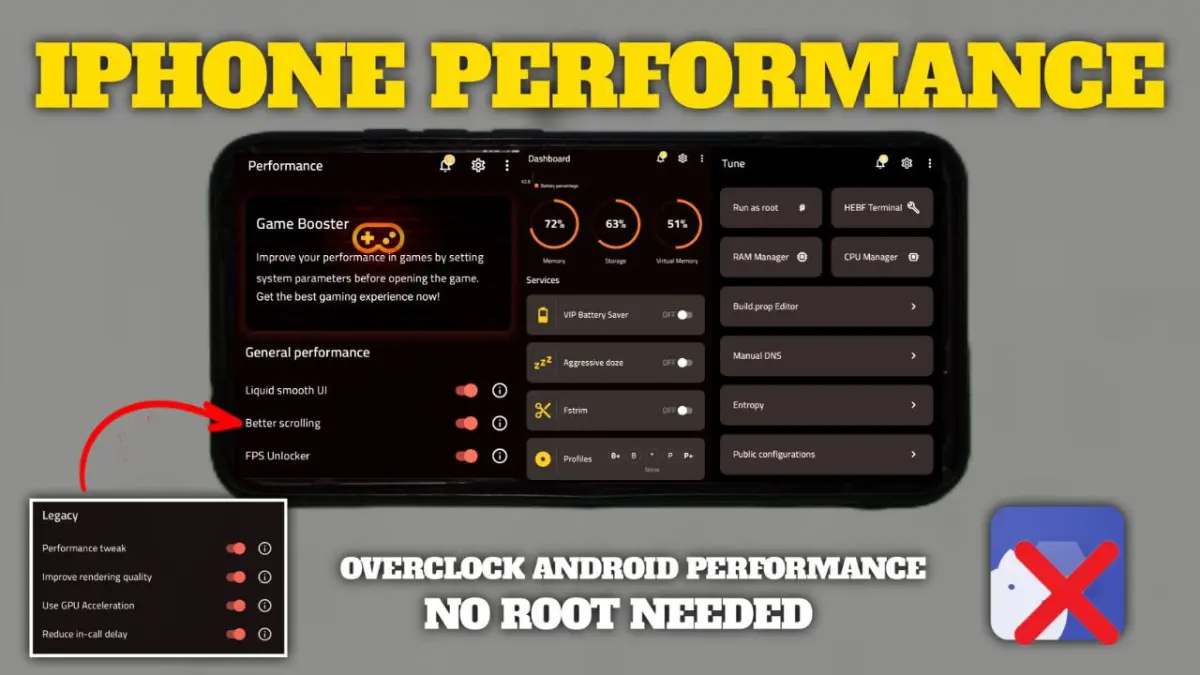
- FPS Unlocker & GPU Booster: This feature forces the GPU to prioritize FPS. No more choppy frames.
- CPU Tuner & RAM Cleaner: Reduces CPU usage of background applications and also frees up memory on your phone for a faster gaming experience. Now your CPU can focus on the game.
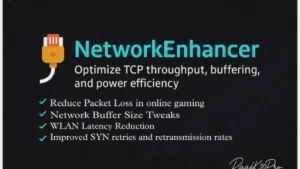
- Game Network Stabilizer: Tries to increase your game’s data packet priority.
- Battery Saver for Gaming – Its smart! Battery saver limits battery-draining activities except for your favorite game! Longer gaming, less overheating!
- Game Mode Booster: A simple one touch configuration. All you have to do is install, then tap a single button to enable the boosters before starting your favorite gaming or shooting app.
This will NOT instantly turn a cheap phone into a flagship. BUT, on a decent device the improvement will be really apparent. I’ve tried this on a bunch of really old phones and the smoother, more responsive feel of the game is really impressive.
Rooting (using Magisk) to install HEBF Optimizer will void your warranty and the whole process needs to be set up correctly, so please make sure you research everything before proceeding. With the extensive features that this software offers, HEBF Optimizer becomes a very useful toolkit for anyone that is already rooted and loves mobile gaming.