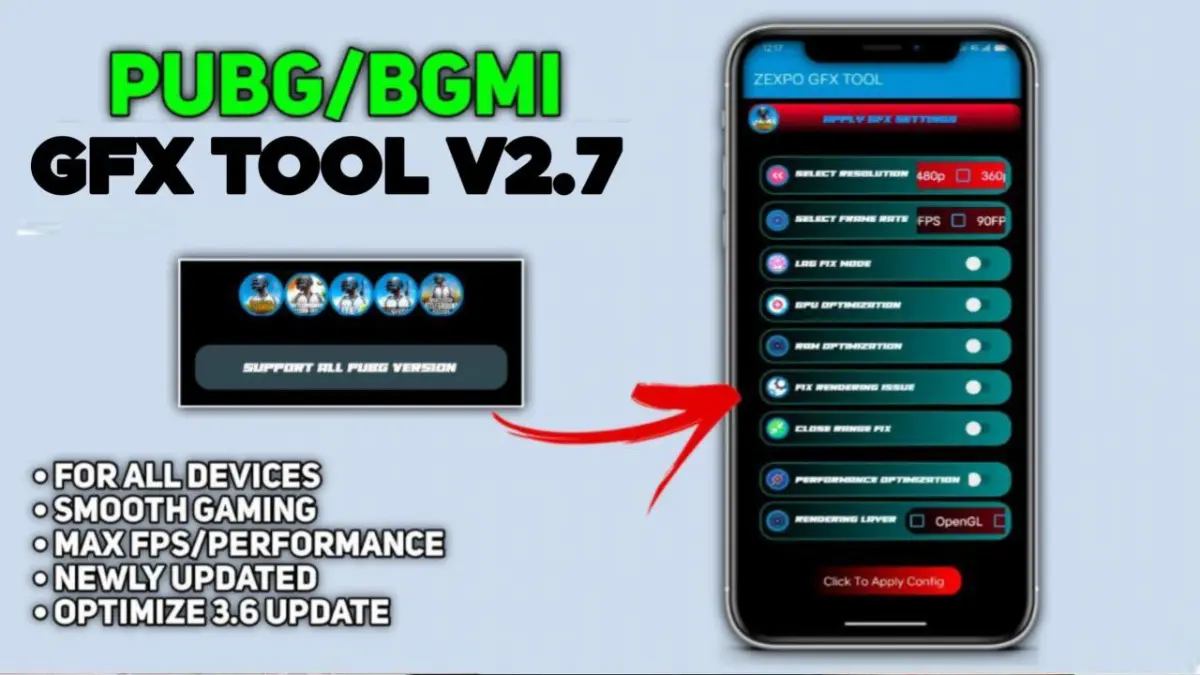
| APP Name | GFX Tool |
|---|---|
| Size | 3.9MB |
| Version | Final |
| Category | Gaming |
| Android requirement | + 6.0 |
| Published By | Zexpo |
| Rating | 4.9 / 5 |
| Price | Free |
Get Link
Step-by-Step Installation:
- Get the GFX Tool Apk.
- How To Install:
- Enable “Unknown sources” in your device’s settings
- Open your device’s file manager
- Find the APK file
- Tap the APK file to install the app
- Confirm the installation
In the world of battle royale games, PlayerUnknown’s Battlegrounds (PUBG) and Battlegrounds Mobile India (BGMI) are top choices. Millions of players compete for the “Winner Winner Chicken Dinner.” But, not all devices can handle the game’s graphics or combat precision.
This is where GFX Tools help. They optimize performance and unlock hidden features. But, using them wisely is key. We’ll look at how GFX tools work, their benefits, and ethical considerations. We’ll also show how to use them to boost performance without cheating.