| File Name | Moto Remix Experience |
|---|---|
| Size | 320MB |
| Version | v12.3 |
| Category | Magisk Modules |
| Android requirement | + 6.0 |
| Published By | @OSXPerience |
| Rating | 4.9 / 5 |
| Price | Free |
Get Link
Step-by-Step Installation:
- Ensure Root Access: The first prerequisite is having root access via a custom recovery.
- Install via Magisk Manager:
- Open the Magisk Manager.
- Tap on the “Modules” section.
- Click “Install from Storage” and locate the geted file.
- Confirm the installation and allow the module to apply the necessary changes.
- Reboot Your Device: After installation, reboot your device to activate the module.
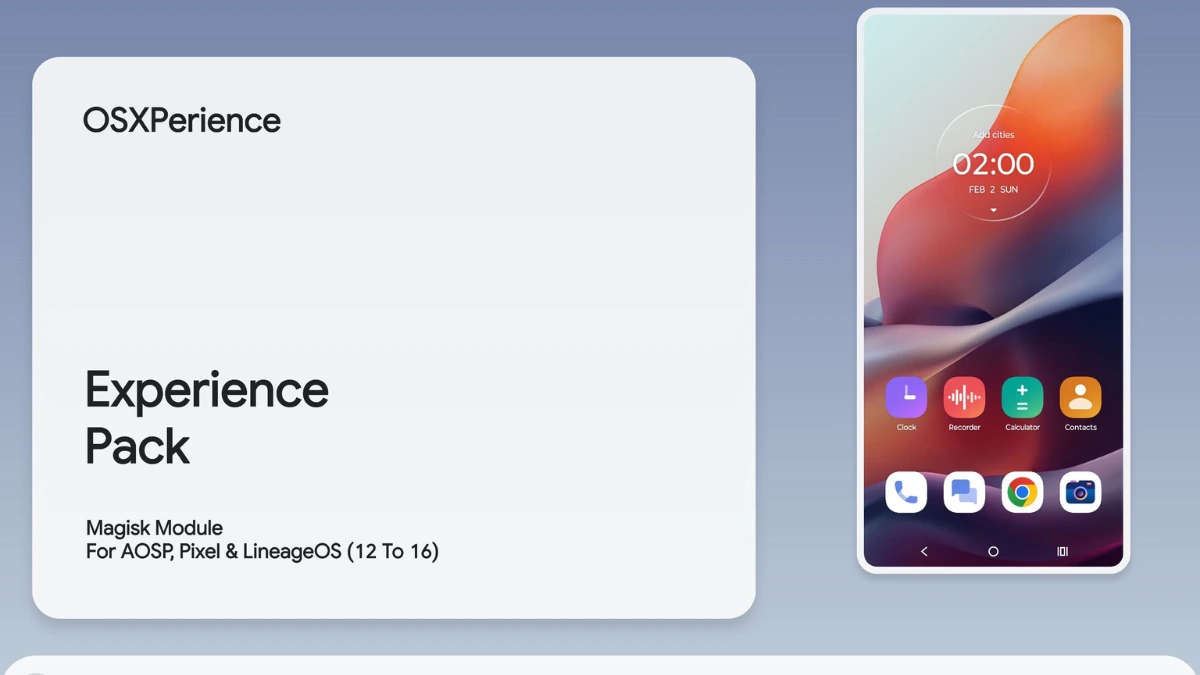
Android customization just got a big boost with the Moto Remix Experience Magisk Module. It’s a game-changer for Motorola device fans. This module makes Android interfaces better by adding Motorola apps and UI improvements.
The Moto Remix Experience adds cool features like the Remix Navigation Bar and a new Calendar interface. Now, mobile fans can unlock Motorola’s full power with one easy tool. It brings Motorola’s unique design to your device.
This Magisk Module uses the hello ui Icon Pack and special Icon Shapes for top-notch personalization. It lets users add Motorola’s premium look without complicated steps. This makes customizing Android fun and easy.
For those who love mobile tech, the Moto Remix Experience Magisk Module is a dream come true. It makes personalizing your phone easy and stylish. Even beginners can make their Android look amazing with just a few clicks.