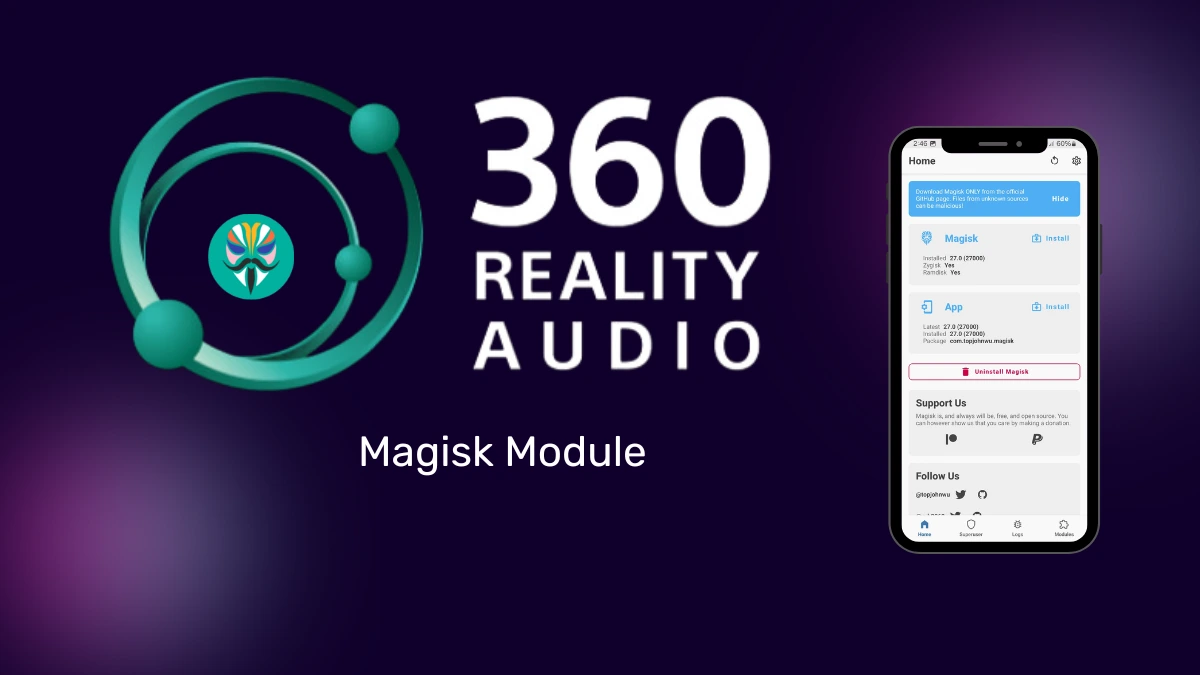
Step-by-Step Installation:
-
Ensure Root Access: The first prerequisite is having root access.
-
Install via Magisk Manager:
Open the Magisk Manager.
-
Tap on the “Modules” section.
-
Click “Install from Storage” and locate the geted file.
-
Confirm the installation and allow the module to apply the necessary changes.
-
Reboot Your Device: After installation,** reboot your device** to activate the module.
The 360 Reality Audio Upmix Magisk Module is an audio enhancement port extracted directly from the Sony Xperia 5 V. It forces standard stereo sound sources—including streaming services—to play as spatial 3D audio, significantly improving headphone playback quality across rooted Android devices.
I installed this module to see if it actually makes a difference with standard Spotify and YouTube streams, and the spatial depth is immediately noticeable. It tricks the Android system into treating regular stereo tracks as 3D surround sound, making standard wireless earbuds sound like a premium home theater setup.
Core Features
- Direct Port: Pulled straight from the Sony Xperia 5 V system dump to bring official equalizer processing to standard Android phones.
- Spatial Conversion: Turns regular stereo tracks from everyday streaming apps into full 3D spatial audio.
- DSEE Support: Cleans up compressed music files so background instruments and vocals come through much clearer.
- Global Effect: Applies to the entire system audio pipeline instead of limiting the improvements to one specific music player.
- Hardware Spoofing: Tricks your Android device into treating your everyday wireless earbuds as forced certified Sony hardware.
Support & Requirements
- Supported Android: Android 11 and newer (arm64-v8a or armeabi-v7a architecture).
- Supported Root: Magisk, KernelSU, APatch, and Kitsune Mask.
How to Install
- Download the module
.zipfile and open your root manager (Magisk, KernelSU, or APatch). - Navigate to the Modules section, tap "Install from storage," and select the file.
- Wait for the flashing script to complete, then restart your phone to apply the new audio effects.