| App Name | Zuan Kernel Manager |
|---|---|
| Size | 167MB |
| Version | v1.2.0 |
| Category | Ported |
| Android requirement | + 11 |
| Published By | ZuanVFX01 |
| Rating | 4.9 / 5 |
| Working | Only Root User |
Get Link
Step-by-Step Installation
- How To Install:
- Enable “Unknown sources” in your device’s settings
- Open your device’s file manager
- Find the APK file
- Tap the APK file to install the app
- Confirm the installation
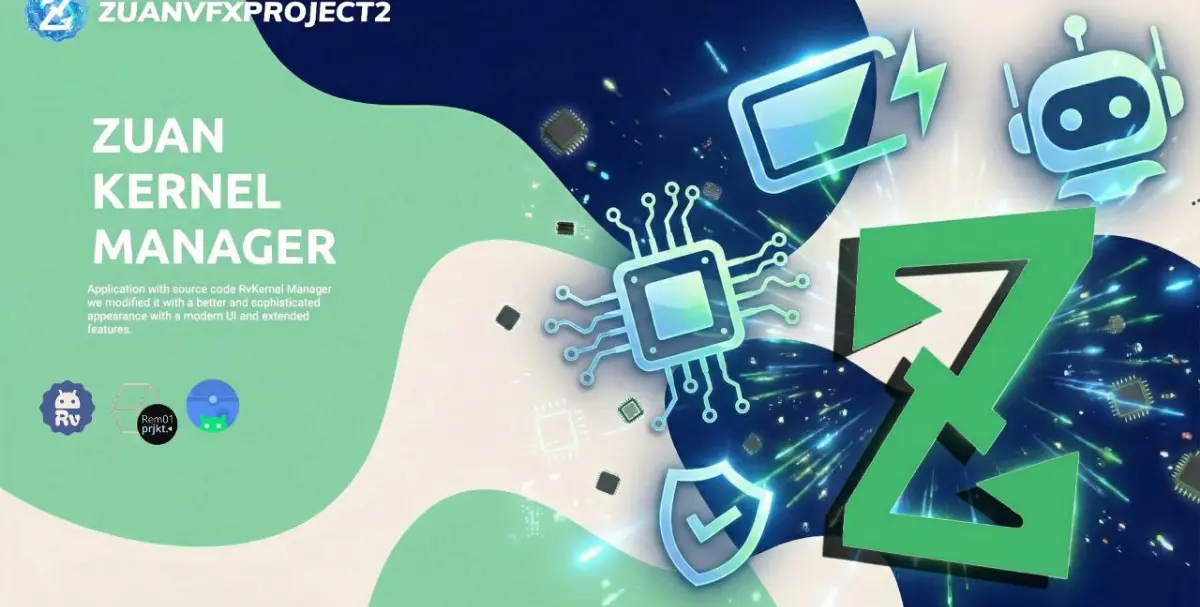
Application with source code RvKernel Manager we modified it with a better and sophisticated appearance with a modern UI and extended features.
We proudly present the initial release of Zuan Kernel Manager (ZKM). This project is a robust fork of RvKernel Manager, significantly modified to feature a sophisticated Modern UI and an extended suite of features for granular system control.
Requirements:
- Android 12+ (Android 10/11 version is possible but maybe the blur topbar and navigation bottom on the menu doesn’t look perfect/bugs)
- Root device
- SoC compatible: Snapdragon (Adreno) & MediaTek (Mali).
- Generic (TestBeta) Support: Exynos, Tensor, Tegra.
Changelog | Features
Home & UI
- Home Extended: Improved visual layout and navigation.
- Tools: Added Fast Shell Enhancer, SetEdit, and FpsManager integration.
- Stability: Addressed previous force close issues in the Kernel tab.
SoC Manager (System on Chip)
- CPU Optimization:
- Automatic detection of all existing clusters.
- Support for various architectures (big.LITTLE, DynamIQ, etc.).
- Dynamic naming based on actual device configuration.
- Advanced Governor tuning and CPU improvements.
- GPU Tuning:
- Full support for Adreno (Snapdragon) and Mali (Mediatek).
- Additional GPU frequency and power tuning options.
- Power & Thermal:
- MTK Specifics: Power Budget (PBM), Batoc Current Limit, Battery OC Protection.
- Thermal: Eara Thermal monitoring and management.
- Misc: System Security, SELinux Mode toggles.
- Touch & Haptics:
- Touch sampling optimization (Game Mode).
- Support for Double Tap to Wake (DT2W) & Gesture Wake.
- Vibrator Strength control for MTK.
Battery Manager
- Detailed Battery Analytics and Monitoring.
- SmartCut feature implementation.
- Real-time power consumption monitoring.
Kernel Controls
- Memory: Virtual Memory (VM) tuning, ZRAM Size & Algorithm configuration.
- Network: Fast Open, TCP Congestion control, TCP Reuse, ECN, and Max SYN Backlog.
- I/O Scheduler: Advanced scheduler tuning.
- Display: Screen Refresh Rate control, Kcal (Color control), and Saturation adjustment (if supported by kernel).