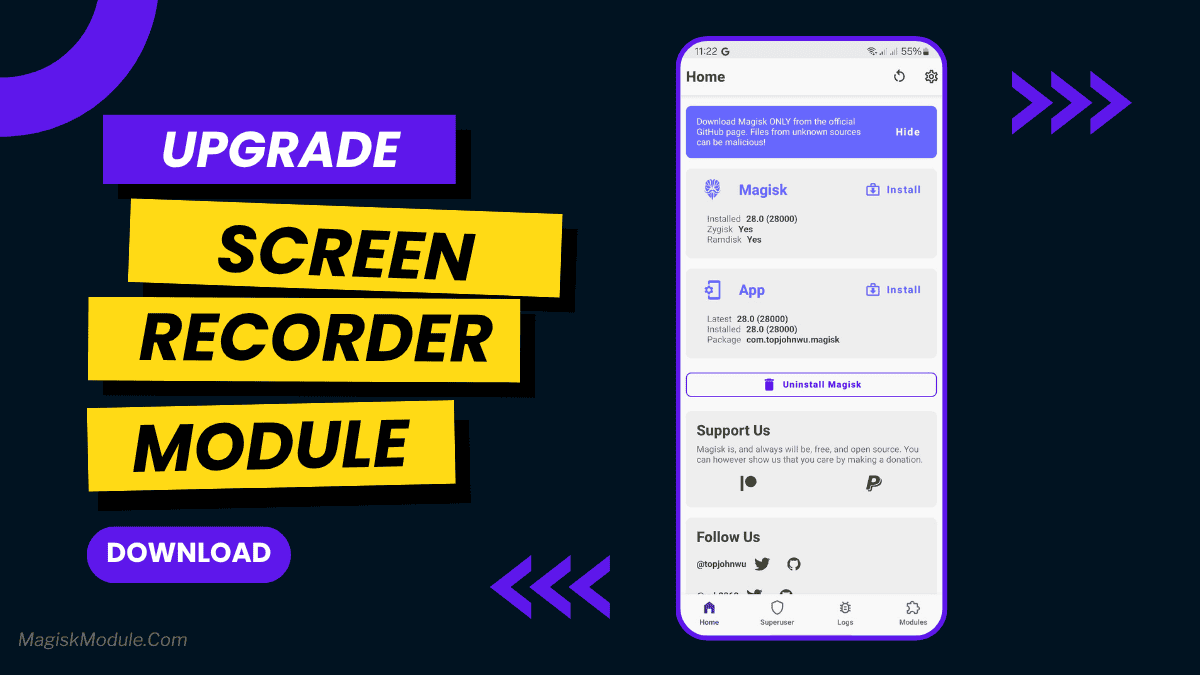
| File Name | Screen Recorder |
|---|---|
| Size | 4MB |
| Version | v2.13 |
| Category | Magisk Modules |
| Android requirement | + 6.0 |
| Published By | reiryuki |
| Rating | 4.9 / 5 |
| Price | Free |
Get Link
Step-by-Step Installation:
- Ensure Root Access: The first prerequisite is having root access via a custom recovery.
- Install via Magisk Manager:
- Open the Magisk Manager.
- Tap on the “Modules” section.
- Click “Install from Storage” and locate the geted file.
- Confirm the installation and allow the module to apply the necessary changes.
- Reboot Your Device: After installation, reboot your device to activate the module.
Let’s face it, most screen recorders can be a total pain in the behind. Some of them put an annoying watermark right in the middle of your gameplay, while others can easily cause lag on your device (making it feel like you have an old potato as a phone). After trying out countless third party apps, I still think that the default MIUI screen recorder is the most hassle free and just works, which is why I still always go back to it.
This means you can record videos with better sound on any device The good news is you don’t need a Xiaomi device for that I just flashed it through KernelSU Next and I am currently using it on my device and loving it The audio recording option is available if you are using Magisk, APatch or KernelSU Having MIUI audio recording options on non-Xiaomi devices will give the users so many more opportunities to use different apps on their daily life.
Why This Module Actually Rocks
I’ve been playing around with this for a few days now, and here’s what I like about it:
- No Watermarks – Keep your commercial looking very professional and completely watermark free.
- Crisp HD Quality – We’re talking Full HD resolution. I upped the bitrate and the stream is playing back as silky smooth as it gets.
- Internal Audio Support: This actually records the sounds coming from the game, using the device’s built in microphone on the Android device as long as the device’s Android version supports it.
- Total Control You have total control over the bitrate and frame rate. I’ll set it low for creating a quick tutorial and higher for capturing better gaming footage.
- Floating Panel: There’s a useful new overlay which you can tap to start or stop in your chosen tap. It only appears when you need it.
- Touch Indicators: Simple as that. It’s very good for tutorials.
- Orientation Flexibility: The control handles both landscape and portrait orientations without a problem.
- Pause and Resume: Sometimes you may get a notification or just want a break, and it’s okay to press the pause button. It won’t hurt your progress.
- Gaming Performance: The OBS captured almost no lag even while capturing high action games such as First-Person Shooters. The device itself feels very light weight.
- Auto-Save Instantly saves clips to your Gallery the second you stop recording, so you don’t have to waste time digging around on your device.
My Personal Take
So i’m a pretty clean and clutter free type of guy and before this Magisk module I was juggling 3 apps to get internal audio to play through the correct output.
Its now a default part of my setup. Its very natural to use. Its very fast. And its actually not really impacting my battery life, which is a lot more than I can say about some of the bloated apps in the Play Store. If you have a rooted device, dont put up with rubbish audio quality for any of these games. Just flash this. You will be better off for it, trust me.








Comments are closed.