Get Link
Installation
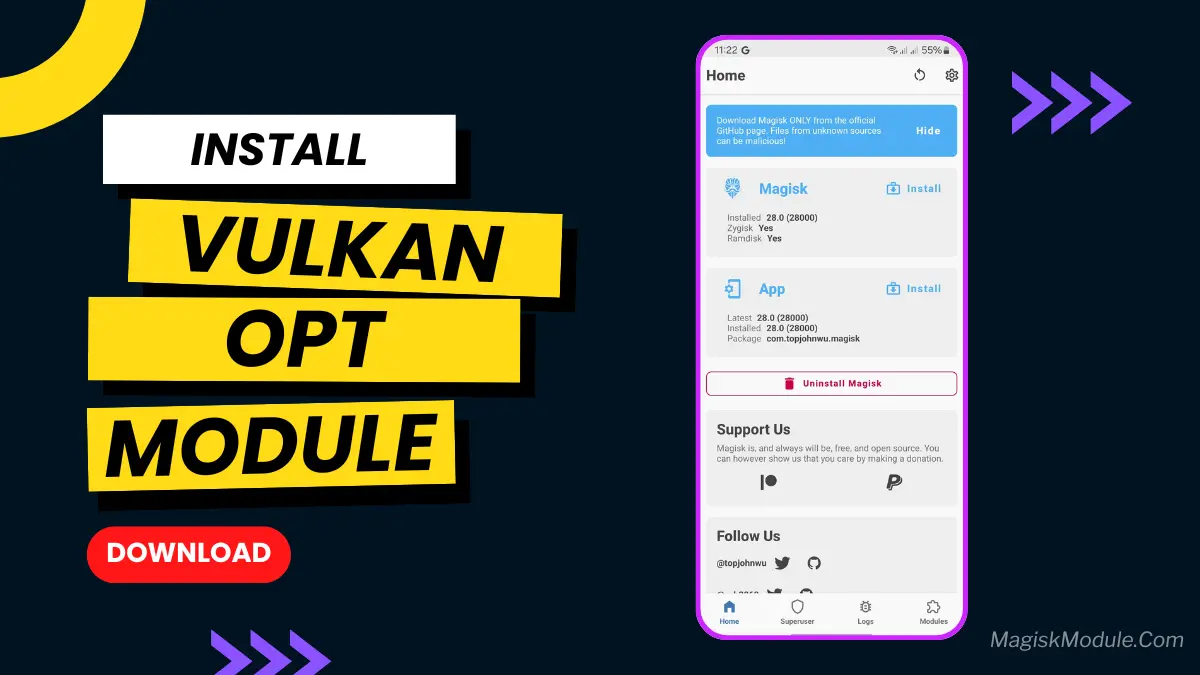
- Install Magisk: Make sure you have the latest version of Magisk installed on your device. Follow tutorials from our website.
- Get the Module: Locate the Vulkan Optimization Magisk Module from get link, such as the Magisk Modules Repository on GitHub.
- Install the Module:
- Open Magisk Manager.
- Tap on “Modules” and then “Install from storage.”
- Find the downloaded module and select it for installation.
- Reboot Your Device: Restart your device to ensure the changes take effect.
Ever feel like your favorite mobile game should run smoother? Like maybe Genshin Impact stutters less or PUBG feels more responsive? We get it! This Vulkan Optimization Magisk Module aims to do just that. It tweaks how your rooted Android handles graphics via the Vulkan API. Don’t expect miracles, but many folks notice fewer frame drops and smoother visuals. If you’re chasing that extra performance boost, it’s definitely worth giving a shot! (Root required, obviously.)