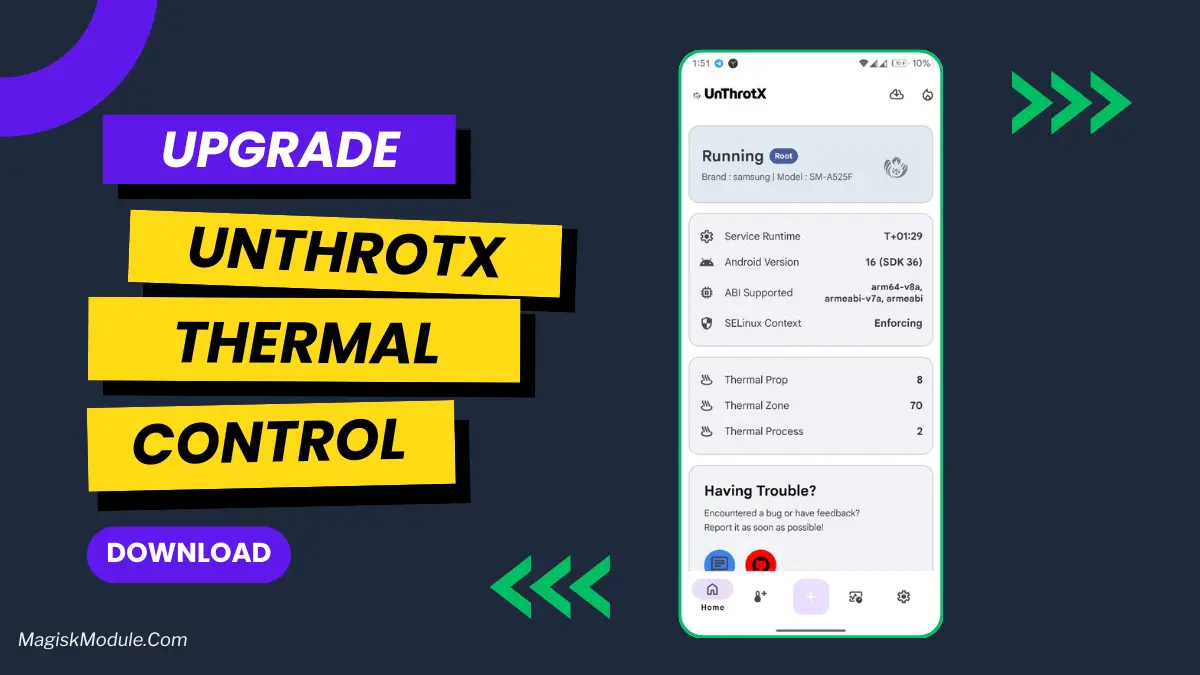
UnThrotX Rooted App Best For High Performance
Developed by @ZUANVFX01
Step-by-Step Installation
- How To Install:
Enable "Unknown sources" in your device's settings
-
Open your device's file manager
-
Find the APK file
-
Tap the APK file to install the app
-
Confirm the installation
Most of you have probably rooted your Android phone at some point to try to eek out a bit of extra performance. I have, and I've experienced an unexpected, and often unbalanced increase in phone speed - good or bad, depending on the case. My experience with UnThrotX, however, is different.
My only concern with UnThrotX is that even with my phone in a cooling stand, it still goes into thermal throttling in the middle of playing a game, causing it to suddenly overheat and crawl along at a glacial pace, kind of defeating the purpose of the app in the first place.
Features:
-
Lowers CPU/GPU to very low temperatures whilst in use. Our tests with heavy gaming such as grinding for 2 hours straight showed temperatures were much lower than normal yet performance hits were still kept to a reasonable level.
-
Smart Performance: Instead of maxing out the performance Smart Performance feature balances both game performance and temperatures to deliver a great gaming experience.
-
Customizable Thermal Profiles: This is the killer feature. You can set the computer to operate under a more aggressive thermal profile during gaming and a more conservative thermal profile during normal usage.
-
Real time temperature monitoring on screen: You can see the temps live and breathe, giving you complete confidence that you know what's going on under bonnet.
-
Less Crashes: I was impressed that this app didn’t cause my phone to crash like some of the other root tweaks that I have tried. Those other apps must change too many kernel settings and cause the phone to become unstable. This app seems to hit just the right balance.
My 2 Cents If your phone is rooted and you’re already experiencing problems such as slow performance and overheating, then this app is a no brainer. I saw a pretty good jump in frames per second which was my main goal. The fact that my phone doesn’t heat up as much as it was makes this more of a performance aid than “magical” solution. As stated in the app description, you will need root access so please use with caution and only if you know what you’re doing.