
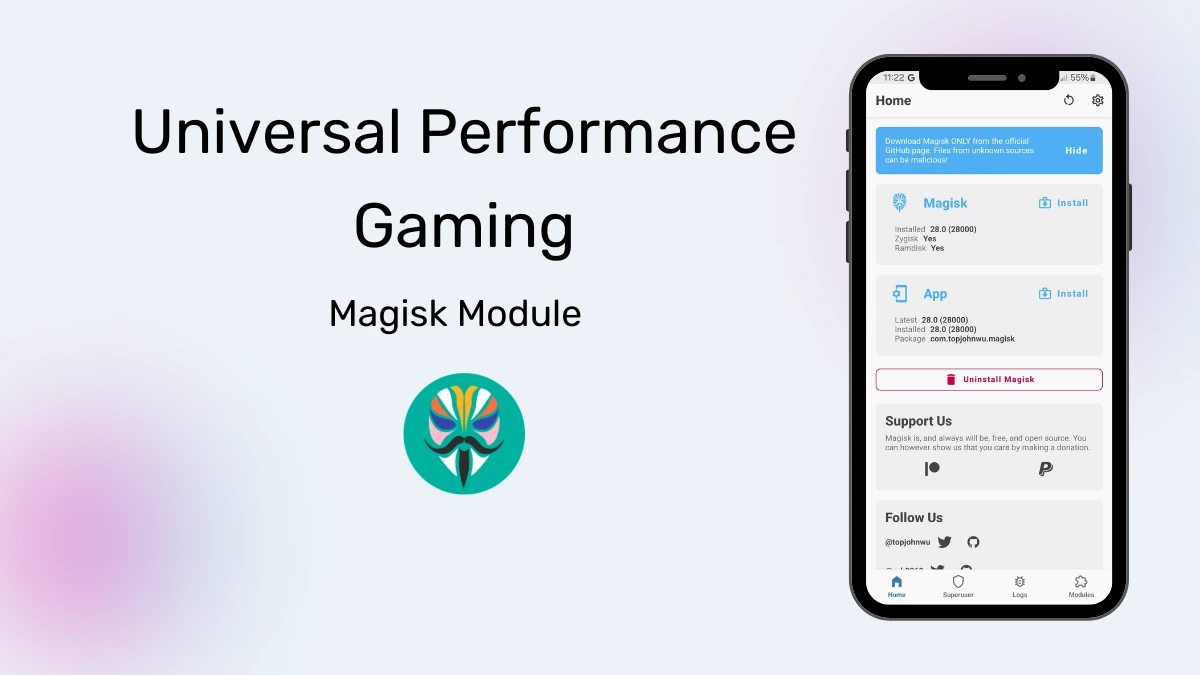
Universal Performance
Developed by @lieudahbelajar
DownloadDls
VersionVer
v3.7
Size
5.92KB
UpdatedDate
5 Jul 2026
universal-performance-gaming.md
The Universal Performance Gaming Magisk Module is a system modification designed to improve Android device speed and gaming stability. By applying custom kernel tweaks and managing background resources, it actively reduces lag, stabilizes frame rates, and extends battery life during heavy usage.
I've found that flashing this module immediately fixes random stutters during heavy mobile gaming sessions. Under the hood, it actively manages your CPU cache and thermal limits so your phone doesn't overheat while maintaining steady frame rates. You will quickly notice a snappier interface and much less input delay.
Features
- Frame rate stabilization stops those annoying stutters and keeps your game running at a constant speed.
- Thermal control manages device heat actively so your CPU and GPU avoid thermal throttling under heavy loads.
- Smarter RAM management clears out background tasks, ensuring your current game gets all the memory it actually needs.
- Ping stabilization adjusts your network bandwidth to lower latency and reduce lag spikes during online multiplayer matches.
- Touch response gets a massive boost, resulting in faster and more accurate screen interactions.
Support & Requirements
- Android Version: Android 9 (Pie) or newer
- Root Requirement: Magisk (Requires an unlocked bootloader)
- Compatibility: Works well with custom kernels (Sultanxda, Illusion, ElementalX, etc.)
How to Install
- Open the Magisk Manager app and navigate to the Modules tab at the bottom right.
- Tap Install from storage and select the downloaded Universal Performance Gaming .zip file.
- Wait for the flashing process to finish entirely, then tap Reboot to apply the changes.





