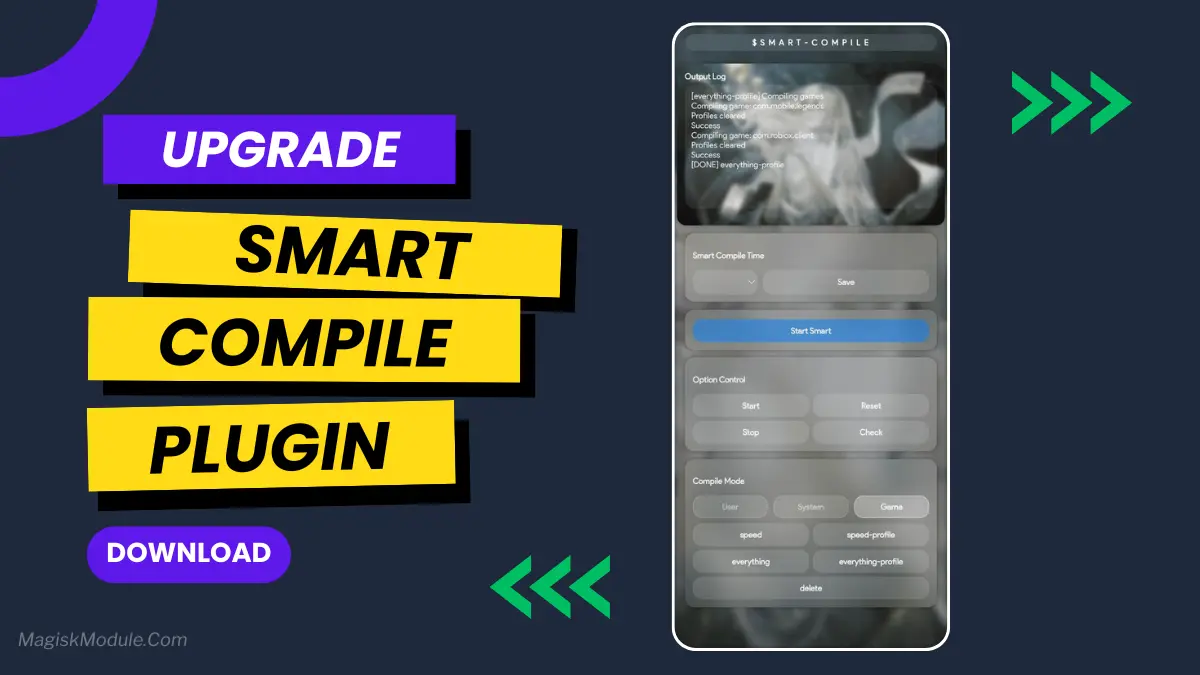
Smart Compile AxManager Plugin
Developed by @@sxSoleum
**
AxManager
How to Use?**
-
Active AxManager: First, you need to make sure it is active.
-
Install via AxManager:
Open the AxManager.
-
Tap on the “Plugin” section.
-
Click “Install from Storage” and locate the geted file.
-
Confirm the installation..
-
Reboot Your Device After installation.
How to Active AxManager?
To use AxManager, you'll need to enable Developer Options on your device:
-
Turn on Wifi
-
Go to Settings > About Phone.
-
Tap Build Number seven times to unlock Developer Options.
-
Open the AxManager, Click “Need To Active”.
-
Enable Notification & Click Start Button.
-
Click Wireless debugging & Enable Wireless debugging.
-
Click Pair device with pairing code.
-
Click on "Enter Pairing Code" above and paste the WiFi pairing codes there.
Changelog:
-
Added notifications similar to cmdtweaks
-
Simplified web UI
-
Added nearly all compile modes to User, System, and Game
-
Added Everything-Profile support for Android 14+
Alright, let's be real. There's nothing more annoying than your phone lagging right when you're about to pull off a game-winning move. I used to blame my phone, but then I found the Smart Compile Plugin. This little tool is a game-changer—literally.
Features
-
Smoother gameplay with rock-solid FPS
-
Reduced lag and faster touch response
-
Cooler running temps
-
Better battery efficiency
-
Faster game loading
-
Lower ping in online games
-
Stutter-free graphics
-
Automatic boosting
If you're serious about mobile gaming, this is the upgrade you didn't know you needed. It honestly makes your phone feel like a dedicated gaming device.