| App Name | Shell Game Turbo |
|---|---|
| Size | 6.31MB |
| Version | Final |
| Category | Ported |
| Android requirement | + 10 |
| Published By | @ZexpoYT |
| Rating | 4.9 / 5 |
| Support | Root & Non-Root |
Get Link
Step-by-Step Installation
Install The App
- How To Install:
- Enable “Unknown sources” in your device’s settings
- Open your device’s file manager
- Find the APK file
- Tap the APK file to install the app
- Confirm the installation
Setup Shizuku App
- Get the Shizuku app from the google play store.
- Install the Shizuku app on your device.
To use Shizuku, you’ll need to enable Developer Options on your device:
- Turn on Wifi
- Go to Settings > About Phone.
- Tap Build Number 7 times to unlock Developer Options.
- Open the Shizuku, Click on Pairing button > Click Developer Options.
- Click Wireless debugging & Enable Wireless debugging.
- Click Pair device with pairing code.
- Click on “Enter Pairing Code” above and paste the WiFi pairing codes there.
- After pairing is Successful open Shizuku again and click on start button.
- Grant an app permissions via Shizuku | [Video For Shizuku Setup]
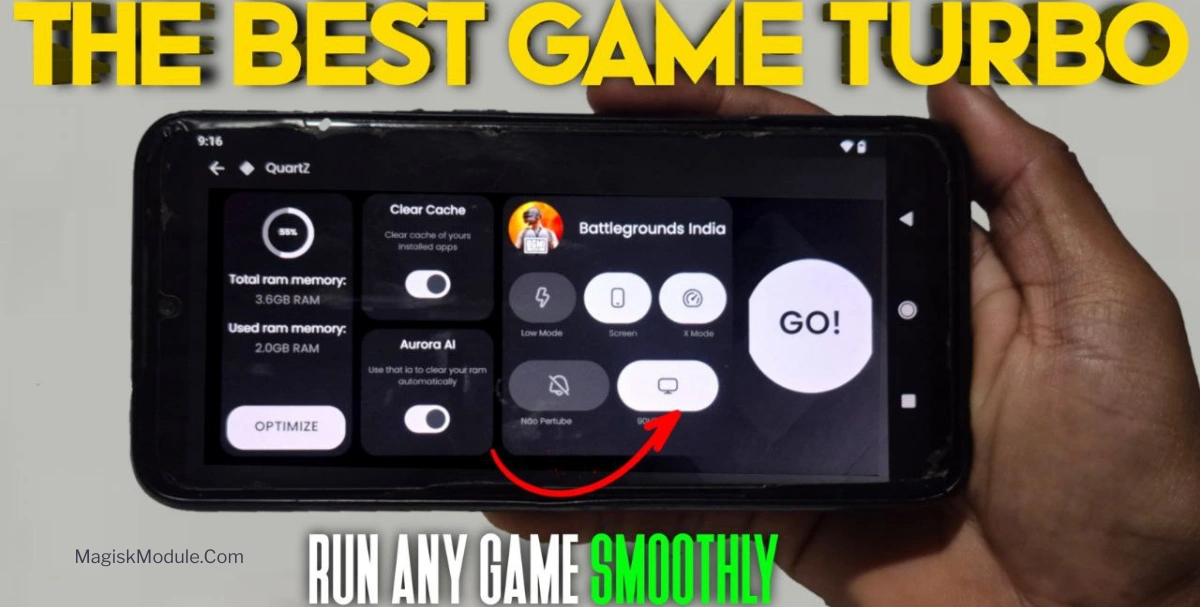
Okay, let’s be real. Nothing kills a gaming session faster than your phone turning into a toaster, followed by epic lag right when you’re about to clutch a win. I’ve been there. So, when I heard about the Shell Game Turbo app for Android, I was skeptical but desperate enough to try it.
I’ve used it for a few weeks now across a bunch of games, and here’s the straight truth on what it actually does.
Here’s what stood out in my testing:
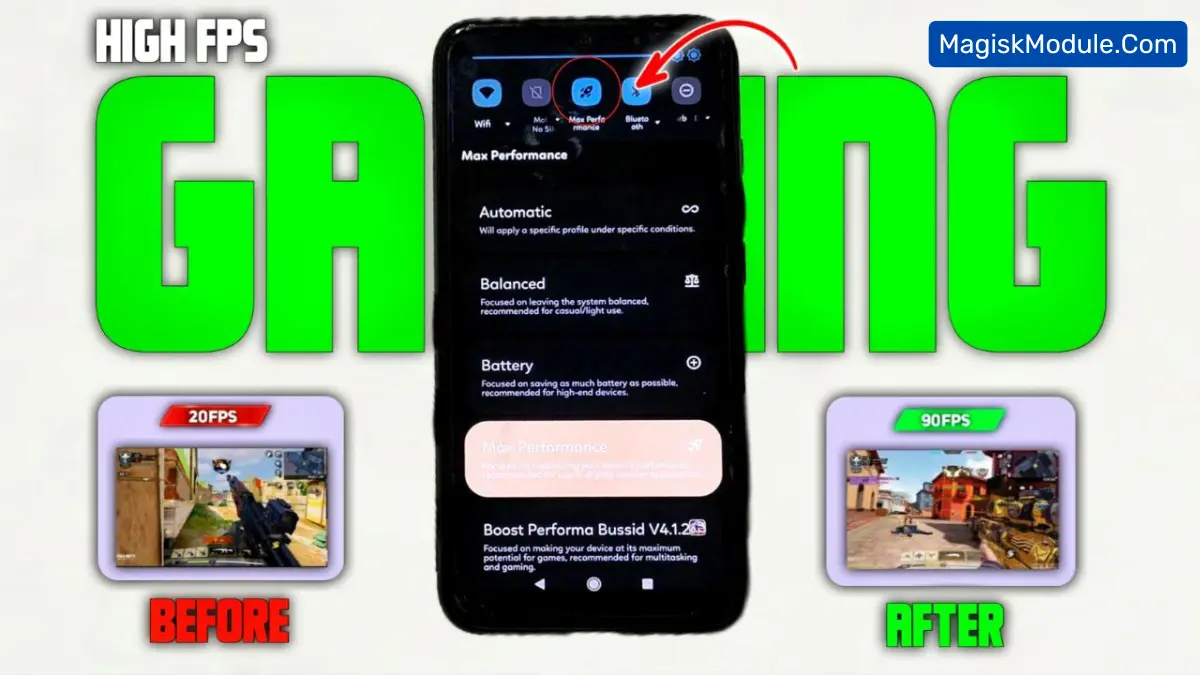
- It actually reduces lag and frame drops. I play a lot of Call of Duty: Mobile, and those sudden stutters during a firefight? They’ve seriously smoothed out. The FPS feels way more stable.
- Background apps get silenced. This was huge. My usual barrage of messaging and social media apps used to chomp resources. Shell Game Turbo puts them to sleep, so my game gets the CPU and GPU’s full attention.
- Faster loading times? Check. By managing RAM more efficiently, my games load quicker. It’s not a magical 0.1-second load, but I definitely spend less time staring at loading screens.
- Touch response feels sharper. This might sound placebo, but my shots feel more immediate. The app seems to prioritize the game’s input, making controls feel a tad more accurate.
- Battery optimization is smart. It doesn’t just crank performance and kill your battery in 20 minutes. I noticed my phone didn’t drain as fast during long Genshin Impact sessions, which is a major win.
Look, it’s not a magic wand that turns a budget phone into a flagship. But it does a solid job of cleaning up your phone’s act while you game. I didn’t experience any weird ads or major setup headaches, which is a plus.
My final take? If you’re serious about mobile gaming and tired of performance hicrams, this free tool is worth a download. It just gives your phone a focused “game mode” that actually works. For me, it turned a choppy experience into a much smoother one, and that’s what counts.