
rog-ui-gsi-custom-rom.md
ROG UI GSI is a custom interface port that brings ASUS Republic of Gamers visual styling and system features to Samsung OneUI devices. It integrates through Magisk to deliver custom gaming themes, navigation bar styles, dedicated widgets, and performance tweaks without breaking stock system stability.
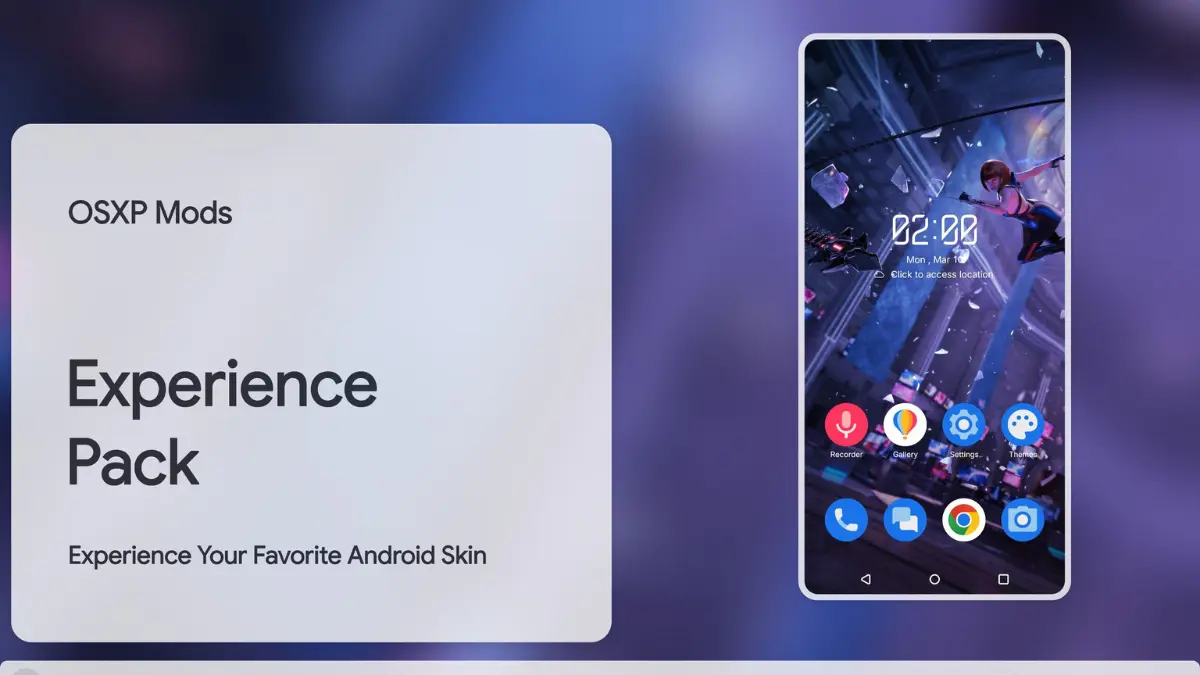
After flashing the module, my Galaxy phone took on a sharp cyberpunk aesthetic without breaking stock OneUI gestures. The custom ROG weather widget loaded instantly, and daily battery consumption during heavy app switching stayed steady without thermal spikes.
Core Features
- ROG Aesthetics: Adds signature neon accents, gaming icon packs, and futuristic boot animations.
- Navigation Bar: Customize bottom bar styles while keeping the stock OneUI launcher active.
- Exclusive Widgets: Access ASUS-style animated weather cards and system monitoring trackers.
- Power Management: Adjusted background charging profiles help manage heat and improve battery efficiency.
Support & Requirements
- Supported OS: Android 11, 12, 13, and 14 (Samsung OneUI)
- Root Solution: Magisk v24+, KernelSU, or APatch
How to Install
- Open your Magisk, KernelSU, or APatch manager app.
- Go to the Modules section, tap Install from storage, and select the ROG UI zip file.
- Allow the installation script to complete, then tap Reboot.





