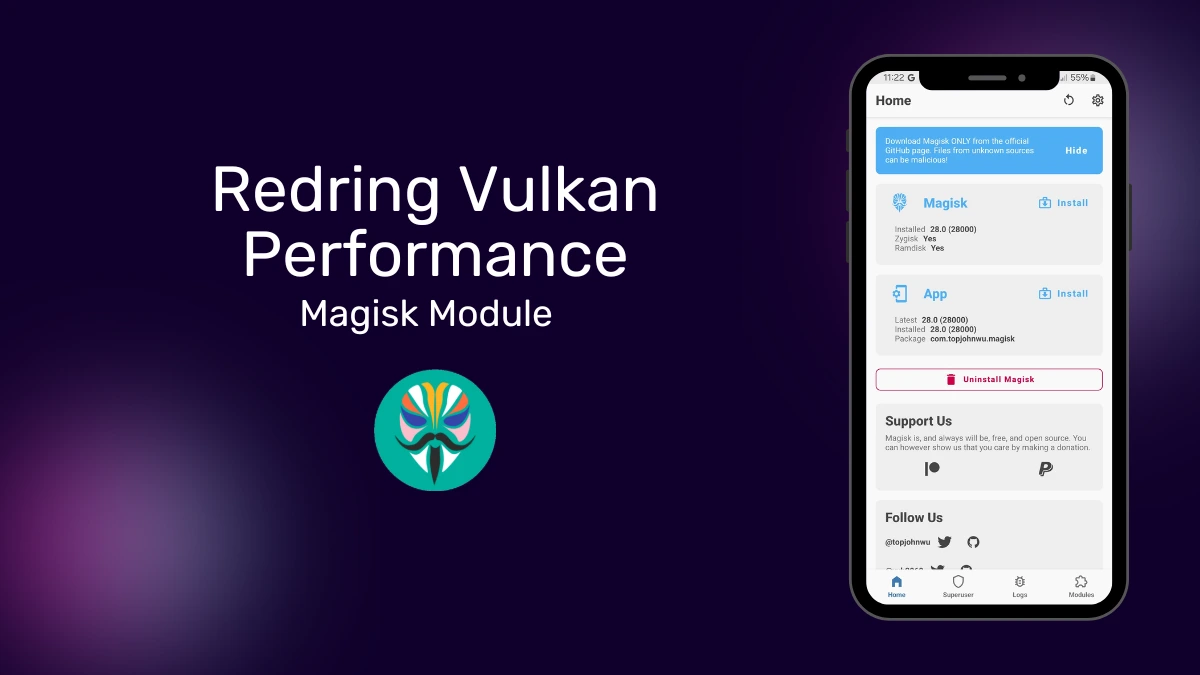
| File Name | VULKAN PERF+ |
|---|---|
| Size | 1.64MB |
| Version | v10 |
| Category | Gaming |
| Android requirement | + 6.0 |
| Published By | @LIMITGAMING |
| Rating | 4.9 / 5 |
| Price | Free |
Get Link
Step-by-Step Installation:
- Ensure Root Access: The first prerequisite is having root access via a custom recovery.
- Install via Magisk Manager:
- Open the Magisk Manager.
- Tap on the “Modules” section.
- Click “Install from Storage” and locate the geted file.
- Confirm the installation and allow the module to apply the necessary changes.
- Reboot Your Device: After installation, reboot your device to activate the module.
The Redring Vulkan Performance module forces Android devices to utilize the Vulkan graphics API instead of the bloated OpenGL standard. This low-level system tweak reduces rendering overhead, giving the hardware more direct control over the GPU for improved gaming efficiency.
In my testing on mid-range devices struggling with heavy titles like PUBG, enforcing Vulkan made a noticeable difference in reducing sudden stutters during heavy combat. You won’t turn a budget phone into a flagship overnight, but I definitely saw much smoother frame rates and slightly less heat buildup.
Core Features
- Forces Vulkan rendering instead of relying on the less efficient OpenGL API for mobile gaming.
- Better CPU utilization across multiple cores, taking full advantage of proper multi-threading capabilities.
- Direct GPU control lets the system manage hardware resources more efficiently without unnecessary software bloat.
- Reduces thermal throttling during long sessions, which directly translates to fewer frame drops and minor battery gains.
- Handling memory management at a much lower level prevents annoying micro-stutters in the heat of battle.
My Verdict
If your Android supports Vulkan but still struggles with in-game lag, this module is a much safer alternative to heavy overclocking. It strips away the rendering bloat to give you raw, consistent FPS when it actually matters.