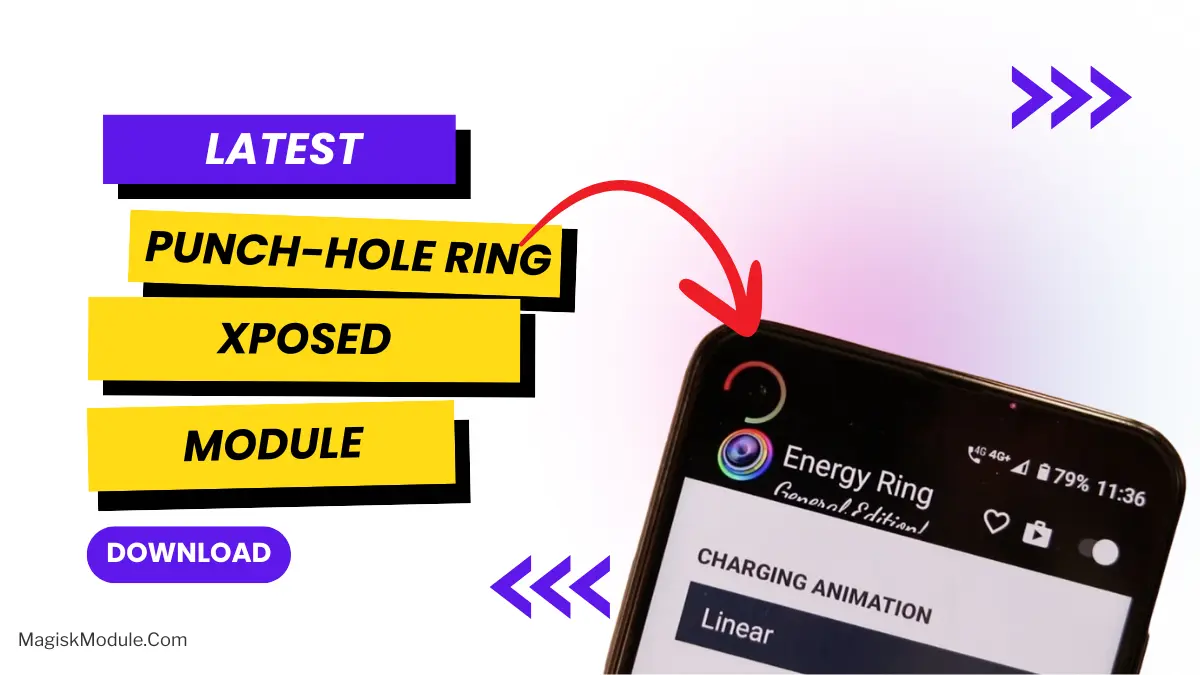
Punch-hole Download Progress: Xposed Module
Developed by @hxreborn
**
LSposed Manager
Step-by-Step Installation:**
-
Make sure you have LSposed installed on your device.
-
Install modules as regular apps.
-
After installation:
Open the** LSPosed Manager**.
-
Tap on the “Modules” section.
-
Click the module you installed.
-
Tick the enable switch.
-
Select apps to which the modules should apply. [Most of the modules now support displaying recommended scope, which LSPosed will select automatically]
-
Reboot Your Device
I’m tired of having to constantly scroll down to the notification shade to get an update on my download. I’m tired of staring at that awful progress bar for what feels like an eternity. I’ve been playing around with this Punch-hole Download Progress mod for a bit now and I’m pretty much mad at myself for not discovering it sooner. The camera hole on the top right corner of my screen is finally being used for good.
What’s the Big Deal?
If you are running a rooted Rom and LSPosed then this module can be as simple as just a upgrade. Rather than having an ugly icon in your navbar or on the bottom of your screen this module will give you a nice little ring that will circle the front camera in a smooth animation. This module actually uses the DisplayCutout API so it actually knows where the camera is rather than being a circle that is just sort of off centered.
I’ve used the visualizer mod off and on in the past, but this seems to be integrated into the game as a actual core mod. It sits in a much less obtrusive spot on the screen, and provides useable info without being too hard to read.
Features
Here’s what you’re actually getting when you hook this up:
-
Smart Progress Ring: This animated progress ring will stay stuck to your camera cutout while you’re downloading.
-
Total Customization You can customize the colors for active, completed or failed states. You can make the “done” ring neon green if you like.
-
Adjustable Vibes: Customize the arc thickness, opacity, or even the direction it spins.
-
Haptic Feedback: Got a nice little thump of haptic feedback when the download was finished. Nice.
-
Download Counter: A small counter will be visible in the form of a badge, which shows how many files are currently contending for your download speed.
-
Battery Friendly It’s Battery Saver aware, so your app won’t eat away at the battery life of your device.
-
Modern UI: All the Settings app UI is rewritten with Material 3 and Jetpack Compose so it blends in seamlessly with rest of your modern Android apps.
My Take
I installed this using the LSPosed Manager. The test mode came in handy, so I wouldn’t have to download the 2GB default theme and find out my color choices are awful. First attempt was a bit too vibrant, though the second was a little more tasteful.
It makes sense, it is hygienic and gets rid of one of the many annoying actions we have to perform every day, and we can say in a word: “professional”. If you are a fan of customization, in our opinion this application is not another unnecessary tool, but a utility that really makes your phone feel a bit more advanced.