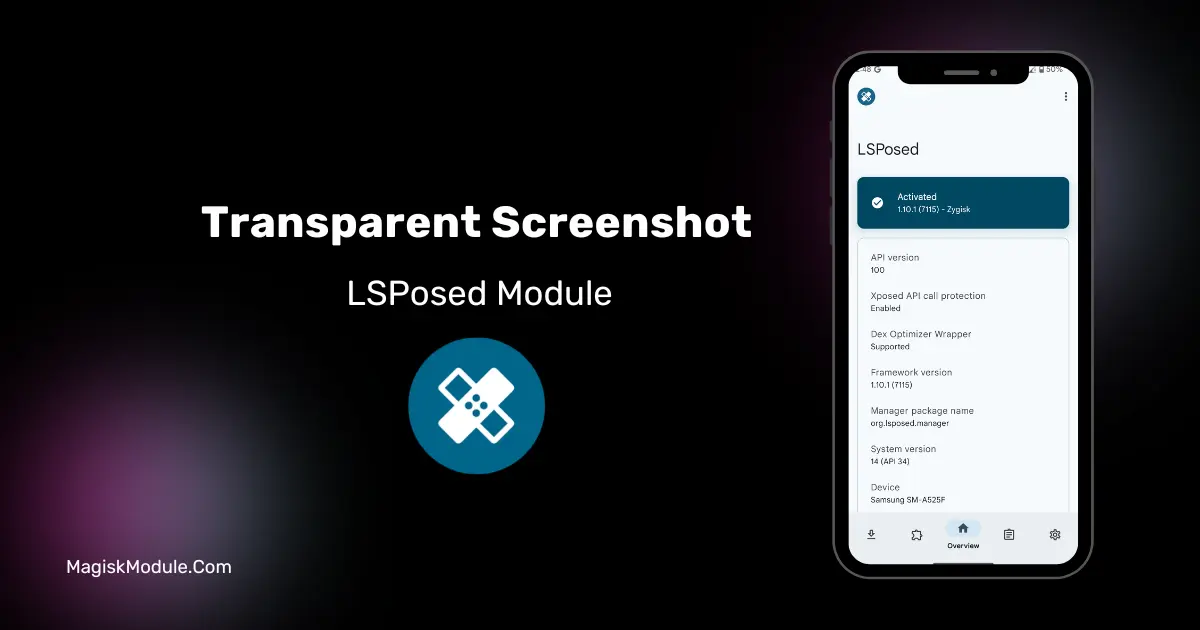
Transparent Screenshot LSposed Module
Developed by @Dszsu
**
LSposed Manager
Step-by-Step Installation:**
-
Make sure you have LSposed installed on your device.
-
Install modules as regular apps.
-
After installation:
Open the LSPosed Manager.
-
Tap on the “Modules” section.
-
Click the module you installed.
-
Tick the enable switch.
-
Select apps to which the modules should apply. [Most of the modules now support displaying recommended scope, which LSPosed will select automatically]
-
Reboot Your Device
Transparent Screenshot is an LSPosed module designed to block screen capturing, recording, and casting at the application level. It works by injecting system frameworks to hide specific app windows and their visual footprints from native recording outputs.
I've been using this on my ColorOS setup to keep certain apps completely invisible from background screen recorders. By hooking directly into the window manager, the module successfully blanked out the targeted screens without breaking my daily touch interactions.
-
System-level capture blocking completely hides your selected applications from native screen recorders.
-
Visual shadow removal strips away residual window borders for a cleaner hidden footprint.
-
Bypassing focus detection stops floating windows from triggering system-level visibility checks.
-
You can easily hide active applications directly from the recent multitasking menu.
-
Spoofing window titles tricks the OS into ignoring the app during screen capture synthesis.
My Verdict
If you need absolute privacy for specific apps against unauthorized screen recording, this tool is highly effective. It requires some manual framework configuration, but the low-level cloaking is worth the effort.