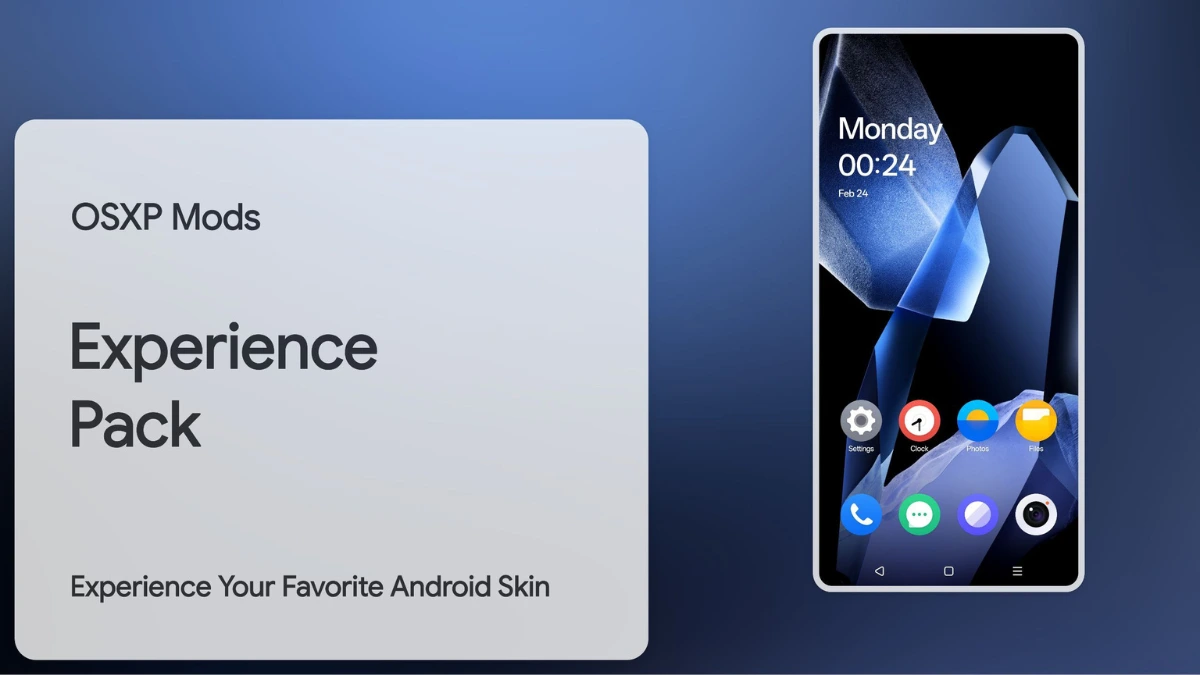
| File Name | OxygenOS GSI |
|---|---|
| Size | 223.4MB |
| Version | v10 |
| Category | Magisk Modules |
| Android requirement | + 6.0 |
| Published By | @OSXPerience |
| Rating | 4.9 / 5 |
| Support | A12 to A16 |
Get Link
Step-by-Step Installation:
- Ensure Root Access: The first prerequisite is having root access via a custom recovery.
- Install via Magisk Manager:
- Open the Magisk Manager.
- Tap on the “Modules” section.
- Click “Install from Storage” and locate the geted file.
- Confirm the installation and allow the module to apply the necessary changes.
- Reboot Your Device: After installation, reboot your device to activate the module.
OxygenOS is loved for its clean Android feel with smart tweaks. But, if you want more control, flashing a Generic System Image (GSI) Custom ROM via Magisk is the way. This guide lets you tweak everything from the Navigation Bar to Icon Packs while keeping OxygenOS apps or replacing them. Let’s explore how to make your phone truly yours.
Why Install a GSI Custom ROM?
GSI ROMs like Pixel Experience or LineageOS offer:
- Pure Android Experience: Remove carrier/OEM bloat for smoother performance.
- Unmatched Customization: Reimagine Fonts, Boot Animation, Status Bar, and more.
- Faster Updates: Get security patches and Android versions ahead of OEM schedules.
- Systemless Mods: Magisk ensures modifications (like retaining OxygenOS home launcher) don’t alter the system partition.