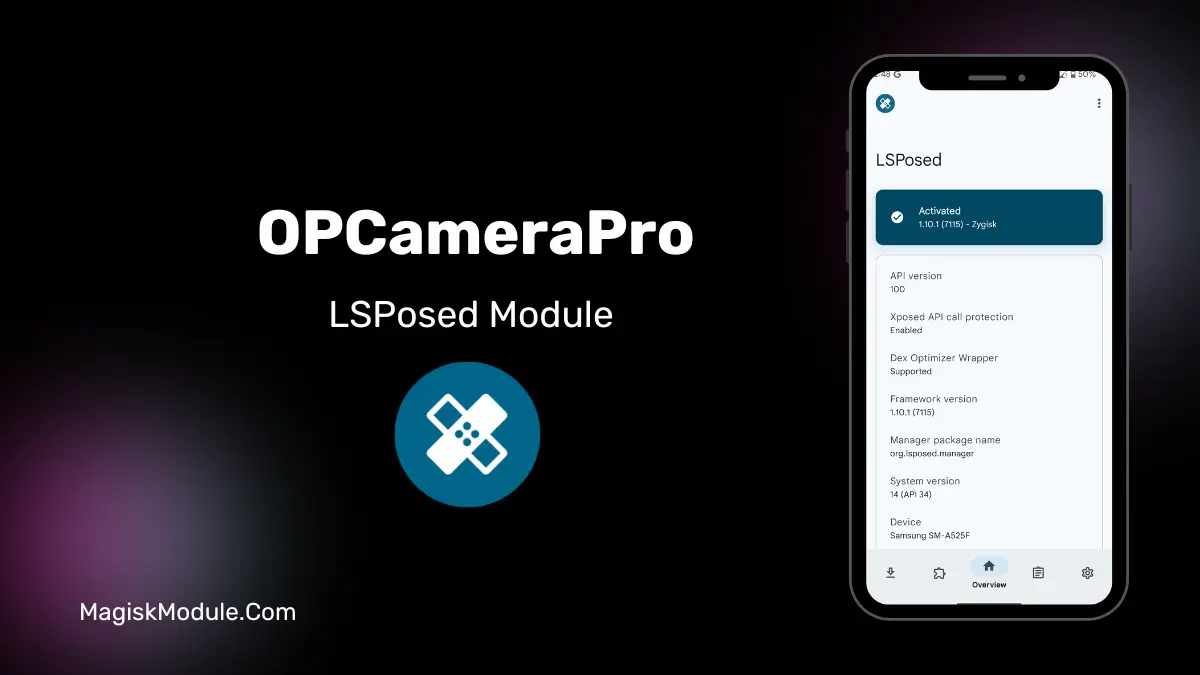
OPCameraPro App Install LSposed
Developed by @Weverses
Step-by-Step Installation:
-
Make sure you have LSposed installed on your device.
-
Install modules as regular apps.
-
After installation:
Open the** LSPosed Manager**.
-
Tap on the “Modules” section.
-
Click the module you installed.
-
Tick the enable switch.
-
Select apps to which the modules should apply. [Most of the modules now support displaying recommended scope, which LSPosed will select automatically]
-
Reboot Your Device
Have you ever wondered how much more potential lies within your phone’s default camera app? Until I tried OPCameraPro on my phone with the OPCameraPro module enabled via LSPosed, I had not realized the tremendous improvement a simple setup could bring to the camera on my phone. All this, without the need of writing an app or altering data within the system directories! And the best part is that this works for several OEM skins, i.e. ColorOS, realmeUI, and even OxygenOS. But do you really want it? Read on to know how this is a Pro Changer for your mobile’s camera.
Features
The OPCameraPro is a third party app that lets you access many of the features that the OEM deliberately left out of the camera app. I am writing this post after using the app on my Realme phone running RealmeUI 4.0 (basically Android Q). I did not expect to get so many features similar to those that you get to use on Flagship phones.
-
Advanced OP Camera feature unlocking via LSPosed
-
Full control over hidden camera parameters
-
Pro camera modes on supported devices
-
Enhanced image processing and HDR tuning
-
Higher video resolution and bitrate options
-
Better low-light and night photography
-
Custom camera UI and shooting behavior
-
Faster autofocus and stability improvements
-
Manual ISO and shutter controls
-
Optimized performance: no system mods needed
My Experience
I took a picture of a sunset on the weekend. Before using OPCameraPro my pictures looked very washed out. But after enabling enhanced HDR and fiddling with the shadow control? The colours looked realistic. Not magic, just unlocked.
Who Should Try It?
Root is not required but you will need a device with LSPosed installed. ColorOS 16 / RealmeUI 7.0 is where this tutorial was tested on but previous versions may work as well. Backup your data and everything else first.
Final Verdict
It’s not a panacea for using your ancient phone to take ancient photos, but if your phone does have a decent sensor, it’s hard to go wrong with OPCameraPro. You’ll get
FAQ
Is OPCameraPro safe to use?
When installed correctly via LSPosed, it only modifies the camera app. No system partitions are altered, reducing risk.
Will this work on OxygenOS?
It’s designed for ColorOS/realmeUI, but some OxygenOS users report success. Your mileage may vary.
Do I need root access?
Yes, LSPosed requires a rooted device or a custom recovery method like Magisk.