Nubia RED Magic Spoof
Developed by @LIMITGAMINGREAL
DownloadDls
VersionVer
vFinal
Size
123KB
UpdatedDate
5 Jul 2026
nubia-red-magic-spoof.md
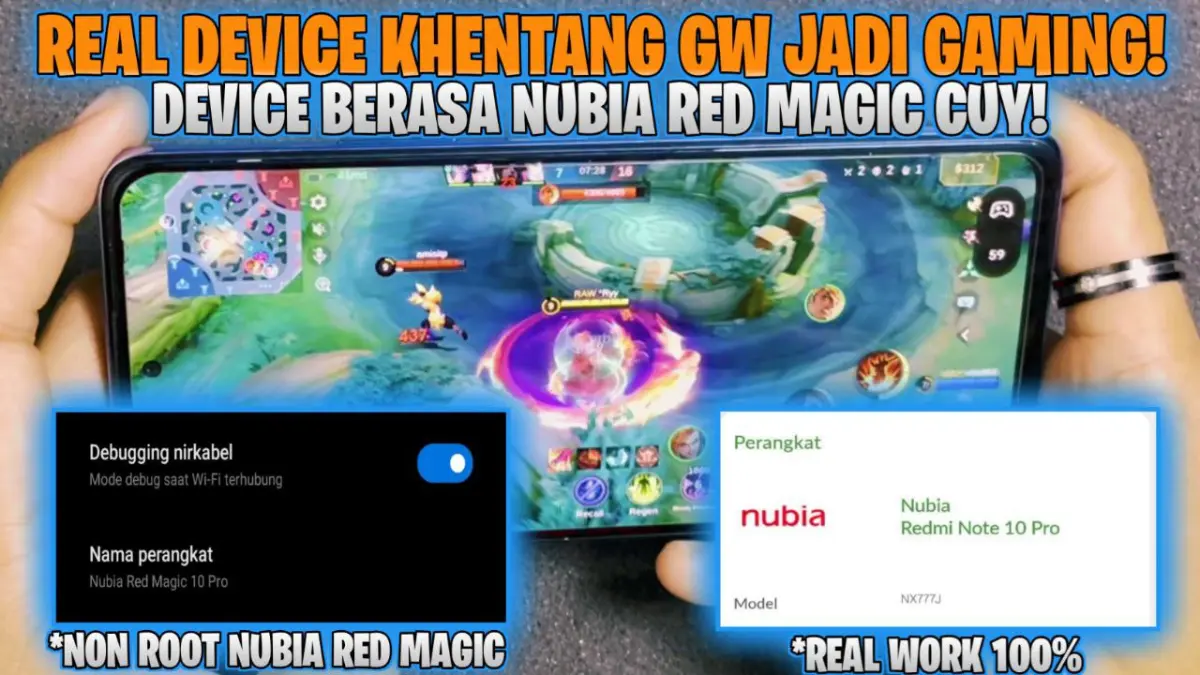
The Nubia RED Magic Spoof is a root module that changes your device fingerprint and model properties to mimic a Nubia RED Magic gaming phone. This allows unsupported Android devices to bypass manufacturer checks and unlock restricted high-refresh-rate gaming graphics.
After flashing this module to mask my phone's profile, PUBG Mobile immediately gave me access to the 90 FPS toggle without any manual config edits. Games recognize your phone as dedicated gaming hardware, which stops artificial performance caps and enables higher visual presets right away.
Features
- Unlock FPS: Access locked 90 FPS and 120 FPS modes in titles like PUBG Mobile and Fortnite.
- Max Graphics: Run titles like Genshin Impact with higher texture rendering and resolution presets.
- Bypass Throttling: Stop system-level limits from cutting frame rates during long gaming sessions.
- App Compatibility: Gain access to streaming tools and AR apps that usually demand flagship hardware IDs.
Support & Requirements
- Android Version: Android 10 through Android 15
- Root Solution: Magisk (v24.0+), KernelSU, or APatch
How to Install
- Download the latest Nubia RED Magic Spoof zip file to your local storage.
- Open your Magisk, KernelSU, or APatch app and tap Install from storage.
- Select the zip file, wait for flashing to finish, and reboot your device.