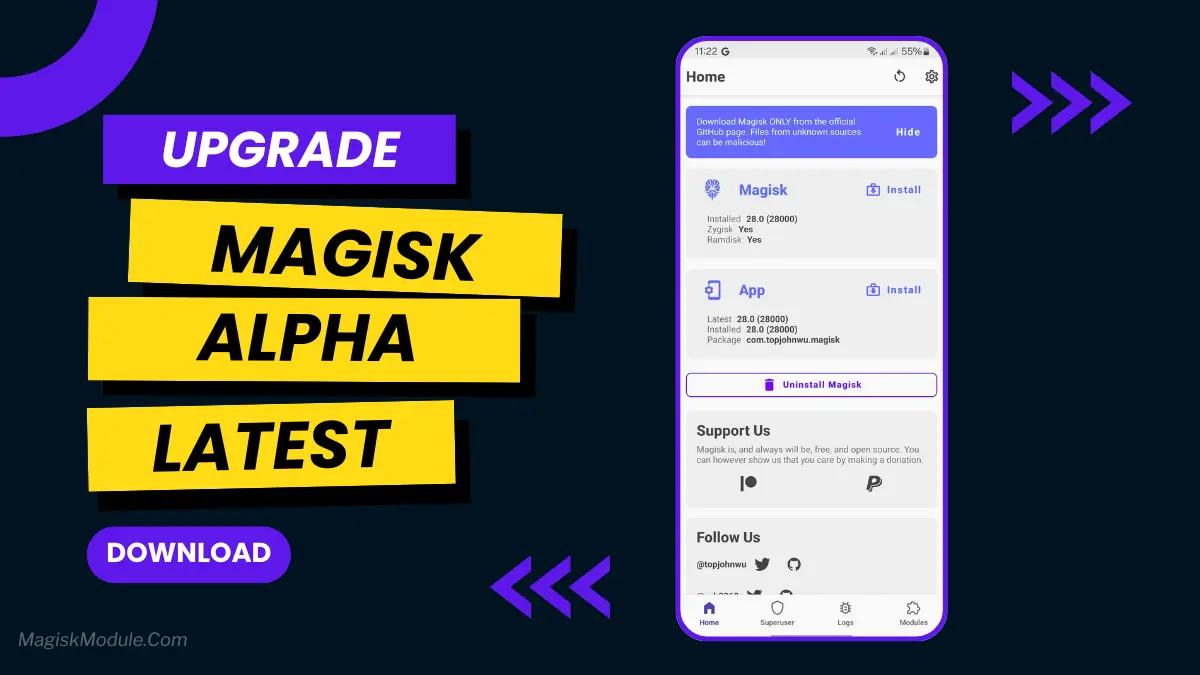
Magisk Alpha is an experimental, bleeding-edge fork of the official Magisk rooting tool. It grants systemless superuser access while implementing the newest code commits, security fixes, and advanced root-cloaking mechanisms to bypass strict app detection before they reach standard releases.
When testing banking apps and games that immediately blocked access on official Magisk builds, switching to Alpha bypassed the detection triggers without extra hassle. The underlying Zygisk integration runs cleanly, and the experimental patches kept integrity checks green across daily app updates without breaking module compatibility.
Core Features
- Early patches: Delivers the newest upstream source commits and bug fixes weeks before official stable channels.
- App hiding: Includes aggressive detection-evasion patches designed to bypass stubborn Play Integrity and root-checking algorithms.
- Systemless core: Modifies boot images directly, keeping your core system partition read-only and untouched.
- Zygisk support: Injects code straight into the Android Zygote process to run heavy customization modules with zero lag.
Support & Requirements
- Supported OS: Android 5.0 (Lollipop) through Android 15+
- Device Requirements: Unlocked bootloader, custom recovery (TWRP/OrangeFox) or direct access to stock boot image.
How to Install
- Rename the file: Change the downloaded
app. - Boot recovery: Restart your phone into custom recovery mode (TWRP or OrangeFox).
- Flash and reboot: Select and flash the
.zipfile, reboot your system, and launch the installed app.
Why Download This App?
Official Magisk no longer includes native root-hiding features out of the box, which often breaks banking, security, and gaming applications. Magisk Alpha exists specifically to patch those loopholes quickly. If you want full root control without losing access to essential everyday apps, this experimental build provides the fastest fixes available.