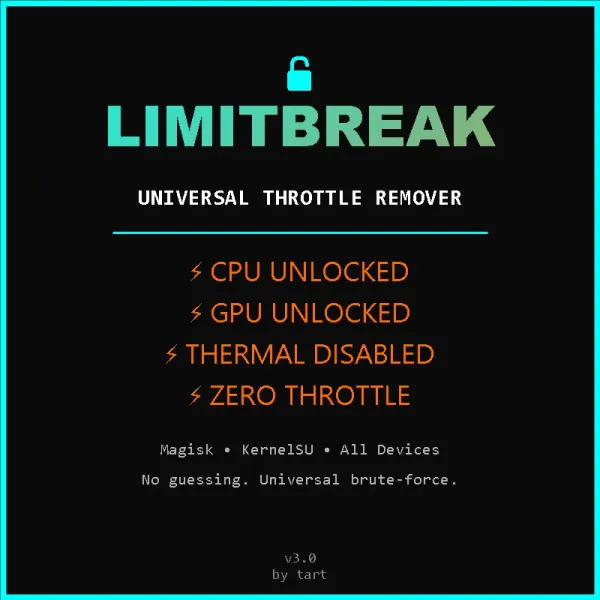
LimitBreak Module is a systemless Android root utility that removes all CPU, GPU, and thermal throttling across any supported device. It sustains maximum processor clock speeds during heavy loads without permanently altering core system partitions.
Technical Details:
This module operates by disabling restrictive hardware thermal limits and preventing automatic frequency scaling on both the CPU and GPU. It executes through a fully encrypted binary architecture to protect the internal codebase and prevent unauthorized script copying. Users rely on this systemless implementation to maintain peak hardware output without triggering factory temperature downclocking.
Core Features of LimitBreak Module:
- CPU Unthrottling: Removes processor frequency caps to maintain peak computational speed.
- GPU Unthrottling: Stops graphics rendering slowdowns during demanding workloads.
- Thermal Control: Disables temperature-based performance restrictions on any compatible device.
- Encrypted Codebase: Uses full script encryption to secure files and prevent copying.
Support & Requirements:
Compatible with all modern Android operating systems and devices using Magisk, KernelSU, or APatch.
How to Install LimitBreak Module:
- Download the LimitBreak Module .zip file to your internal storage.
- Open your root manager app (Magisk, KernelSU, or APatch) and go to the Modules menu.
- Tap "Install from storage" and select the downloaded archive.
- Reboot your device once the flashing process completes.
Disclaimer: The module files are fully encrypted to prevent unauthorized copying, and disabling thermal throttling will increase device heat during heavy usage.
Reviews (0)
No reviews yet. Be the first to review!