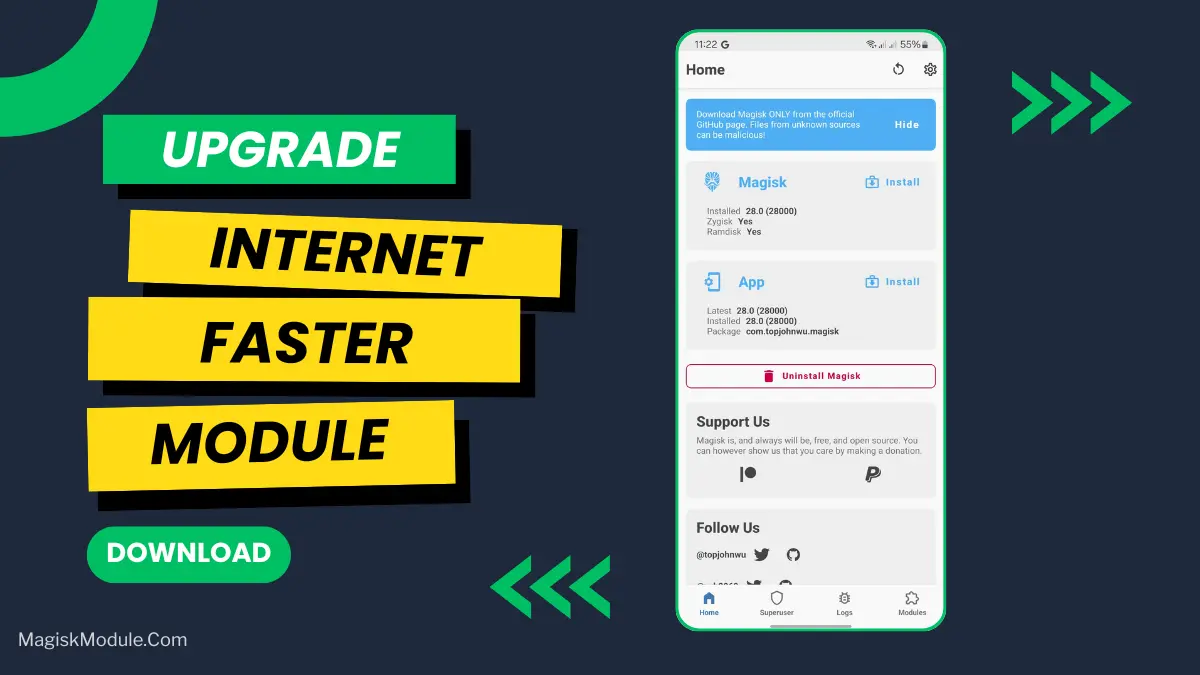
Internet Faster
Developed by @Maestro Frenlin Lekatompessy
Step-by-Step Installation:
-
Ensure Root Access: The first prerequisite is having root access via a custom recovery.
-
Install via Magisk Manager:
Open the Magisk Manager.
-
Tap on the “Modules” section.
-
Click “Install from Storage” and locate the geted file.
-
Confirm the installation and allow the module to apply the necessary changes.
-
Reboot Your Device: After installation,** reboot your device** to activate the module.
Modul untuk mempercepat koneksi internet mu yang di hp kecepatan nya tidak sesuai dengan yang ada di router utama, contohnya kamu berlangganan wifi sebesar 75mbps, ketika di speedtest di hp mu, hanya mampu menghasilkan kecepatan 43mbps, cara atasi nya dengan modul magisk ini, agar kecepatan internet nya, sama seperti router utama mu 75mbps.
petunjuk penggunaan : pasang modul magisk ini seperti biasanya, jika di pasang gagal biarkan saja jangan di hapus, itu menandakan modul ini sedang bekerja untuk memperbaiki internet di hp yang lambat.