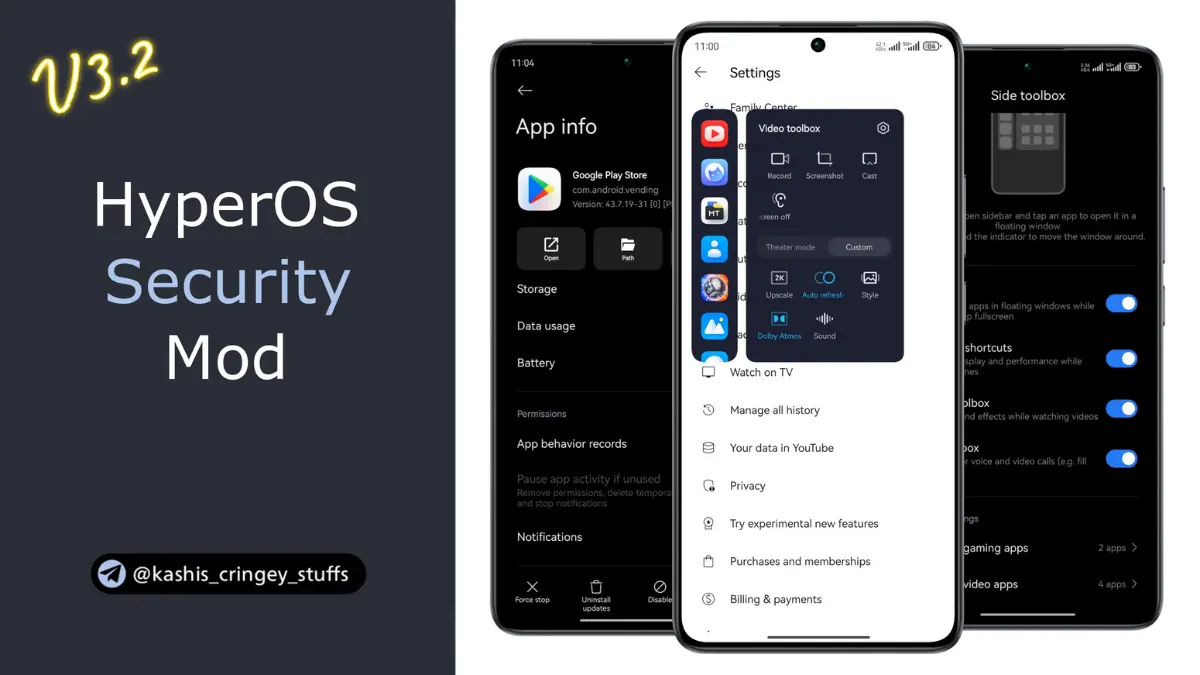
HyperOS Security Center
Developed by @Shakil_WebDev
The HyperOS Security Center module by Kashi is a Magisk modification that expands the default Xiaomi security app. It unlocks hidden features, bypasses restrictive root detection, removes account dependencies, and provides deep customization options for system app management and gaming.
I flashed this module to get around the restrictive default settings, and it instantly handed me deeper control over my battery statistics and app privacy. Testing the added Game Turbo media controls and hiding stubborn system apps worked perfectly without throwing any root warnings.
Features
- Unlocked Limitations: Removes the native root detection service and completely drops the need for a SIM card or Xiaomi account.
- Game Turbo: Adds dedicated media controls directly inside the gaming overlay so you can handle playback easily.
- App Privacy: Lets you hide pre-installed system tools while enabling the incognito tile for global users.
- Advanced Battery: Shows incredibly detailed screen consumption metrics alongside fresh power usage information.
- Network Control: Grants full Wi-Fi access management over built-in software that is normally locked down.
Support & Requirements
- Root Type: Magisk
- OS Compatibility: HyperOS (Note: Global and CN ROMs based on Android 14 or higher require you to disable APK verification first).
How to Install
- Download the module
.zipfile from the official releases page. - Open your Magisk app, navigate to the Modules tab, and flash the file.
- Reboot your device to apply the system changes.
Why Download This Module?
Stock Xiaomi software often hides its best tools behind regional blocks or forces you to sign in. Flashing this mod puts the control back in your hands. You can bypass tracking services, manage storage effectively using unlocked File-Based Optimization (FBO), and set up your phone exactly how you want it.