
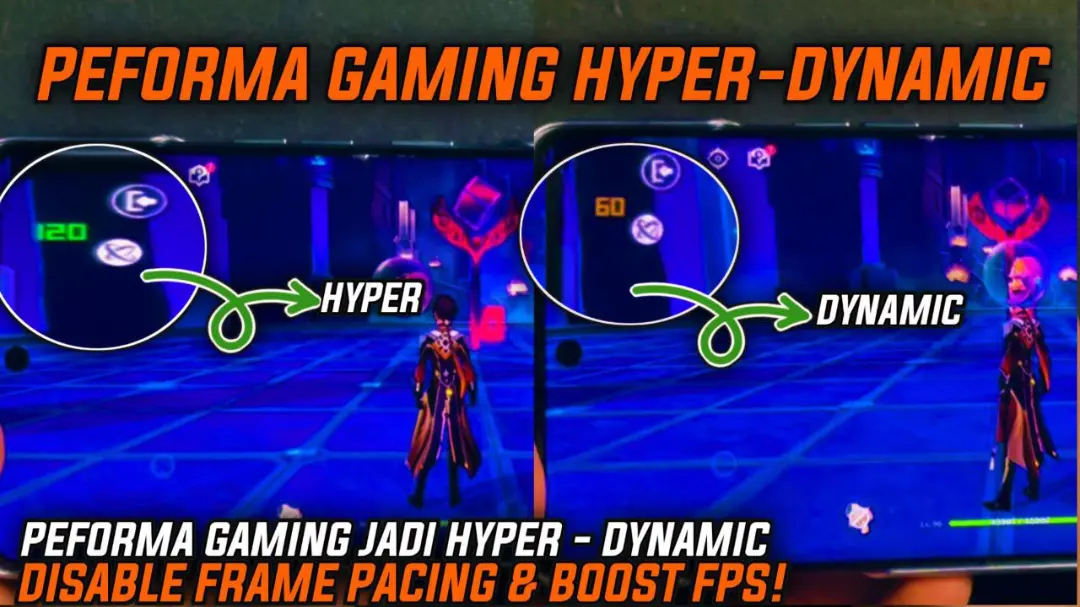
Hyper Dynamic Fps
Developed by @LIMITGAMING
DownloadDls
VersionVer
v5.0
Size
512.00 KB
UpdatedDate
3 Sept 2026
hyper-dynamic-fps.md
Anyone else noticed that sometimes your finger swipes and shoots at the exact moment the game freezes up for half a second? It's like your phone turns against you when you need it to perform the most.
I bought the Hyper Dynamic FPS module and it's amazing! At first I was worried it would mess up the game but it actually just optimizes it really well for my phone, way better than I was getting before. It really feels like the game is supposed to play like this.
Features
- Buttery-smooth gameplay with seriously stable FPS.
- Low lag and zero frame drops. Good riddance to those annoying stutters.
- Faster touch processing for a more responsive experience.
- Dynamic boosting: Kicks in during heavy action for maximum effect.
- Cooler temperatures even in long gaming sessions.
- Intelligent power consumption for longer game play.
This is essentially an upgrade for your games in a box. It makes playing games smooth again!





