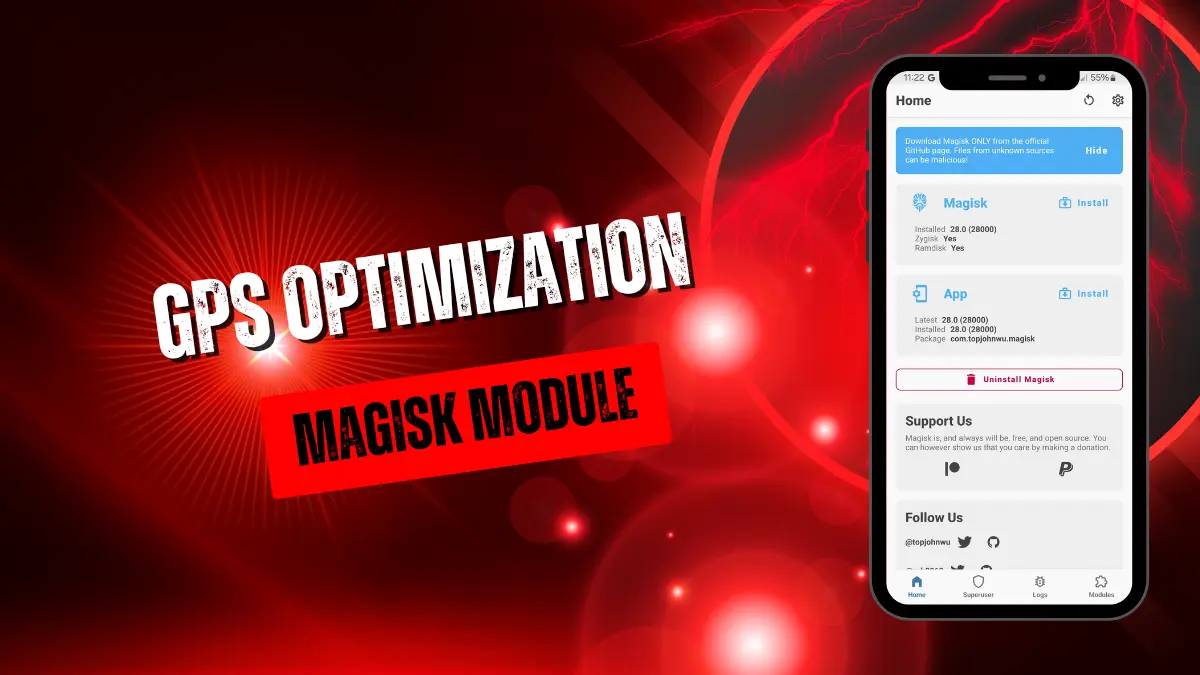
gps-optimization.md
The DEMONNICA GPS Optimization module replaces misconfigured Android system location files with optimized versions. It accelerates cold, warm, and hot starts by enabling multi-satellite support, configuring assisted GPS servers, and automatically refreshing ephemeris data to lock onto location signals much faster.
I flashed this module while struggling with severe GPS lock delays while driving through dense city blocks. After installing it, my location fixed almost instantly on Google Maps because the module bypasses faulty stock files and connects to multiple satellite arrays like GLONASS and Galileo instead of just relying on GPS.
Core Features
- Boosts startup times across cold, warm, and hot boots by reconfiguring core system files.
- Enables multi-satellite arrays including GPS, GLONASS, BeiDou, Galileo, QZSS, and SBAS for maximum coverage.
- Refreshes satellite ephemeris automatically on every boot to ensure the accuracy of the data.
- Configures assisted servers to help your phone grab a location fix faster in tough spots.
Support & Requirements
- Android Version: Minimum Android 10 (SDK 29).
- Root Access: Requires Magisk, KernelSU, KernelSU Next, APatch, SukiSU, or their variants.
- Recommended: Use Meta — Hybrid Mount for system file overlay support to get the best results.
How to Install
- Download the GPS Optimization
.zipfile from the repository. - Open your preferred root manager (Magisk, KernelSU, or APatch) and go to the Modules tab.
- Select "Install from storage," flash the
.zip, and reboot your device.