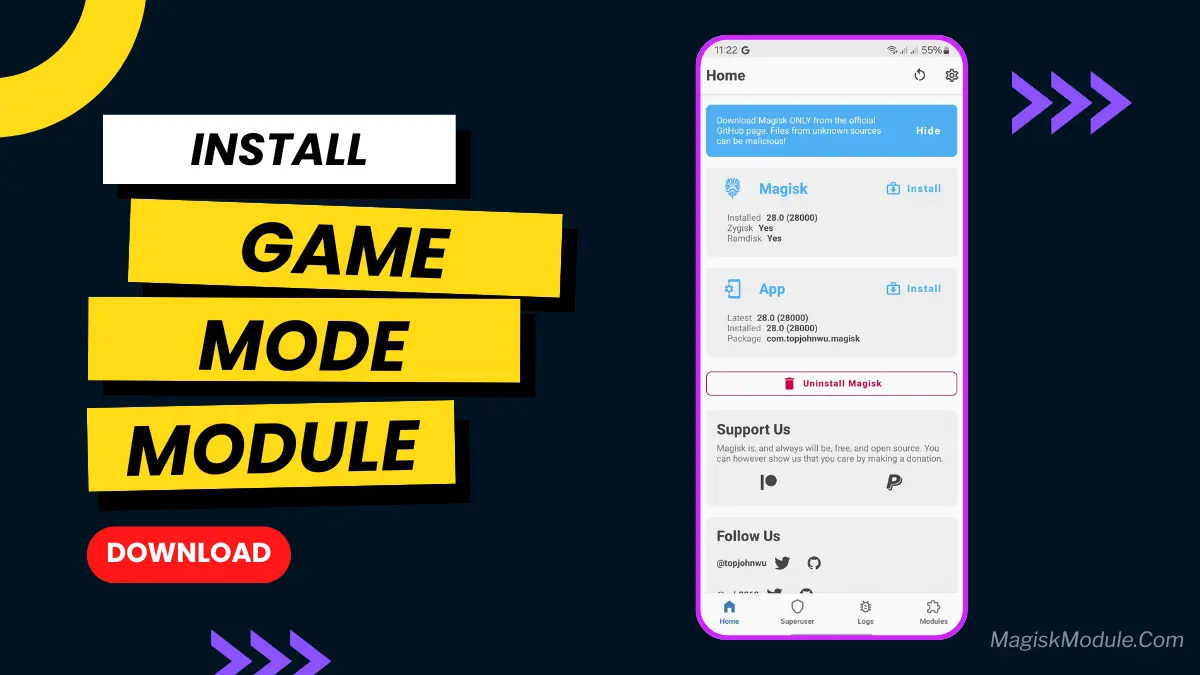
game-mode.md
Game Mode is a root module designed to improve mobile gaming performance on Android devices. It temporarily halts background tasks, reallocates CPU and GPU power directly to active games, and blocks incoming notifications to eliminate frame drops and unexpected lag spikes.
Testing this during intensive PUBG matches, I noticed an immediate drop in micro-stutters because the script stopped background apps from syncing in the middle of firefights. You get noticeably steady frame rates and zero notification pop-ups breaking your focus.
Core Features
- Aggressive memory clearing halts non-essential background processes to free up RAM.
- Hardware priority pushes CPU and GPU frequencies higher the moment a game launches.
- Focus Mode+ silences pop-up notifications and blocks background network hogs.
- Dynamic resource distribution maintains stable frame rates during long gaming sessions.
Support & Requirements
- Root Solution: Magisk (v24.0+), KernelSU, or APatch
- Android Version: Android 9.0 up to Android 14+
- Architecture: ARM64
How to Install
- Download the Game Mode .zip file to your phone's internal storage.
- Open Magisk, KernelSU, or APatch, go to the Modules tab, and select Install from storage.
- Flash the downloaded .zip package and reboot your device when prompted.