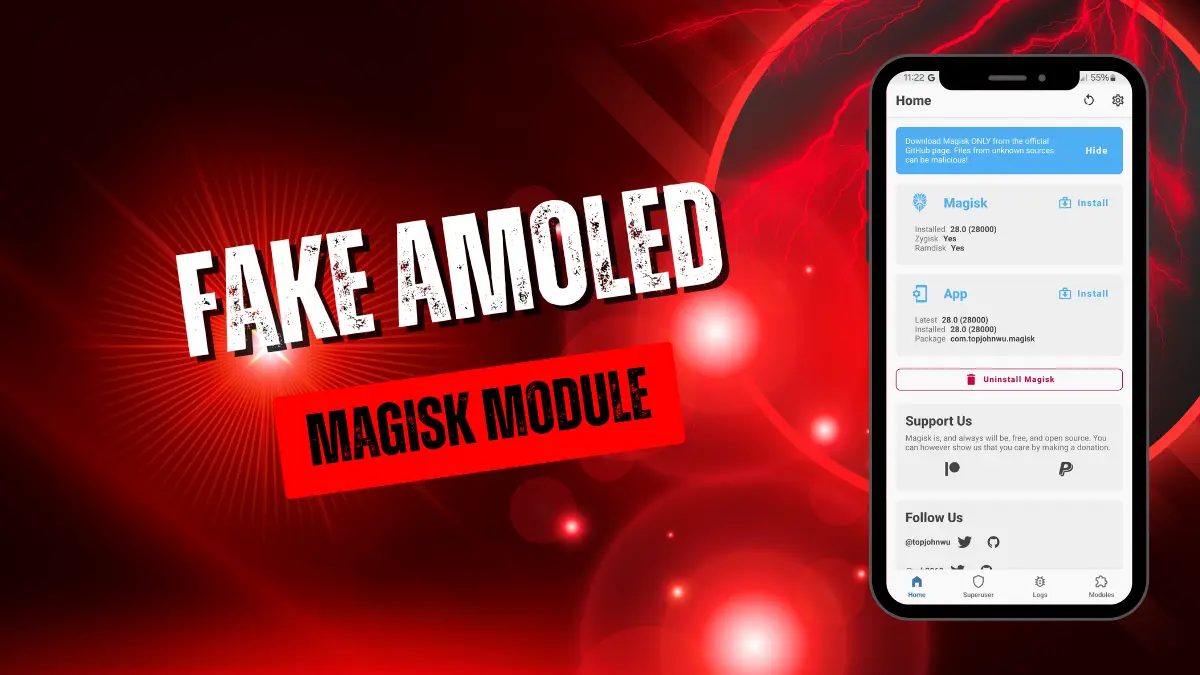
fake-amoled.md
The Hook
The Fake Amoled Magisk module is a systemless display modification designed for Android devices with LCD screens. It manipulates color profiles and contrast settings to simulate the deep blacks and vibrant colors of an AMOLED panel, improving visual quality and saving battery.
My Experience
I installed this on an older LCD phone, and the difference in dark mode is actually impressive. Under the hood, it tweaks system-level color calibration to force deeper black levels, which immediately made reading at night much easier on my eyes. You get noticeably richer media playback without heavy battery drain.
Core Features
- True black simulation by dynamically adjusting your screen's contrast and color profiles to mimic AMOLED panels.
- Reduced battery drain because it forces darker pixels across the UI, cutting down on unnecessary backlight usage.
- Adjustable visual settings that let you tweak the intensity and color balance to match your personal preference.
Support & Requirements
- Supported Android Versions: Most Android versions compatible with modern root solutions.
- Root Requirement: Magisk (Custom recovery required for initial setup).
How to Install
- Open the Magisk app and tap on the Modules section at the bottom.
- Choose "Install from storage" and select the Fake Amoled .zip file.
- Tap reboot once the flashing process finishes to apply the display changes.