| File Name | Enable Screenshot |
|---|---|
| Size | 20KB |
| Version | v4.3.0 |
| Category | Lsposed Modules |
| Android requirement | + 6.0 |
| Published By | aviraxp |
| Rating | 4.9 / 5 |
| Price | Free |
Get Link
Step-by-Step Installation:
- Make sure you have LSposed installed on your device.
- Install modules as regular apps.
- After installation:
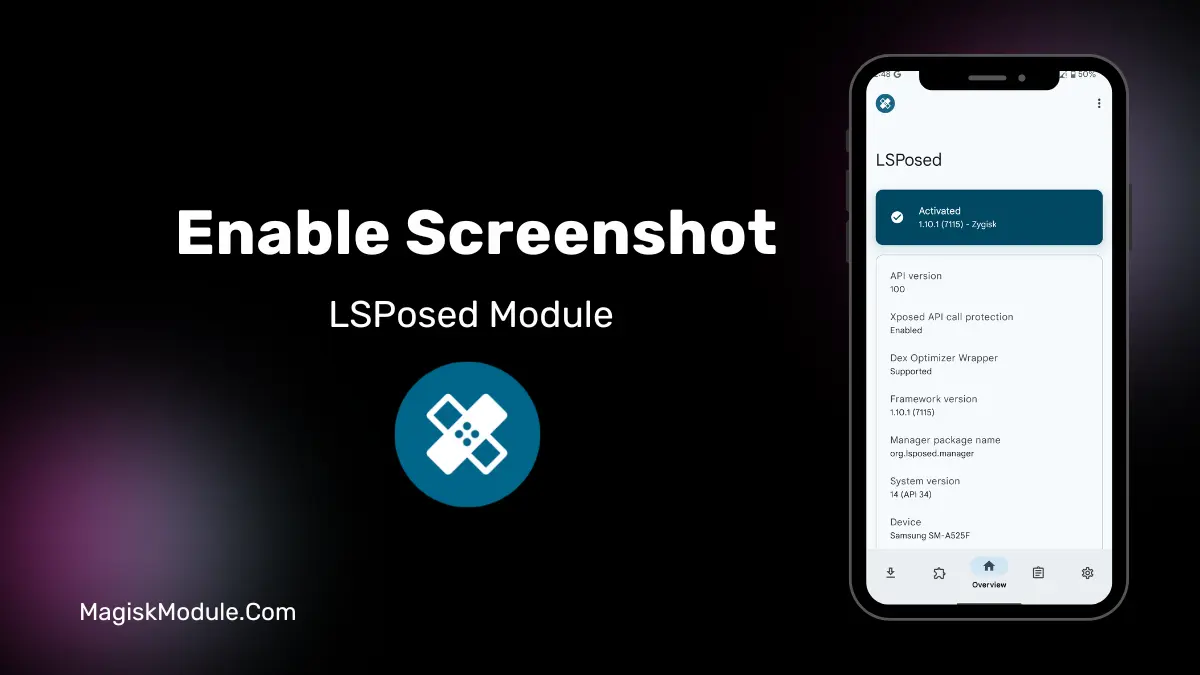
- Open the LSPosed Manager.
- Tap on the “Modules” section.
- Click the module you installed.
- Tick the enable switch.
- Select apps to which the modules should apply. [Most of the modules now support displaying recommended scope, which LSPosed will select automatically]
- Reboot Your Device
You know the struggle. You need to snap a screenshot of an error message in your banking app, or save a recipe from a streaming service, and boom, you get that annoying “Can’t take screenshot due to security policy” message. I’ve been there. It’s frustrating when a useful feature gets locked down. If you have a rooted Android with LSPosed, there’s a neat fix.
What’s Blocking Your Screenshots?
It’s a system flag called FLAG_SECURE. Apps like banking, private chats, and some streaming services use it to prevent screenshots and recordings. It’s for security, sure, but sometimes you have a legit reason to capture your own screen.
How This Module Works (Simply Put): This Xposed module for LSPosed tackles that flag. It works at the system level to essentially tell your phone, “It’s okay, let the screenshot through.” You can target specific apps, so it’s a surgical tool, not a blanket permission.
Here’s what it can unlock:
- Enable screenshots on secure apps (Facebook, WhatsApp, etc.)
- Capture images in Secure Folder and Incognito Mode
- Bypass restrictions on streaming, government, and password manager apps
- Allow screen recording where it’s normally blocked
- Use selected app targeting for system-wide control
Last week, my banking app glitched during a transfer. I needed proof for customer support but couldn’t screenshot the error. With this module targeting just that app, I captured it, sent it, and solved the issue in minutes. It’s for moments like that.
Important Note & My Opinion: This power needs responsibility. Please, don’t use this to violate terms of service, invade privacy, or share sensitive info. It’s a tool for personal utility and troubleshooting. I find it invaluable for documenting bugs or saving non sensitive info from apps that block it unnecessarily.
Final Thought: If you’re rooted and use LSPosed, this module removes a pointless limitation. It gives you control back over your own device’s basic function. Just get it from trusted developer sources like the Github.
FAQ
Is this module safe to use?
It’s safe for your device if installed correctly via LSPosed. However, bypassing app security can be against some apps’ terms of service.
Do I need a rooted phone?
Yes. This requires a rooted Android device with the LSPosed framework installed.
Will it work on all apps?
It works on most apps using the standard FLAG_SECURE method, but some apps with deeper custom protections might still block captures.