
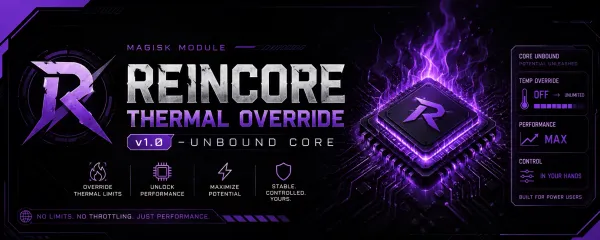
Reincore Thermal Override
Verified Release by @Reincore
StatusSts
Safe
VersionVer
v1.0.0
Size
< 10 KB
UpdatedDate
18 May 2026
By downloading, you agree to our terms of service.
How to Install
- 1. Download the Reincore Thermal Override file above.
- 2. Open your Module Manager (Magisk / KernelSU / APatch).
- 3. Go to the Modules section and tap on "Install from storage".
- 4. Select the downloaded file and wait for the process to finish, then reboot.





