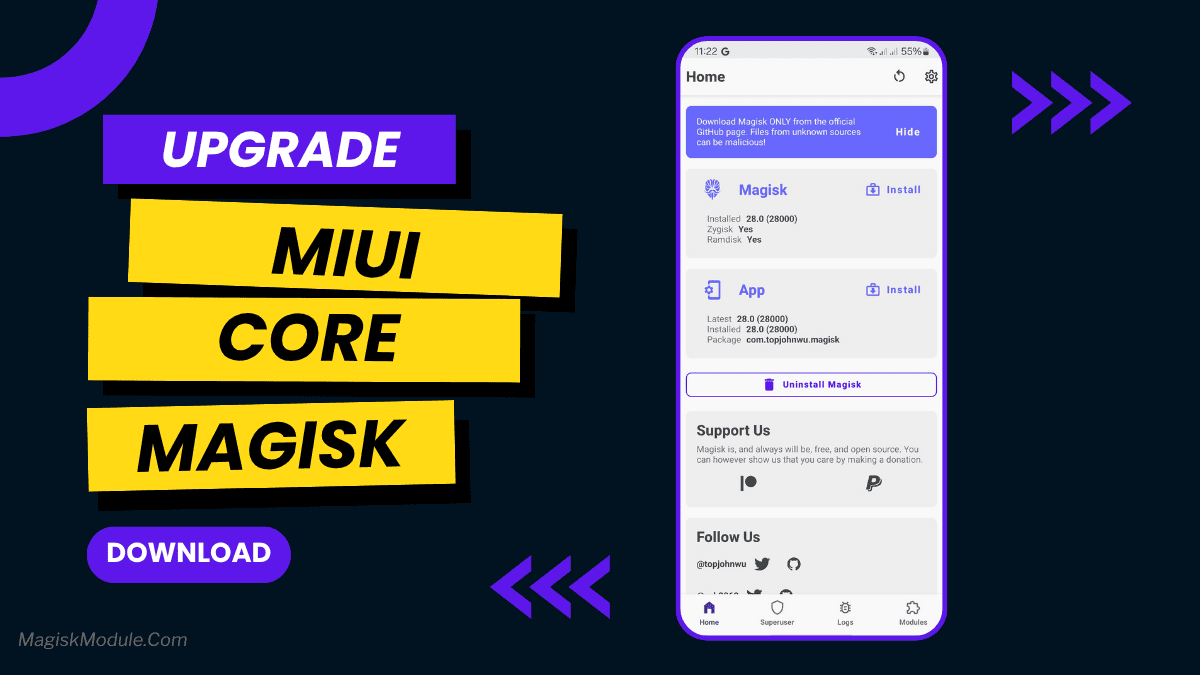
download-miui-core.md
Miui Core is a systemless Magisk module that ports Xiaomi's core framework libraries to any Android device. It acts as a mandatory base dependency, allowing non-MIUI users to safely install and run exclusive MIUI applications and interface modifications without flashing a custom ROM.
I flashed this on my daily driver running an AOSP ROM just so I could get Xiaomi's stock Gallery and Screen Recorder apps working properly. It runs quietly in the background injecting the necessary framework classes, and I've noticed the included wakelock blockers doing a solid job of keeping idle battery drain down while the phone sleeps.
Core Features
- Systemless framework injection safely adds MIUI classes directly to your operating system without permanently overwriting native partitions.
- Satisfies core dependencies so you can successfully run ported Xiaomi modules like Mi Music or App Vault on stock Android.
- Battery preservation tweaks actively block rogue wakelocks and force deep sleep states to keep your device running efficiently.
- Customizing the UI brings rounded corners and specific status bar modifications straight from the MIUI ecosystem to your current setup.
Support & Requirements
- Supported Android: Android 5.0 and above
- Root Type: Magisk, KernelSU, Apatch, or Kitsune Mask required
How to Install
- Download the Miui Core .zip file to your internal storage and open your root manager app.
- Navigate to the Modules section, select "Install from storage," and flash the file.
- Reboot your device completely before attempting to install any dependent MIUI apps.