DetoxDroid is an opt-out digital wellbeing application that establishes a distraction-free phone as your default state. By dimming screens, muting notifications, and interrupting doom-scrolling, it actively limits screen time. Leveraging Shizuku, it modifies system-level color filters to enforce true grayscale.
Technical Overview of DetoxDroid
DetoxDroid utilizes the WRITE_SECURE_SETTINGS permission granted via Shizuku or wireless ADB to directly modify the Android system color filter and activate Extra Dim functionality. This approach allows the software to enforce true system-wide grayscale and bypass standard permission dialogs without the security risks associated with a fully rooted device. Running alongside an active accessibility service, the background process continuously monitors and interrupts prolonged scrolling sessions while maintaining a restrictive environment.
Core Features of DetoxDroid
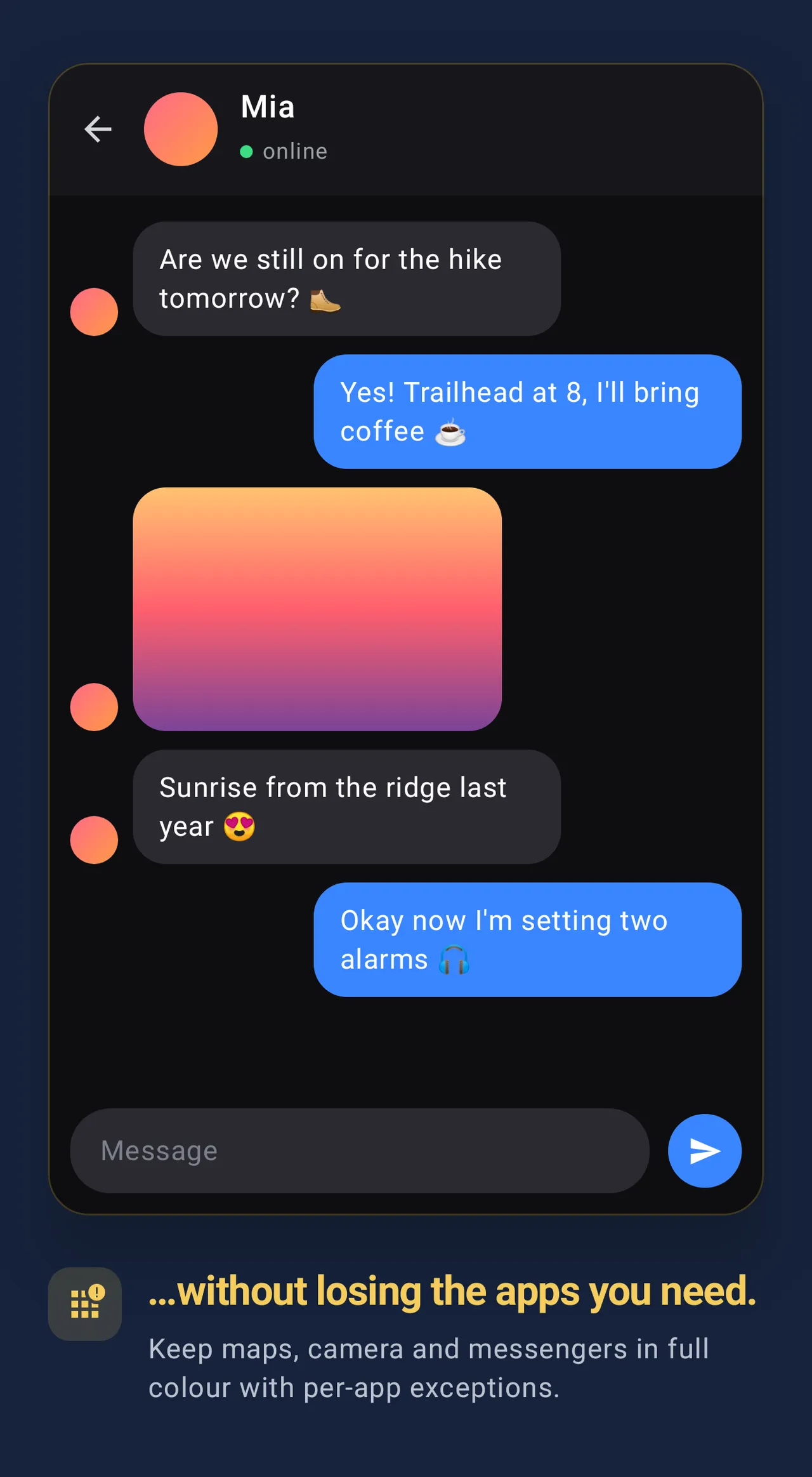
- Boring App Overlays: Forces grayscale, dimmed, and blurred filters onto targeted applications, utilizing true system color manipulation on Android 12+ hardware.
- Doom Scrolling Interruption: Monitors extended usage sessions actively, breaking continuous scrolling behavior and locking the active feed for a mandatory cooldown period.
- App Deactivation Engine: Blocks specific software behind warning screens or deactivates targets entirely, stripping away launcher icons and notifications using daily time budgets.
- Default DND Mode: Enforces a continuous Do Not Disturb state while active, managing intentional screen breaks through a pause button in Quick Settings.
Compatibility & Quick Setup
This software supports modern Android operating systems, with application blurring features and restricted usage data settings requiring Android 12 or newer, alongside an active Shizuku environment for true grayscale manipulation. Install the release APK, grant the requested accessibility service rights, and complete the built-in Shizuku wizard to authorize secure settings modifications.