| File Name | Corvette |
|---|---|
| Size | 1MB |
| Version | GameDriver |
| Category | Magisk Modules | AxManager |
| Android Requirement | + 6.0 |
| Published By | @vennec |
| Rating | 4.9 / 5 |
| Flash Via | Magisk, APatch, AxManager |
Get Link
How to Use Root Users?
- Ensure Root Access: The first prerequisite is having root access via a custom recovery.
- Install via Magisk Manager:
- Open the Magisk Manager.
- Tap on the “Modules” section.
- Click “Install from Storage” and locate the geted file.
- Confirm the installation and allow the module to apply the necessary changes.
- Reboot Your Device: After installation, reboot your device & KSUWebUi Recommended to activate this.
How to Use Non-Root Users?
- Active AxManager: First, you need to make sure it is active.
- Install via AxManager:
- Open the AxManager.
- Tap on the “Plugin” section.
- Click “Install from Storage” and locate the geted file.
- Confirm the installation..
- Reboot Your Device After installation.
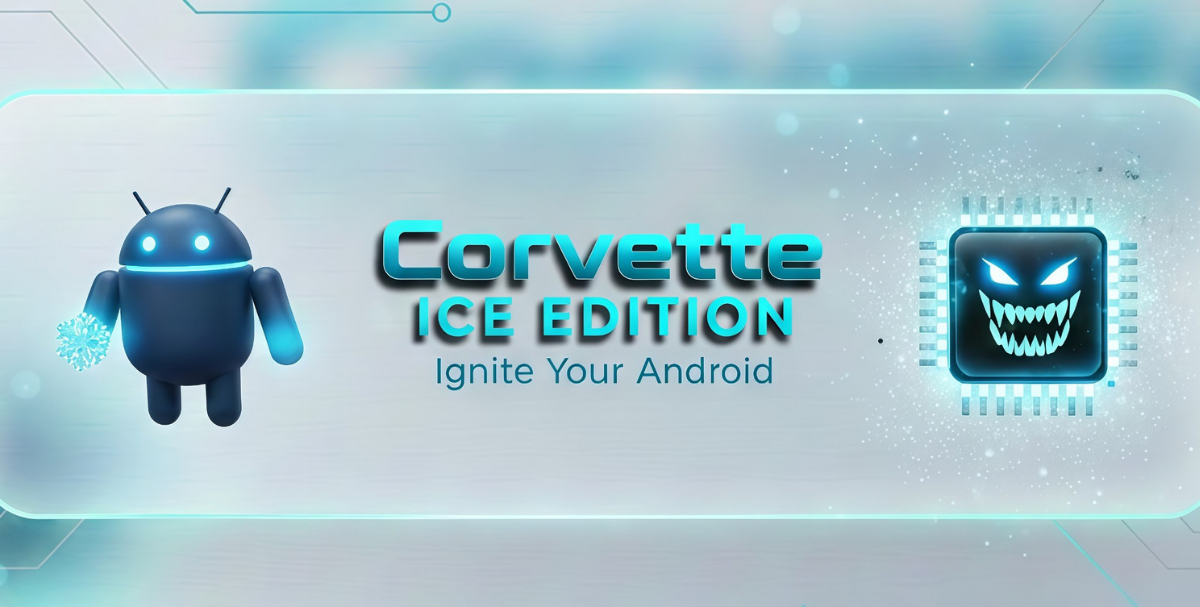
So, has your phone ever become absolutely scorching hot in the first few minutes of play in even moderately graphics-intensive games? It certainly used to with mine, and it would be followed shortly by ridiculous lag. Corvette Magisk Module fixed that for good. Imagine that a tech with years of experience knew exactly what had to be tweaked, under the hood, of your phone and made those changes for you—except without charging a cent.
Tuning the kernel for optimal performance by means of thermal management, GPU optimization, memory management and I/O settings, all while maintaining system safety and battery monitoring.
Perfomance and Stabilty Module This module primarily serves two purposes: Reading hardware information (model, CPU, GPU and RAM) and applying a stack of kernel and system modifications to improve the way the device manages power.
Trickle down to the system level and you’ll enjoy a more balanced, cooler and highly responsive system. Try it and you’ll see the difference for yourself.
Features
- Kernel-level thermal management: Your phone doesn’t burn up when you are in the middle of a long gaming session.
- Advanced GPU optimization: Games look and feel smoother. It’s an awesome feature that really shows off the power of a fast GPU.
- Swifter memory aid application launching. – Applications will now open more quickly and remain active in the background to further aid your memory.
- Smart battery monitoring: Helps prolong battery life even when used extensively.
- Changes that actually matter for you: Performance tweaks that made everything snappier than ever.
- Fewer system crashes and hiccups meaning your device is more stable.
No adjustments necessary. Our proprietary algorithm ensures optimized tonal balance for the best possible sound quality.