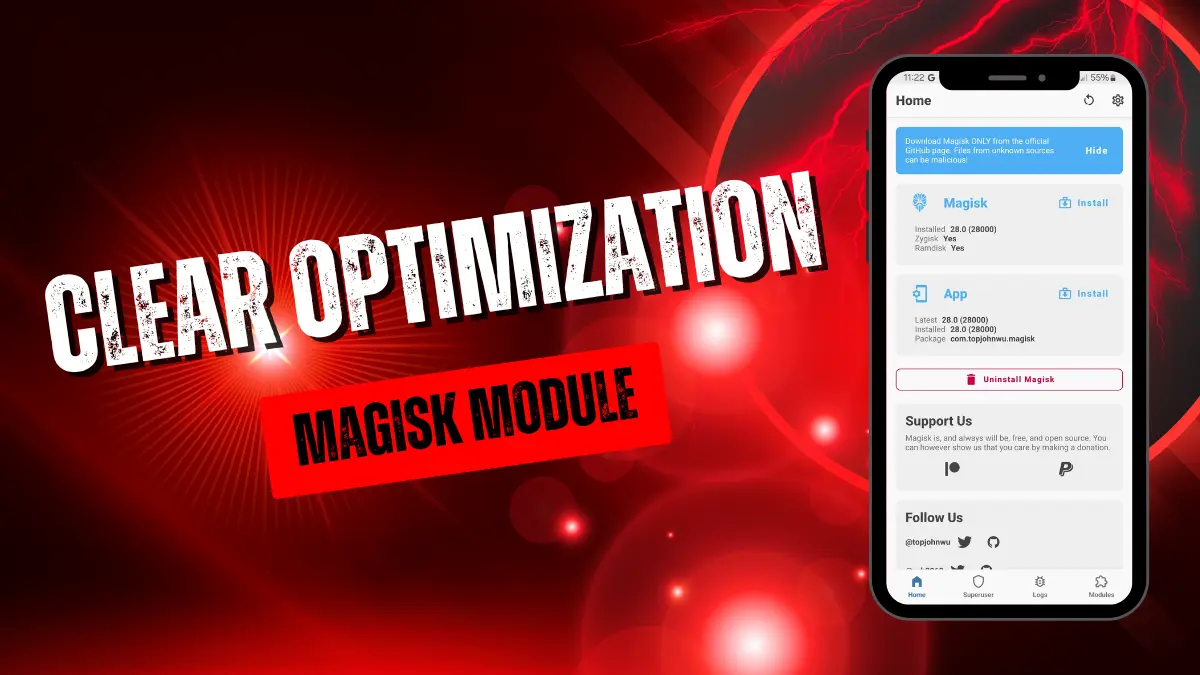
The Clear Optimization Magisk Module is a system-level cleaner that uses root access to delete hidden junk files, crash logs, and outdated caches. It frees up storage space and speeds up device performance by aggressively targeting directories standard cleaning apps cannot reach.
Under the hood, this module uses root permissions to wipe bloated Dalvik caches and useless tombstone files, forcing your ROM to rebuild app data from scratch. I flashed it on an older device and immediately reclaimed gigabytes of wasted space, noticeably cutting down on annoying UI lag and slow boot times.
Core Features
- System junk removal clears out residual APKs, ad caches, and corrupted downloads hidden in the
/data/local/tmpdirectory. - Dalvik wiping forces the Android system to generate fresh optimization data for your recently updated apps.
- Log purging tackles massive Dropbox files and crash logs to kill unnecessary background processes.
- Storage recovery targets empty folders, hidden thumbnails, and temporary files taking up valuable SD card space.
Support & Requirements
- Android Versions: Android 7.0+
- Root Requirement: Magisk, KernelSU, or APatch
How to Install
- Open your Magisk, KernelSU, or APatch manager app.
- Go to the Modules tab and select "Install from storage" to flash the downloaded .zip file.
- Reboot your phone to let the system rebuild its cache.
Note: To trigger the cleanup process manually via terminal, open Termux, type su, press Enter, and then type CLEAR.