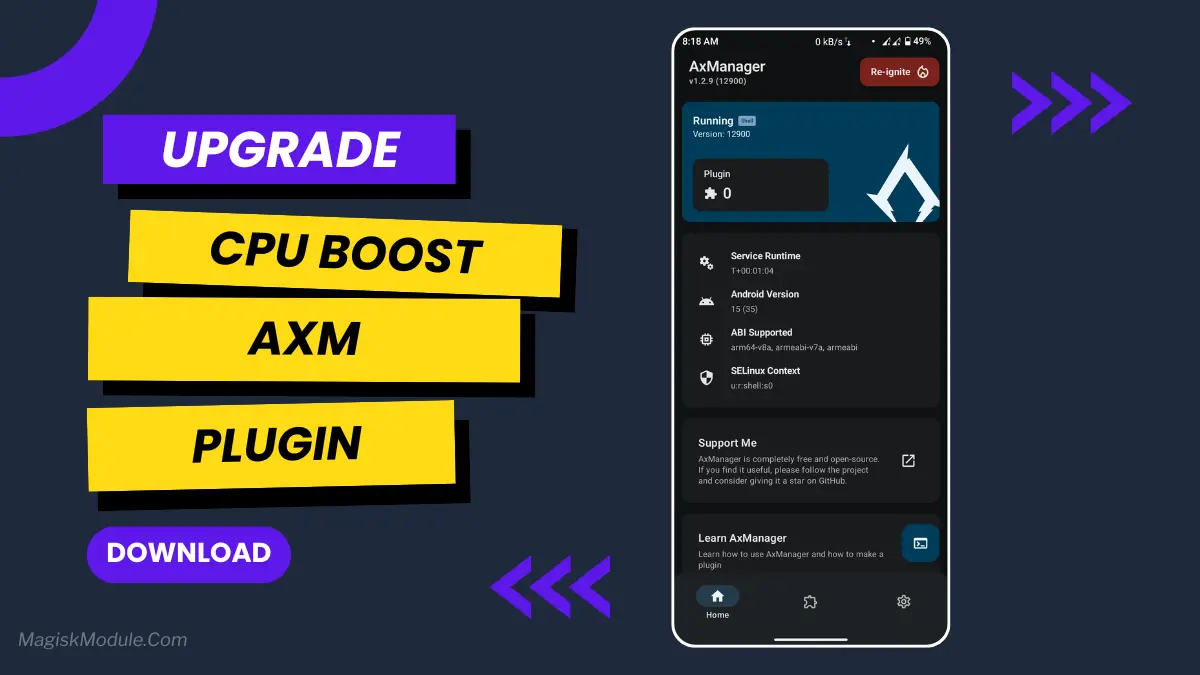
axmanager-cpu-boost-plugin.md
The AxManager CPU Boost Plugin is a performance utility designed to dynamically scale processor frequencies during heavy workloads. It actively manages runtime behavior to suppress thermal throttling, ensuring your hardware maintains maximum computing power for demanding games and intensive applications.
I usually trigger this plugin before jumping into competitive matches to lock in a stable frame rate. Under the hood, it aggressively handles temperature limits in the background, which completely eliminates the random micro-stutters you normally see when switching between heavy apps.
Core Features
- Forces CPU scaling to temporarily push peak processor frequencies right as demanding apps launch.
- Aggressively curbs thermal throttling through its internal Z-Bloom management, letting your phone sustain high speeds much longer.
- Noticeably boosts framerates during intense gaming sessions so you get a consistent competitive edge.
- Heavy UI interactions, such as exporting video edits or scrolling media feeds, run fast without the usual system lag.
Support & Requirements
- Supported Android Versions: Android 8.0 and above (Android 10+ recommended).
- Environment Requirement: AxManager activated in Non-Root mode (via ADB Wireless Debugging).
How to Install
- Open the AxManager app and verify your environment is active.
- Navigate to the Plugin section and tap the option to install a new module.
- Select your downloaded CPU Boost .zip file, let the script finish flashing, and restart the system.