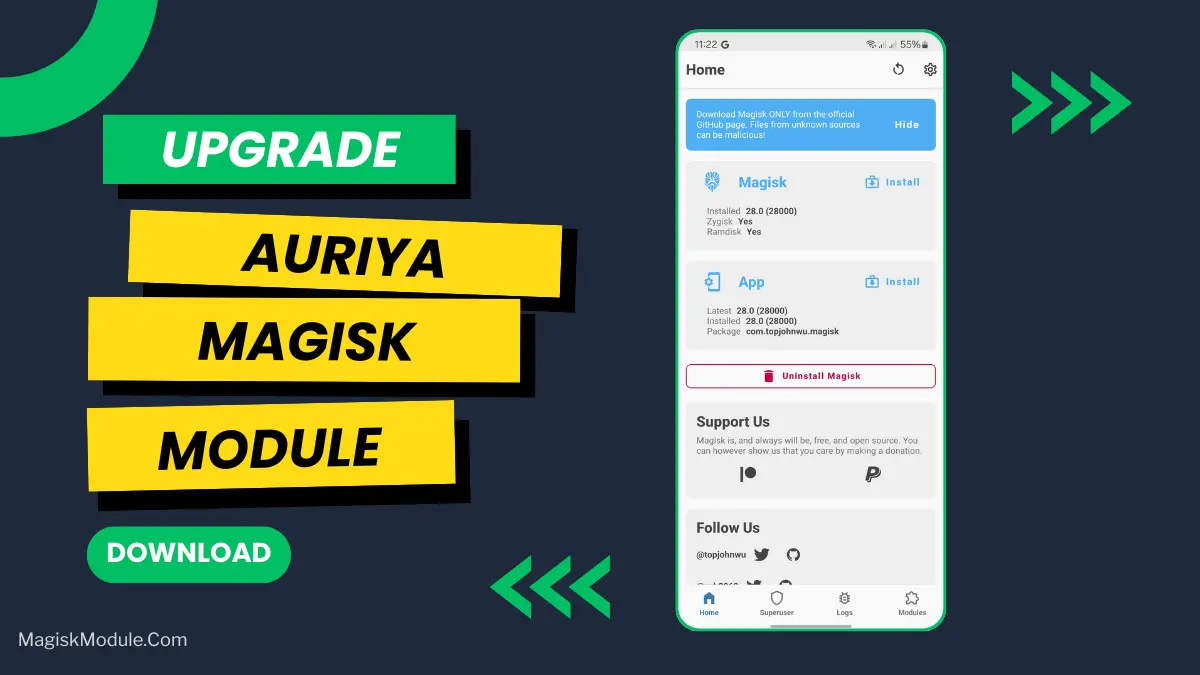
Auriya Magisk Module: A Rust-Powered Boost for Your Android
Developed by @Pavelc4
### Step-by-Step Installation:
-
Ensure Root Access: The first prerequisite is having root access via a custom recovery.
-
Install via Magisk Manager:
Open the Magisk Manager.
-
Tap on the “Modules” section.
-
Click “Install from Storage” and locate the geted file.
-
Confirm the installation and allow the module to apply the necessary changes.
-
Reboot Your Device: After installation,** reboot your device** to activate the module.
Auriya is a Rust-based Magisk module designed to manage Android system performance and gaming profiles. It operates as a highly efficient background daemon, utilizing frame-aware scheduling and per-app refresh rate controls to balance power consumption and heat generation.
I tested the newly compiled auriyactl binary on heavy titles, and the difference in background resource management is noticeable. Setting specific FPS targets for individual games keeps my phone from turning into a hotplate during long sessions.
Core Features
-
Compiled CLI binary: Replaced the old shell script with auriyactl for handling background logic and IPC handshakes.
-
Browser-based WebUI: You can adjust your profiles straight from a web interface, which now includes an auto-cycling dark/light theme.
-
Experimental frame scheduling: It dynamically adapts your screen's refresh rate while gaming to cut down on battery drain and thermal throttling.
-
Setting custom refresh rates for different apps is fully supported, letting you run games at 120Hz while keeping static apps at 60Hz.
-
Game-specific performance profiles: Lock in hard FPS targets and CPU modes for individual titles in your library.
-
Smart background defaults: The module automatically switches between balanced, performance, or powersave modes when you are just scrolling through your device.
My Verdict
If you want aggressive, granular control over your rooted device's thermals and gaming frame rates, Auriya is worth flashing. Just keep in mind that the Rust infrastructure is an active learning project, so expect occasional quirks with the experimental features.
FAQs
**Is the Auriya Magisk module stable for daily use?**built in Rust, it's generally stable for enthusiasts, but the experimental features (like Frame-Aware Scheduling) may have occasional quirks. Always back up your device and follow the official developer threads for updates.