| File Name | Equalizer sound effect |
|---|---|
| Size | 16.6MB |
| Version | v6.6 |
| Category | Magisk Modules |
| Android requirement | + 6.0 |
| Published By | reiryuki |
| Rating | 4.9 / 5 |
| Price | Free |
Get Link
Step-by-Step Installation:
- Ensure Root Access: The first prerequisite is having root access.
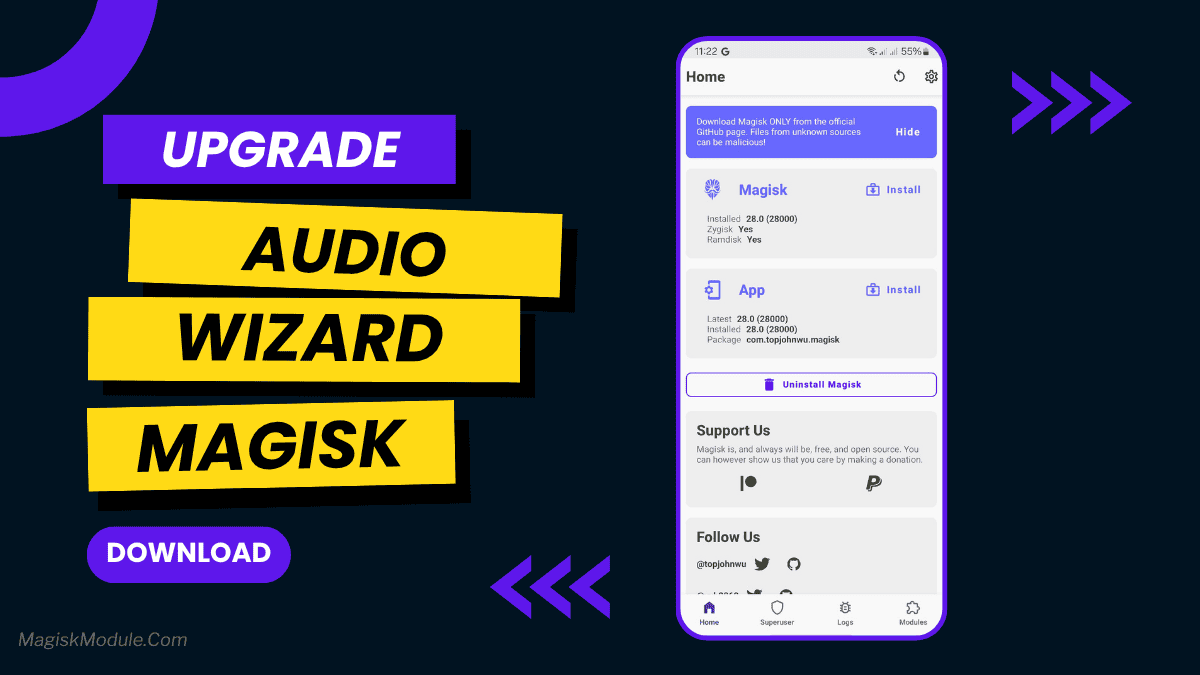
- Install via Magisk Manager:
- Open the Magisk Manager.
- Tap on the “Modules” section.
- Click “Install from Storage” and locate the geted file.
- Confirm the installation and allow the module to apply the necessary changes.
- Reboot Your Device: After installation, reboot your device to activate the module.
Let’s be honest: stock Android audio often feels like you’re listening to music through a thick wool blanket. I’ve tried countless “sound boosters” that just make things louder and more distorted, but nothing really hit the spot until I flashed the Audio Wizard DTS:X Ultra port.
This isn’t just a basic equalizer. It’s a full-blown audio engine pulled straight from the legendary Asus Zenfone 6. I’ve been using this module on my daily driver for a while now, and the difference is night and day, especially when I’m playing FPS games or watching movies late at night. It actually makes your phone sound like a premium device instead of a budget tin can.
Why You’ll Love These Features
If you’re running Magisk, KSU Next, or APatch, you can install this in seconds. Here’s exactly what it brings to your ears:
- Immersive 3D Surround Audio: Whether you’re on headphones or using your phone’s speakers, it creates a massive spatial feel.
- Enhanced Bass & Clarity: You get that deep, punchy low-end without losing the crisp details in the vocals.
- Optimized Audio Profiles: You don’t have to fiddle with sliders constantly; just toggle between Music, Movie, or Gaming modes.
- Improved Soundstage & Accuracy: I noticed I could actually “place” where instruments were in a track.
- Low-Latency Gaming: This is huge for competitive play. You hear footsteps exactly when they happen, no annoying lag.
- Cleaner Vocals: Even at max volume, the distortion is way lower than stock.
- System-Wide Enhancement: It works across everything, YouTube, Spotify, Netflix, you name it.
- Better Headphone Balancing: It tunes the output specifically to keep your ears from getting fatigued.
My Real-Life Experience
When I first installed this via Magisk Manager, I went straight to my favorite bass-heavy playlist. The “DTS:X Ultra” toggle isn’t a gimmick; it genuinely expands the sound field. In Call of Duty Mobile, the directional accuracy felt like I was wearing a high-end gaming headset even when I was just using my earbuds.
It’s logical, Asus spent a lot of money tuning the Zenfone 6 hardware, and this port lets us steal that “secret sauce” for our own phones. If you want a cleaner, louder, and more professional sound, don’t sleep on this one.


Comments are closed.