| File Name | Astrax |
|---|---|
| Size | 236KB |
| Version | 0.5.0 |
| Category | AxManager |
| Android Requirement | + 6.0 |
| Published By | @AstraxCh |
| Rating | 4.9 / 5 |
| Flash Via | AxManager |
Get Link
How to Active AxManager?
To use AxManager, you’ll need to enable Developer Options on your device:
- Turn on Wifi
- Go to Settings > About Phone.
- Tap Build Number seven times to unlock Developer Options.
- Open the AxManager, Click “Need To Active”.
- Enable Notification & Click Start Button.
- Click Wireless debugging & Enable Wireless debugging.
- Click Pair device with pairing code.
- Click on “Enter Pairing Code” above and paste the WiFi pairing codes there.
How to Install This Plugin?
- Active AxManager: First, you need to make sure it is active.
- Open the AxManage:
- Tap on the “Plugin” section.
- Click “Install from Storage” and locate the geted file.
- Confirm the installation..
- Reboot Your Device After installation.
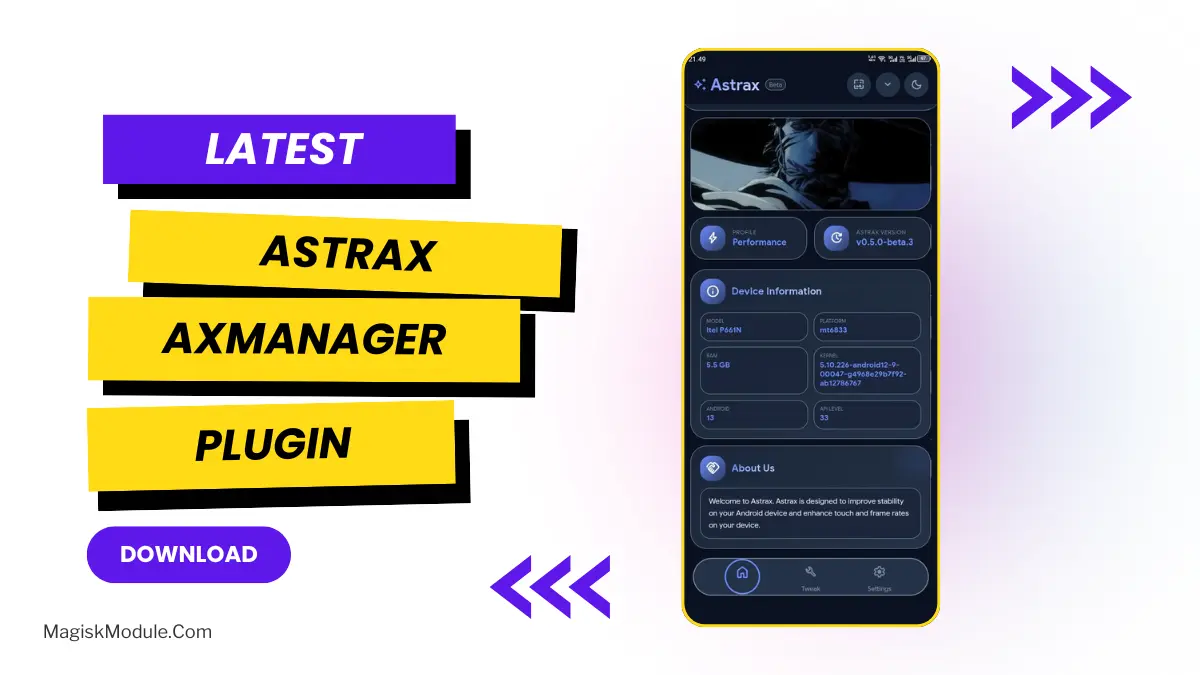
To reach the full potential of your Android device, you’ll also need software that unlocks more advanced functionalities. For the past few months, I’ve been experimenting with an innovative Astrax AxManager plugin and the results have been phenomenal. These features have especially helped me better manage games like Genshin Impact and Free Fire.
Why I Use the Astrax Plugin
The Astrax booster by Astrax isn’t just a simple booster for your account, it has many innovative features which actually work well for both regular and emergency boost situations.
- Live Dashboard: Monitor your hardware in real-time with system monitoring capabilities on the home screen and find everything you need right in front of you. Real-time RAM usage, live CPU frequency, live battery voltage and in-depth information about the kernel.
- Instant Power Modes: Power Gadget provides system-wide performance profiles that allow instant switching between power consumption modes, so you can view your power usage in real time while switching to different modes to fit your needs whether you are watching a movie, gaming, or just surfing the web.
- Graphics Control: Play smoothly with the GPU renderer changer and switch between different graphics backends, including OpenGL, SkiaGL, and an incredibly fast SkiaVk (Vulkan) renderer.
- Stutter-Free Gaming (with Flux Tuning): I love this piece of software, it allows you to increase your refresh rate, alter your touch settings and even allow aggressive frame pacing of up to 98% giving you completely stutter free gaming.
- Display Tweaks: Some games will feel slower than normal. Using a program like custom resolution changer you can change your DPI to better match a pocketable resolution. Manually type in the DPI value of your choice or use a bunch of pre-sets by switching to the next preset pression the up arrow key.
- Network Privacy – comes with private DNS features. Using the private DNS settings, you can lock down your network with DNS-over-TLS and either use strict custom hostnames or one of the built-in providers (Cloudflare, AdGuard etc.).
- One-Tap Cleanups: When your iPhone starts to feel slow due to all the applications it is running, you can use some of the memory management tools provided with the iOS to instantly free up RAM by “Kill All Apps.”
- Customisation of WebUI looks: You can also customize the look of the WebUI by choosing an appearance which can include a custom banner for both the Light and Dark views.