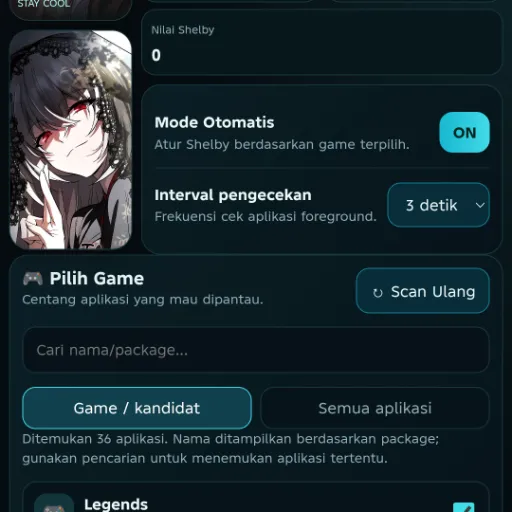
AniOptimizer is a systemless performance module that automatically detects running games to manage hardware behavior. It pins threads to big cores, locks the GPU frequency, prevents thermal throttling, and predicts frame drops before they happen.
Technical Details
This module operates systemlessly by actively scanning for gaming workloads to allocate processing power. It physically pins game threads to your device's big cores and locks the GPU frequency to maintain consistent hardware output. By predicting frame drops before they occur, it prevents thermal throttling directly without permanently altering base system partitions.
Core Features of AniOptimizer
- Game Detection: Actively detects games running on your device to trigger hardware adjustments.
- Thread Pinning: Forces specific gaming threads directly onto the processor's big cores.
- Frequency Locking: Secures the GPU frequency to stop downclocking during processing spikes.
- Performance Prediction: Prevents thermal throttle and predicts frame drops before they happen.
Support & Requirements
Compatible with all current Android operating systems and requires a root manager like Magisk, KernelSU, or APatch.
How to Install AniOptimizer
- Download the AniOptimizer .zip release to your internal storage.
- Open your preferred root manager application and access the Modules menu.
- Select the option to install from storage, then flash the .zip file.
- Reboot the Android device to apply the systemless changes.
dev: @mrkGL01
Reviews (0)
No reviews yet. Be the first to review!