Vexylon Magisk Module for Max Speed & FPS

Download the Vexylon Magisk Module to completely disable CPU and GPU thermal throttling. Maximize Android gaming FPS and performance across all major chipsets.
Read more
Ven Force: Boost FPS & System Performance

Download the Ven Force module for Magisk, KernelSU, and APatch. Lock your gaming FPS, reduce input delay, and save battery with true systemless tweaks.
Read more
Betty’s Tweaks

Betty's Tweaks runs a background daemon to adapt Android performance during gaming and idle states. Flash via AxManager for real hardware-level adjustments.
Read more
Redring Vulkan Performance
Download the Redring Vulkan Performance module to force the Vulkan API on Android. Reduce gaming lag, lower CPU overhead, and fix frame drops safely.
Read more
Licking Thermal Latest Version 2026

Download the Licking Thermal Magisk Module to automatically disable thermal throttling during mobile gaming. Unlock CPU and GPU power for stable, high FPS.
Read more
Silly Billy Flash Via Root Manager Or AxManager

Boost Android gaming performance with the Silly Billy module. Features CPU overclocking, thermal limit removal, and root/Ax Manager compatibility.
Read more
Turbo FPS Pro Latest Version 2026

Download Turbo FPS Pro Manager to execute no-root modules and ADB shell commands. Stop thermal throttling and unlock high FPS in heavy Android games safely.
Read more
Battery Honey Magisk Module You Must Try it 2026

Download the Battery Honey Magisk Module to stop background drain and fix overnight battery loss. Forces deep Doze mode and blocks aggressive app wake locks.
Read more
Aapt Multiarch

Download the AAPT Multiarch Module to easily decompile and package APKs directly on your Android device. Prebuilt binaries ready for AxManager and Magisk.
Read more
Beatrice Thermal X install Via Root Manager & AxManager

Download Beatrice Thermal X to stop Xiaomi thermal throttling and maintain high FPS during gaming. Lightweight, C-compiled daemon flashable via AxManager.
Read more
Phantom Ram Booster Magisk Module You Must Try it 2026
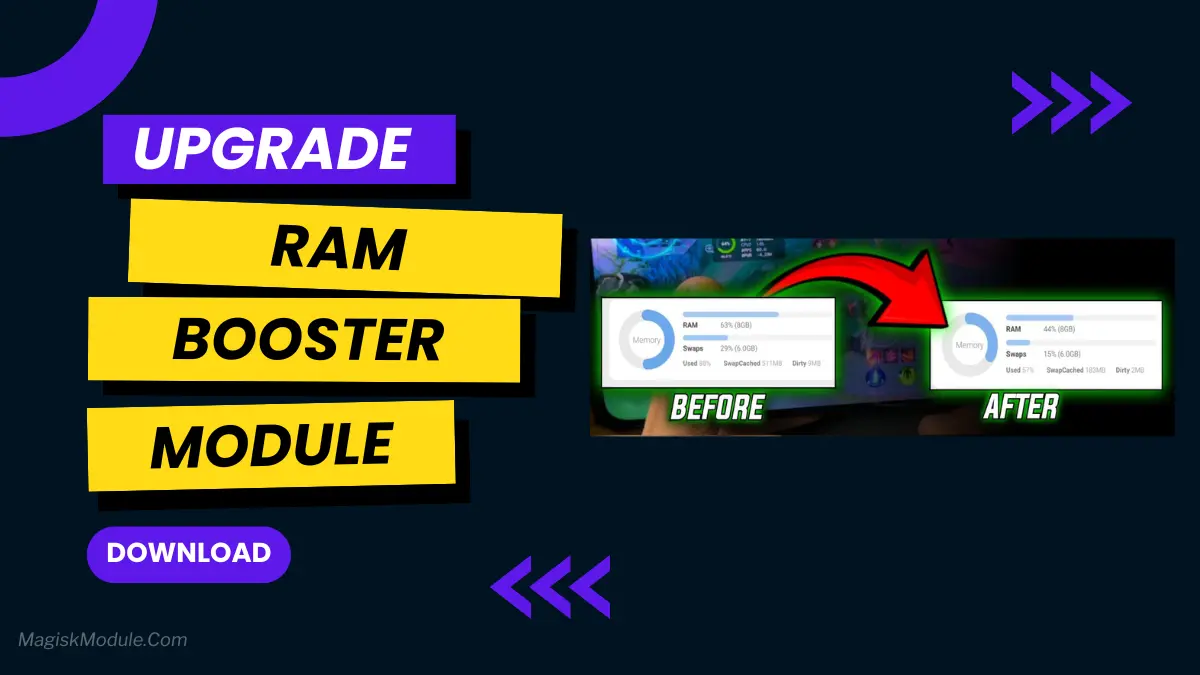
Download Phantom RAM Booster Magisk Module to fix heavy multitasking lag and stop frequent app reloads. Lightweight, battery-friendly memory management for Android.
Read more
Kernelsu Manager
Download KernelSU Manager to get kernel-level root access that naturally hides from banking apps. Supports modern GKI 2.0 devices and systemless metamodules.
Read more