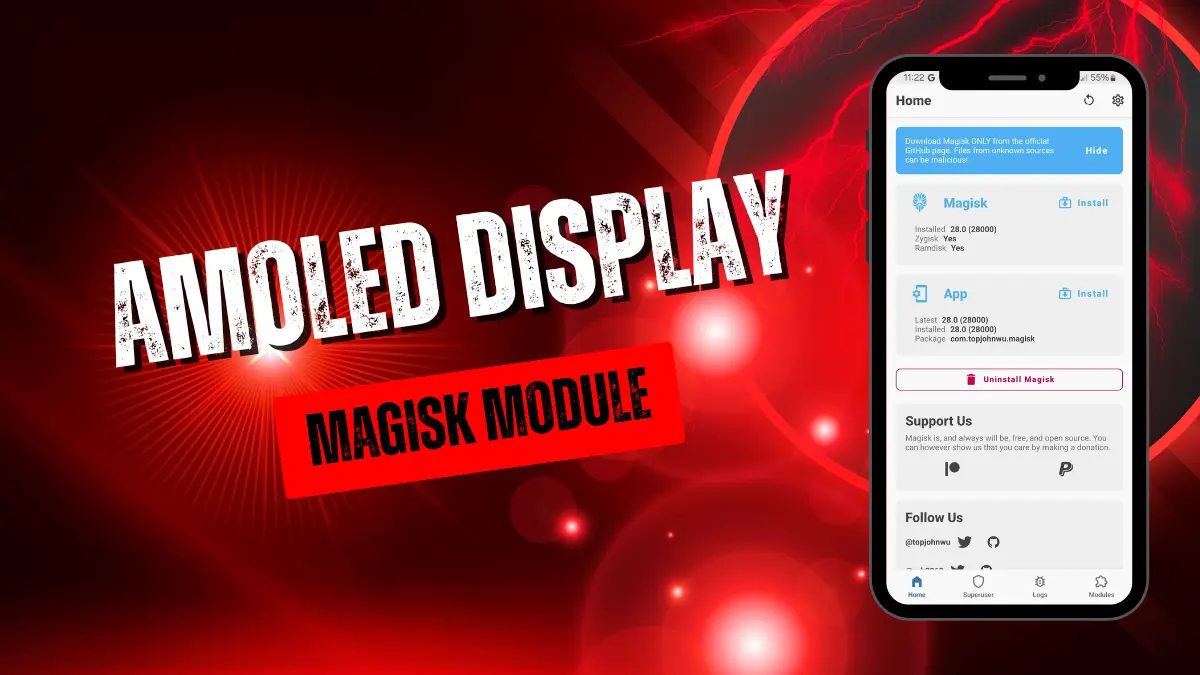
amoled-display.md
The Amoled Display module is a system-level Android modification designed to improve screen visuals and gaming stability. It recalibrates system rendering profiles, enables HDR output across apps, balances color temperature dynamically, and adjusts GPU rendering priorities to deliver punchier colors while reducing in-game frame drops.
After flashing the module, the first thing I noticed was how rich the display looked with the iOS-style saturation profile active, giving the UI a clean, vibrant pop without blowing out highlights. Under the hood, it reallocates rendering priorities, which noticeably smoothed out micro-stutters during intense matches in Call of Duty Mobile.
Features
- Forced HDR rendering pushes brighter highlights and deeper shadow contrast across supported streaming media.
- TRUETONE balance shifts display warmth dynamically based on ambient lighting to prevent eye strain.
- iOS Saturation profile applies calibrated color vibrance without oversaturating skin tones or UI elements.
- GPU Priority adjustments minimize background process interference to sustain steady frame rates during heavy gaming.
Support & Requirements
- Root Manager: Magisk (v24+), KernelSU, or APatch
- Android Version: Android 10, 11, 12, 13, 14, or 15+
- Display Type: AMOLED / OLED recommended (compatible with LCD)
How to Install
- Open your root manager app (Magisk, KernelSU, or APatch).
- Go to the Modules tab, tap Install from storage, and choose the Amoled Display
.zipfile. - Wait for the flashing script to finish, then reboot your device.